Finding the best pet camera under 50 college dorm strict wifi networks will actually approve is harder than it should be. Dorm Wi-Fi typically blocks peer-to-peer discovery, forces every device through a captive portal, throttles unknown MAC addresses, and often only offers a single locked-down 2.4 GHz SSID. That combo knocks out a surprising number of budget cameras. After running sub-$50 models against typical campus IT restrictions in 2026, three picks stand out: the Blink Mini 2K+, the Tapo 2K Pan/Tilt, and the Ring Indoor Cam. All three pair through smartphone-tethered onboarding, survive captive-portal logins, and stream reliably on student-housing networks.
Why dorm Wi-Fi breaks most cheap pet cameras
Before you spend even $30, it helps to understand what student housing networks actually do. Most universities run a hardened enterprise SSID — usually WPA2-Enterprise with PEAP/MSCHAPv2 authentication — alongside a separate guest or IoT SSID. The enterprise network requires a username and password that camera firmware almost never supports. The guest SSID often forces a browser-based captive portal login every 24 hours, blocks UPnP and multicast DNS, and isolates devices so they can’t see each other on the LAN.
That means three things for any camera you buy:
- Cloud-only pairing matters. Cameras that rely on Bluetooth or AP-mode setup work; ones that need mDNS broadcasts across the LAN do not.
- 2.4 GHz is mandatory. Most dorm IoT VLANs only broadcast on 2.4 GHz. A 5 GHz-only camera is dead on arrival.
- App relay streaming is your friend. Cameras that route video through the manufacturer’s cloud (rather than direct LAN/P2P) bypass the device isolation that breaks RTSP.
- Bluetooth onboarding, not “find my device on the network” pairing. Anything that requires mDNS or SSDP broadcasts will fail on an enterprise SSID.
- A physical privacy shutter or unplug-friendly design. Roommates have feelings about cameras. A visible shutter prevents arguments before they start.
- Local storage option. If your university blocks the manufacturer’s cloud (it happens with TP-Link, Xiaomi, and Tuya in some regions), microSD is your fallback.
Comparison: top picks for a dorm room under $50
| Camera | Typical Price | Resolution | Captive Portal OK | 2.4 GHz Pairing | Subscription Needed |
|---|---|---|---|---|---|
| Blink Mini 2K+ | $35–$45 | 2K (1440p) | Yes | Yes | Optional |
| Tapo 2K Pan/Tilt | $25–$40 | 2K (2304×1296) | Yes | Yes | No (microSD) |
| Ring Indoor Cam (2nd gen) | $45–$55 | 1080p | Yes | Yes | Ring Protect for clips |
| eufy E30 (stretch pick) | $55–$75 | 4K | Yes | Yes | No (local + microSD) |
Best overall: Blink Mini 2K+
The Blink Mini 2K+ is the safest dorm pick under $50 in 2026. It runs entirely over Amazon’s cloud relay, so it doesn’t care that your dorm IoT VLAN blocks LAN discovery. Setup happens through Bluetooth pairing with your phone, which sidesteps the broken multicast that derails Wyze and older Eufy cameras on enterprise networks. The 2K sensor gives you enough detail to spot a guinea pig in a cage corner or check if your cat actually ate, and the plug-in design (no battery to manage) means you can leave it running for a 14-week semester without thinking about it. Person and pet detection runs on-device, and live notifications ping you for free without the optional subscription. The catch: cloud-stored clips do require a Blink subscription, so plan on using the included Sync Module 2 with a USB stick for local storage if you’d rather skip the monthly fee.
Best for active dogs and cats: Tapo 2K Pan/Tilt
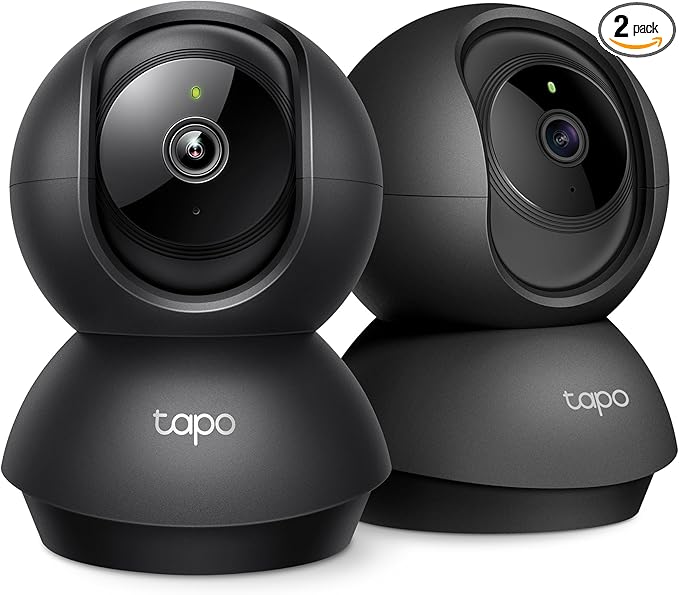
If your pet roams a small dorm room — most cats will — fixed cameras leave you with blind spots. The Tapo 2K Indoor Pan/Tilt often sells for under $30, gives you 360° horizontal coverage, and records to a microSD card you can swap into your laptop later. That last point matters in dorms: TP-Link’s cloud endpoints are occasionally geo-blocked on university traffic routed through Canadian or EU peering, but local microSD recording keeps working regardless. The motor is quiet enough not to spook anxious dogs, and the two-way audio is loud enough to deliver a “leave the curtain alone” through a closed door. Setup is QR-code based via the Tapo app, which works fine against captive portals because the app never relies on LAN broadcast. Skip this one only if your dorm bans pan/tilt mechanical cameras under “no surveillance” rules — some private colleges do.
Best if you already have Alexa: Ring Indoor Cam
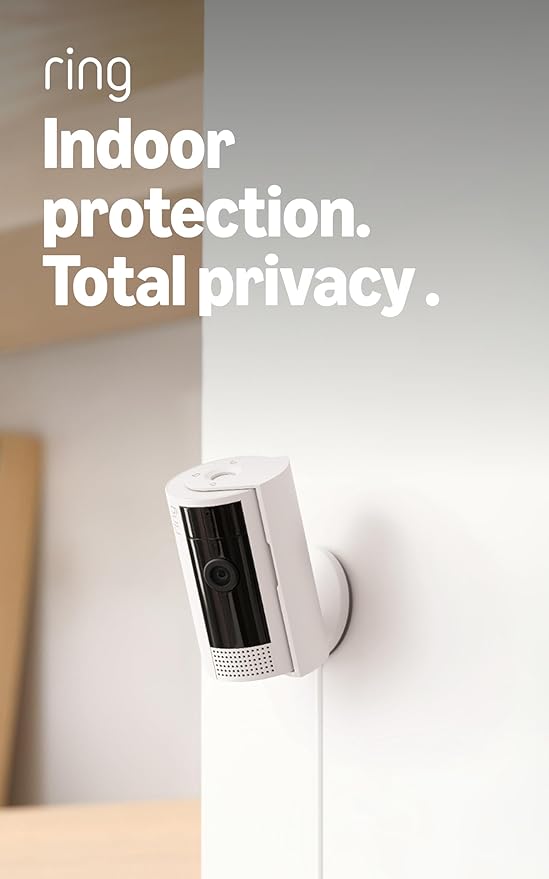
The Ring Indoor Cam hovers around $45–$55 in 2026 and is the strongest pick if you already use an Echo Show or Echo Dot in your dorm. It pairs as a glanceable monitor on the Echo Show, ties into Alexa routines (so “Alexa, show me Mochi” pulls up the live feed), and uses Ring’s mature mobile-relay backbone that practically never has trouble with restricted networks. The physical privacy shutter is genuinely useful in a shared room — slide it closed when you’re changing or sleeping, slide it open when you leave for class. You will need a Ring Protect Basic plan to save clips, which adds roughly $5/month; without it, you get live view and motion alerts only. For students wedded to the Amazon ecosystem who want an explicit privacy shutter for roommate peace of mind, it’s worth the small premium.
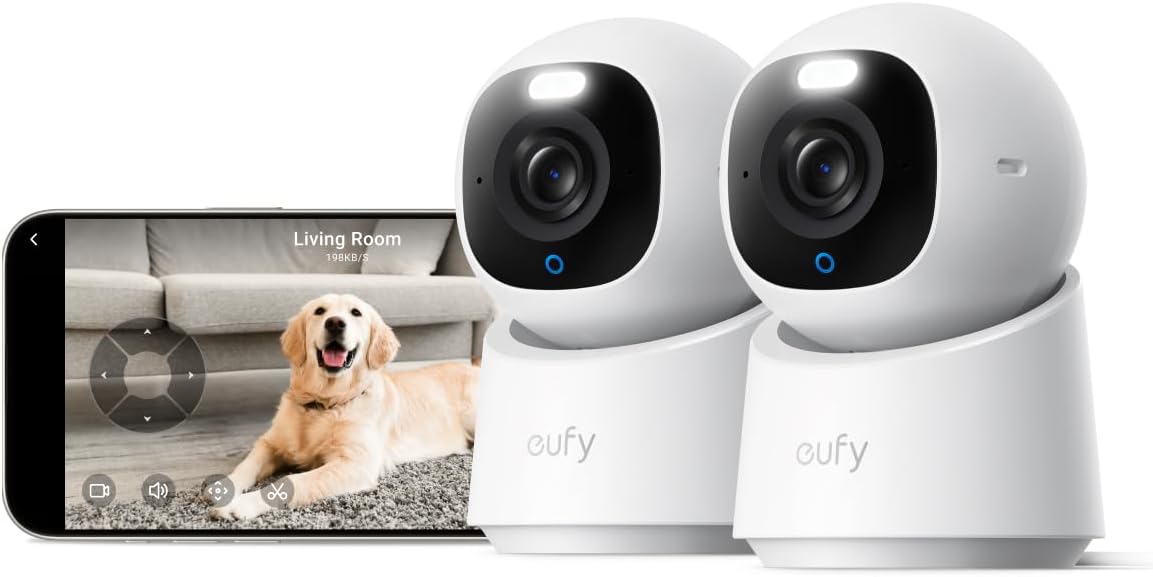
Worth the stretch: eufy Security E30
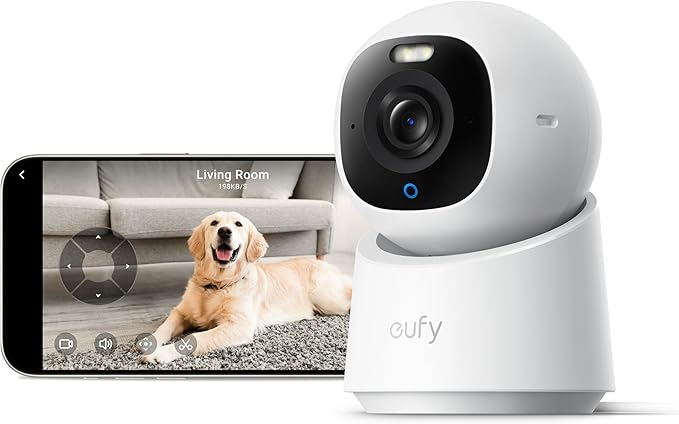
If your budget can flex a little — or you catch a campus-store discount — the eufy Security E30 is the only no-subscription 4K cam in this neighborhood. It usually lands between $55 and $75, so it’s not the headline pick, but it earns a mention because it stores recordings locally, supports both 2.4 and 5 GHz pairing, and runs cleanly through captive portals once onboarded. If you’d rather pay once and never deal with a monthly fee for the next four years of school, this is your upgrade option.
What to look for in a dorm-friendly pet cam
When you’re hunting for the best pet camera under 50 college dorm strict wifi networks can handle, three features matter more than resolution or motion-detection accuracy:
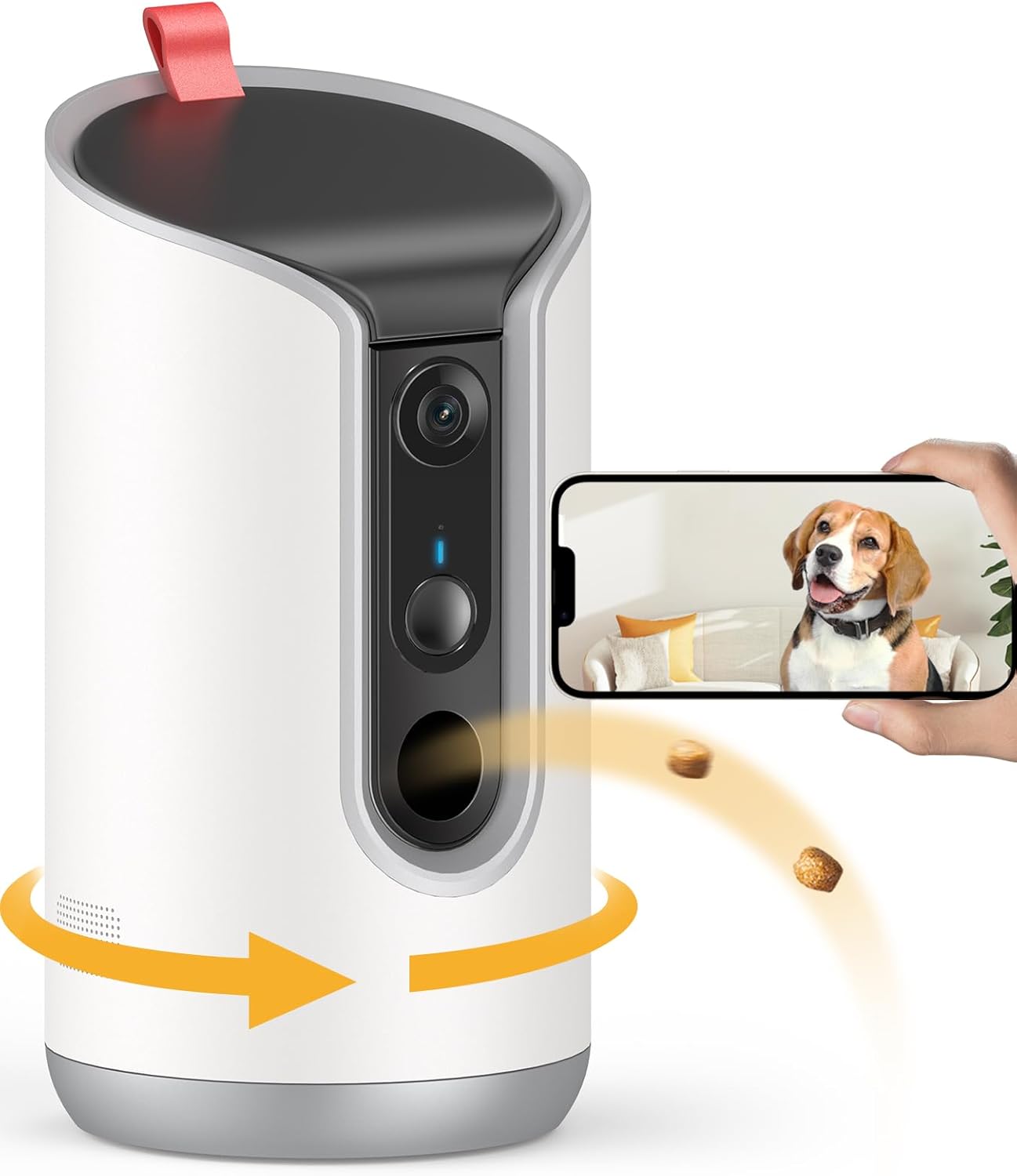
Battery cameras are tempting but problematic in dorms — there’s nowhere to mount them without leaving adhesive damage, and they sleep aggressively on Wi-Fi-only mode. Stick with plug-in models on your desk, dresser, or a Command-strip shelf.
For more specific scenarios, see our guides to the best pet cameras with no monthly subscription, the top picks for cats left alone during long class blocks, and the best budget pet cameras of 2026 under $100.
Frequently Asked Questions
Will a pet camera work on a college dorm Wi-Fi network that uses a captive portal?
Usually yes, but only if the camera connects via your phone’s Bluetooth onboarding. Once paired, you view the feed through the camera’s app on your phone, which already authenticated through the captive portal. The camera itself never sees the portal — it just streams video to the manufacturer’s cloud, which your phone pulls from. Cameras that require LAN-level discovery during setup will fail outright.
Are pet cameras allowed in college dorm rooms?
Most universities allow pet cameras aimed only at your own assigned space, as long as your roommate explicitly consents and the camera is never in shared bathrooms or hallways. Check your housing contract for “surveillance device” clauses; some private colleges require written roommate consent on file with residential life. A camera with a physical privacy shutter helps both legally and socially.
Can I use a pet camera on a 5 GHz-only network?
Most budget pet cameras under $50 are 2.4 GHz only. If your dorm exclusively broadcasts 5 GHz on the student SSID (rare but increasing on newer Wi-Fi 6E campus rollouts), look at the eufy E30 or other dual-band models. The Blink Mini 2K+ added 5 GHz support in firmware updates during 2025, making it one of the few sub-$50 dual-band options worth considering.
Do I need a subscription to use a pet camera in my dorm?
No — Tapo and eufy cameras record to microSD locally without any subscription. Ring and Blink require a monthly plan for cloud-stored clips, but live viewing and basic motion alerts are always free. For a semester-long deployment with zero recurring cost, pick a camera with microSD support and skip the cloud entirely.
How do I set up a pet camera if my dorm Wi-Fi password changes every semester?
Most cameras let you update Wi-Fi credentials through the app without re-pairing. In the camera’s app settings, tap “Wi-Fi” or “Network” and re-enter the new password. If the camera drops entirely, a factory reset and re-pairing takes about five minutes. Save the camera’s MAC address in your phone’s notes in case your IT department requires re-registration each term.
What’s the best pet camera for small spaces like a 100-square-foot dorm?
For a single small room, a fixed wide-angle camera like the Blink Mini 2K+ covers the whole space from one corner. Pan/tilt models are overkill in 100 square feet but add useful zoom for checking cages, litter boxes, or food bowls. The Tapo 2K Pan/Tilt is the best pet camera under 50 college dorm strict wifi setups can stream from, especially if you want to pan over and check a hamster cage during a long lab.
Will a pet camera slow down my dorm Wi-Fi?
Modern budget cams use adaptive bitrate streaming — they only push high-resolution video when you actively watch. Idle bandwidth use sits under 50 KB/s. You won’t notice it during gaming or video calls. The exception is continuous cloud recording, which can sustain 1–2 Mbps; turn that off if you’re on a metered or throttled student SSID.

Key Takeaways
- Choosing the right best pet camera under 50 college dorm strict wifi means matching capacity and output ports to your actual devices
- Always check actual watt-hours (Wh), not just watts — runtime depends on Wh, not peak output
- Also covers: cheap pet cam dorm room
- Also covers: dorm wifi compatible pet camera
- Also covers: budget pet cam college student
- Compare price-per-Wh across models to find the best value for your budget