If you want the best pet camera onvif home assistant setup in 2026, the short answer is the TP-Link Tapo 2K Pan/Tilt. It's the only widely available indoor pet cam under $50 with a genuine, documented ONVIF profile you can enable from the Tapo app, point Home Assistant at via the official ONVIF integration, and pull a clean RTSP substream from for Frigate or go2rtc. The eufy Security 4K Indoor Camera E30 is the strongest runner-up if you want 4K detail and prefer eufy's local-first ecosystem (with go2rtc as the bridge). Cloud-only options like Ring, Blink, and Furbo are not viable picks here — we explain why below.
Why ONVIF matters for a self-hosted Home Assistant pet cam
Home Assistant's ONVIF integration is the cleanest, most maintainable way to bring a camera into a self-hosted setup. It auto-discovers the device, exposes PTZ controls as services, surfaces motion events as binary sensors, and (on supported devices) pulls a low-latency H.264 substream you can route into Frigate for on-prem object detection — the difference between "my dog" and "a generic motion blob." RTSP-only cameras work too, but you lose event subscriptions and PTZ entities. Proprietary cloud cams (Ring, Blink, Furbo) work only through their vendor app and don't expose a local stream at all, so they're a poor fit for a pet camera onvif home assistant workflow no matter how good the hardware is.
![Furbo Mini Pet Camera [Subscription Required] Unlock Camera w/Paid Plan: Home Security with Dog & Cat Safety Alerts, 2-Way...](https://petmonly.com/aimg/images/I/71qU483tYPL._AC_SL1500_.jpg)
Three criteria drove the picks below:
- Verified ONVIF Profile S (or T) — not just RTSP. ONVIF unlocks PTZ entities and motion-event subscriptions in Home Assistant.
- Local-only operation possible — the camera must keep working with cloud/internet blocked at the firewall (a common self-hoster requirement).
- Reasonable substream bitrate — Frigate and go2rtc are happier with a 360p/15fps substream for detection plus a high-quality mainstream for recording.
![Furbo 360° Dog Camera + Mini [New Subscription Required at Setup] 2-Camera Bundle Nanny Pro Subscription: Dog Safety & Hom...](https://petmonly.com/aimg/images/I/71XtHB3B+DL._AC_SL1500_.jpg)
Comparison: ONVIF-friendly pet cameras at a glance
| Camera | ONVIF | Local RTSP | Pan/Tilt | Max Resolution | Best for |
|---|---|---|---|---|---|
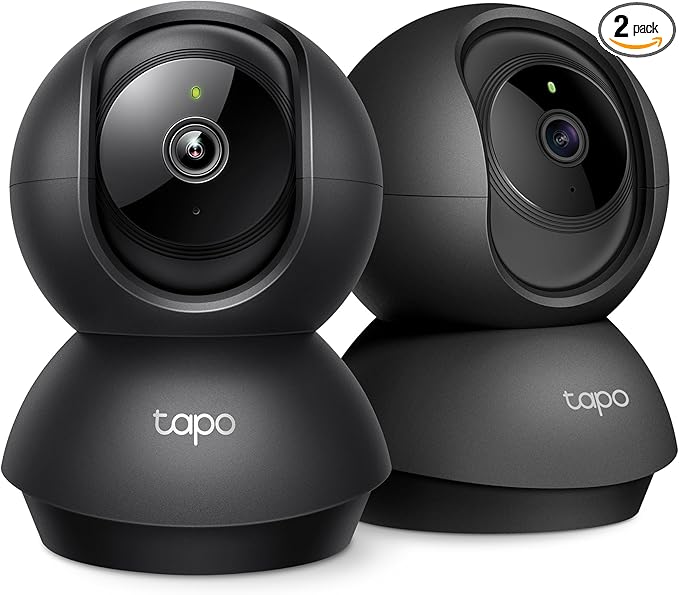
| Tapo 2K Pan/Tilt | Yes (Profile S, app-enabled) | Yes | 360° pan / 114° tilt | 2K (2304×1296) | Best overall pet camera onvif home assistant pick |
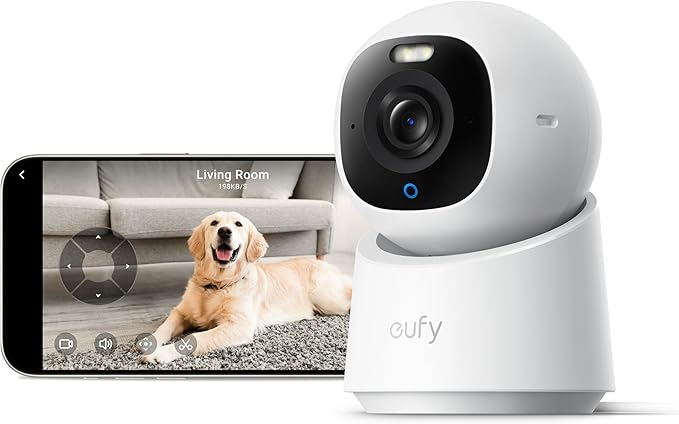
| eufy 4K Indoor E30 | Partial / via go2rtc | Yes (RTSP, no subscription) | 360° pan / 70° tilt | 4K | Highest resolution, local-first households |
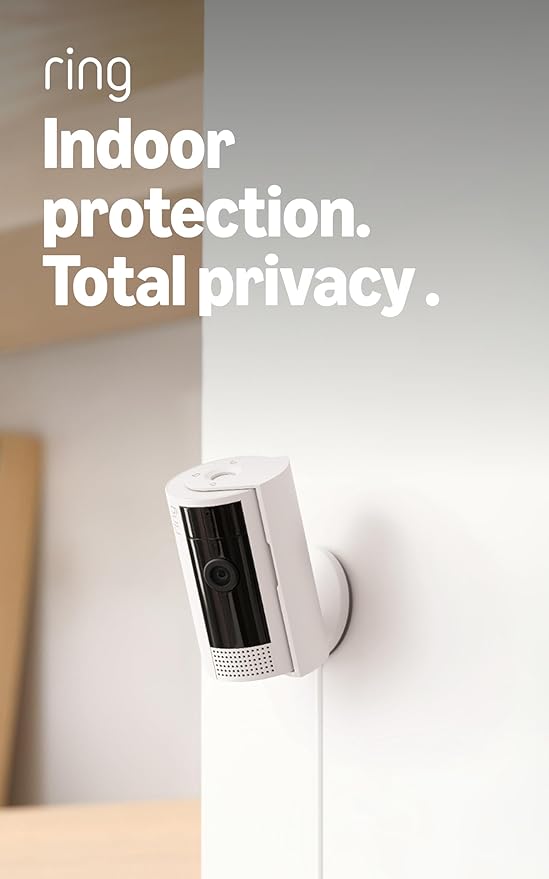
| Ring Indoor Cam | No | No | Fixed | 1080p | Ring ecosystem only — not for HA self-hosters |
| Blink Mini 2K+ | No | No | Fixed | 2K | Amazon/Alexa users, cloud-only |
| Furbo 360° | No | No | 360° | 1080p | Treat-tossing, not self-hosting |
Top picks for a self-hosted Home Assistant pet camera
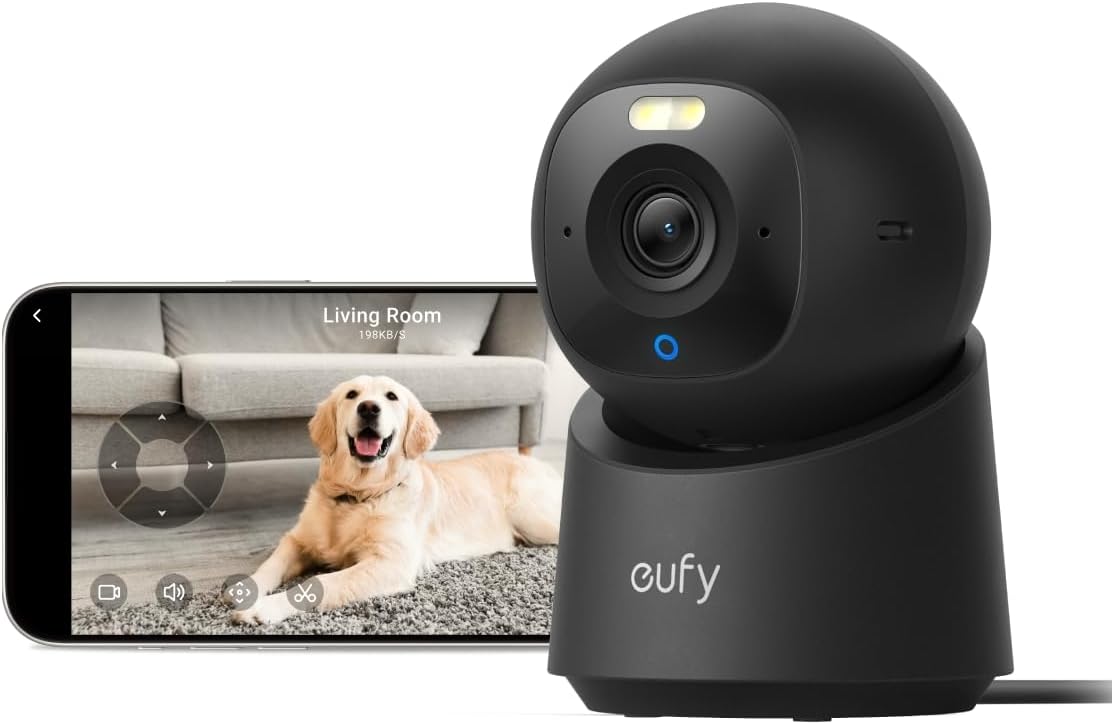
1. Tapo 2K Indoor Pan/Tilt — Best overall pet camera with ONVIF support
The Tapo 2K Pan/Tilt is the obvious winner for a pet camera onvif home assistant build. Inside the Tapo app, under Camera Settings Advanced Settings Camera Account, you create a username and password — that's the credential the ONVIF and RTSP endpoints use. Once enabled, Home Assistant's built-in ONVIF integration discovers the camera on the LAN, exposes pan/tilt as services (so you can sweep the living room from a Lovelace button when your dog barks), and surfaces motion as a binary sensor. The 2K sensor (2304×1296) is genuinely sharp enough to tell a tabby from a tortie at 12 feet, and the IR night vision reaches further than the 1080p generation. Substream is a clean 640×360 H.264 at 15fps — ideal Frigate fodder.
The catch: the Tapo app pesters you to enable cloud features. Block the camera's WAN access at your router after first-time setup and it keeps running locally indefinitely. NTP needs to be reachable, but you can point it at your own server. For pet households, the two-way audio is loud enough to actually get a dog's attention, and the pan/tilt motor is quiet enough not to spook skittish cats.
Check the Tapo 2K Pan/Tilt on Amazon
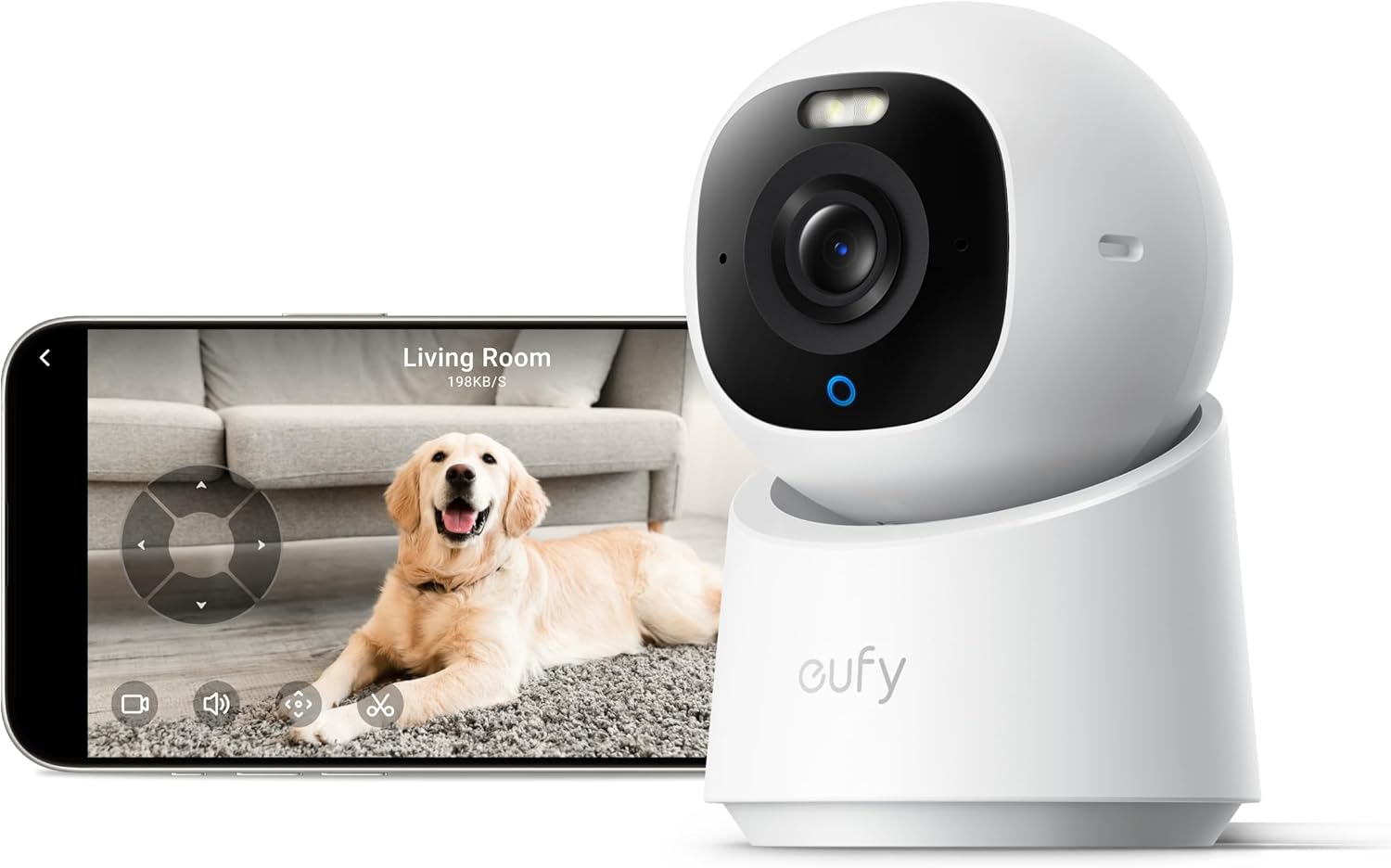
2. eufy Security 4K Indoor Camera E30 — Best 4K alternative for local-first setups
If you want 4K detail (useful for picking up subtle pet behaviour cues like limping or repetitive licking that motion-only cameras miss), the eufy E30 is the pick. Eufy's stance on ONVIF has been inconsistent across generations — the E30 exposes a usable local RTSP stream that you can wrap with go2rtc to present an ONVIF-like interface to Home Assistant, or simply consume directly via the Generic Camera integration. Critically, the E30 advertises no-subscription operation and stores clips locally to a microSD card, which lines up with the philosophy of running everything on a Home Assistant Green or NUC at home.
Use case sweet spot: a single high-resolution cam covering the main pet room, with Frigate doing on-prem person/pet detection so you only get notifications that matter. The wider field of view and 4K downsample also gives Frigate's detector much cleaner input than upscaled 1080p.
Cameras to skip for ONVIF / Home Assistant builds
Some popular pet cams simply don't fit this workflow, and it's worth being explicit about why so you don't waste a return window:
- Ring Indoor Cam (1080p) — no ONVIF, no local RTSP, no local recording without Ring Protect. Home Assistant integration exists but is cloud-tunnelled and rate-limited. Great if you already live inside the Ring app; wrong tool for a self-hosted pipeline. Ring Indoor Cam on Amazon for reference only.
- Blink Mini 2K+ — same story, cloud-bound and Amazon-account-tied. The 2K sensor is genuinely nice, but you'll be looking at it through the Blink app, not Home Assistant cameras dashboard.
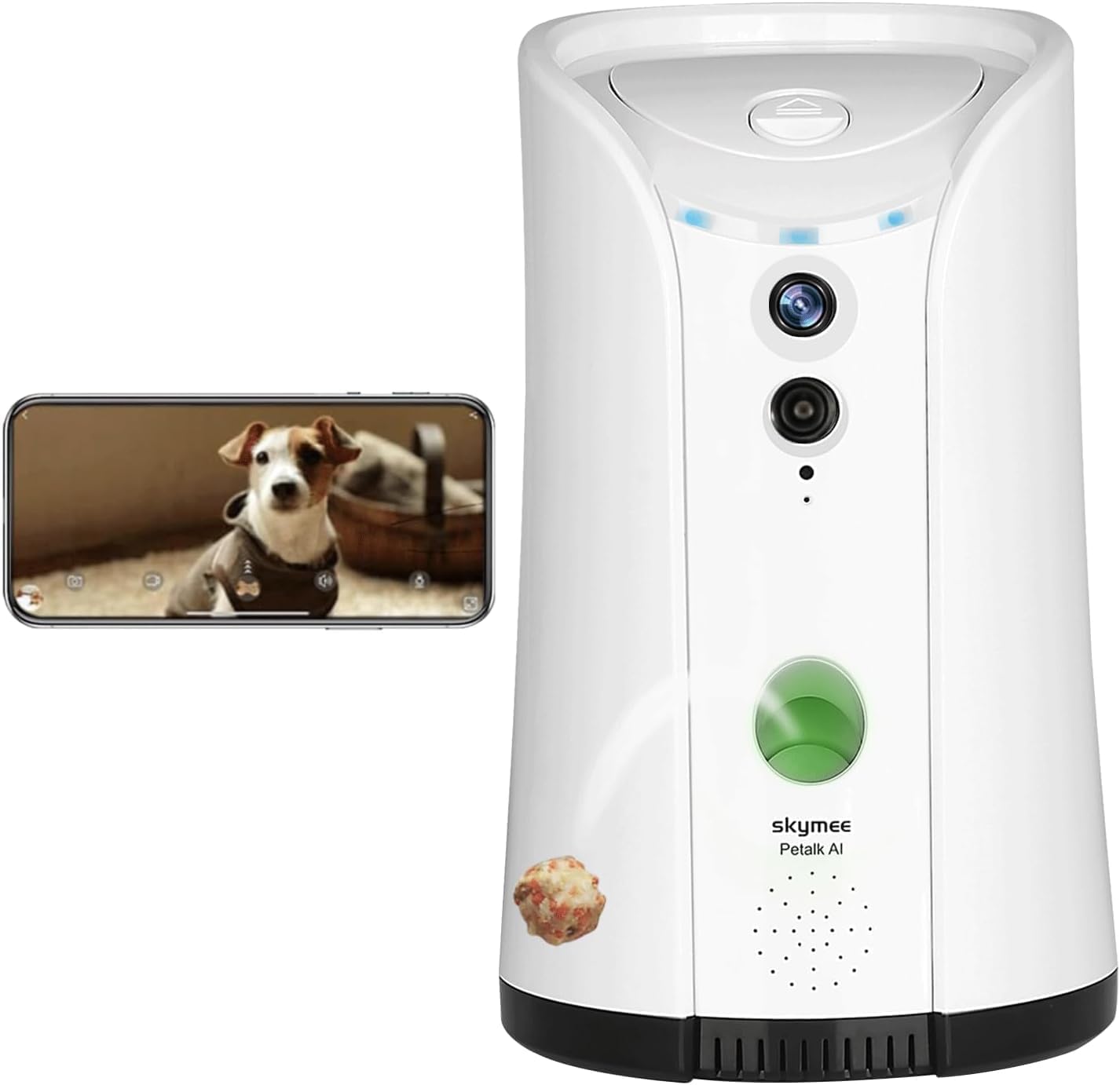
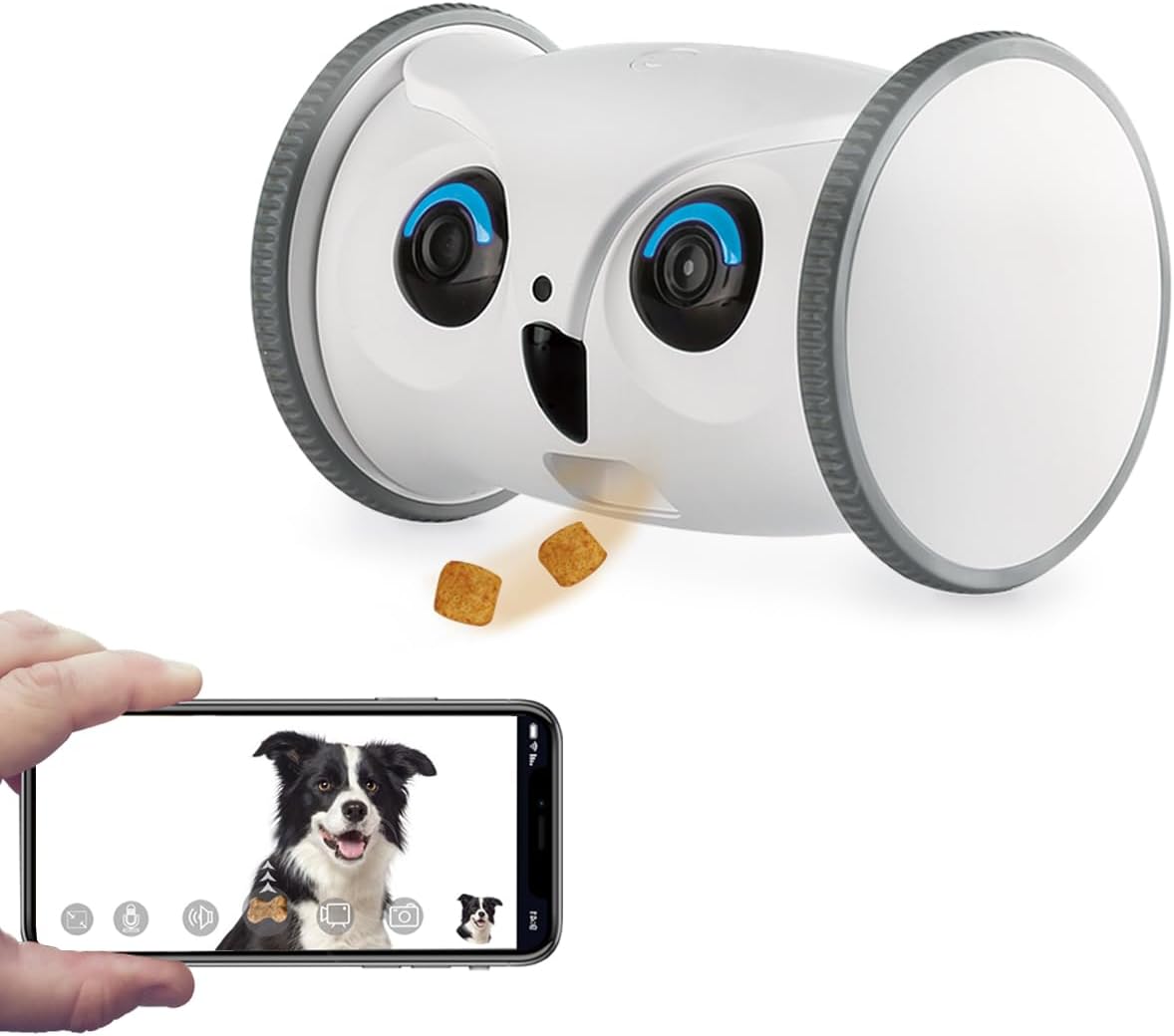
- Furbo 360° — the treat-tossing feature is fun, but there's no local stream. It's a closed ecosystem requiring a subscription for the AI features that make it interesting.
How to wire a Tapo or eufy camera into Home Assistant via ONVIF
The setup that has worked reliably for the last three Home Assistant Core release cycles:
- Set a static DHCP lease for the camera on your router. ONVIF discovery uses WS-Discovery multicast, but a stable IP saves headaches when you later add the camera to Frigate or NVR software.
- Enable the camera's local account (Tapo: Camera Account; eufy: enable RTSP in the eufy Security app under camera settings). Use a long, unique password — these credentials will be stored in Home Assistant's encrypted secrets store.
- Add the ONVIF integration in Home Assistant (Settings Devices & services Add Integration ONVIF). Auto-discovery usually finds the Tapo within seconds; otherwise punch in the IP and port 2020 (Tapo) or 8000 (eufy/go2rtc).
- Pull the substream into Frigate using the
rtsp://user:pass@ip:554/stream2path. Use the mainstream (/stream1) only for the recording role; let detection run on the lighter substream to keep CPU in single digits. - Block WAN egress at your firewall for the camera's MAC address once everything is working. Cameras don't need internet to serve RTSP locally, and your privacy posture is materially better when they can't phone home.
For the broader buying context across the category, see our guide to the best pet cameras for Home Assistant users, the deeper-dive RTSP-capable pet camera roundup, and our no-subscription pet camera comparison if avoiding monthly fees is the bigger driver than ONVIF specifically.
Frequently Asked Questions
Does the Tapo C220 / C225 / 2K Pan-Tilt actually support ONVIF natively?
Yes. Recent firmware on the Tapo C2-series exposes ONVIF Profile S once you create a Camera Account inside the Tapo app. Home Assistant's ONVIF integration discovers it automatically on the LAN, exposes pan/tilt as service calls, and surfaces motion as a binary sensor. The substream URL is rtsp://<user>:<pass>@<ip>:554/stream2. Older firmware required a hidden RTSP flag; current builds make ONVIF a first-class menu option.
Will my pet camera keep working if I block its internet access at the firewall?
For the Tapo Pan/Tilt and the eufy E30, yes — local RTSP and ONVIF endpoints continue serving Home Assistant even with WAN blocked, which is the whole point of a self-hosted setup. The vendor app will lose remote access, but Home Assistant gives you that through its own remote access (Nabu Casa or a self-hosted reverse proxy) without exposing the camera directly. Ring, Blink, and Furbo, by contrast, become bricks without cloud access.
Can I run on-device pet detection with Frigate using these cameras?
Yes, and this is where ONVIF cameras shine. Point Frigate at the substream for detection and the mainstream for recording, enable the dog, cat, and bird object filters in your Frigate config, and you'll get clean MQTT events Home Assistant can turn into precise automations — "dog on couch for 5 minutes" or "cat near litter box at 3am." A Coral USB accelerator or a modern CPU handles 2–3 cameras at 5fps detection comfortably.
What's the difference between RTSP and ONVIF for Home Assistant?
RTSP is just a video transport — Home Assistant can show the stream and not much else. ONVIF is a control protocol layered on top that adds device discovery, PTZ commands, motion-event subscriptions, audio stream metadata, and imaging settings. Practically, an ONVIF camera in Home Assistant shows up with PTZ buttons and a binary motion sensor out of the box; an RTSP-only camera shows up as a video feed and nothing else. For pet automations that react to motion, ONVIF is the more powerful choice.
Does the eufy E30 work with Home Assistant out of the box in 2026?
The E30 works through the Generic Camera integration with its local RTSP stream, and via the community eufy-security-ws add-on for event metadata. ONVIF support has been hit-or-miss across eufy generations and firmware revisions, so the most robust pattern as of 2026 is: eufy RTSP go2rtc Home Assistant. go2rtc handles the transcoding and can republish the stream over WebRTC for low-latency Lovelace cards.
Why aren't Ring, Blink, or Furbo on the recommended list?
All three are excellent products in their own ecosystems but architecturally incompatible with a self-hosted Home Assistant setup. None expose ONVIF. None offer a local RTSP stream. All three require an active cloud connection and (for clip history) a paid subscription. The Home Assistant integrations that exist for them route through vendor APIs, so you inherit cloud dependency, rate limits, and subscription gates. If self-hosting is the goal, these are the wrong starting hardware.
Can I use two-way audio with an ONVIF pet camera in Home Assistant?
Yes, but it requires go2rtc as the audio bridge — the ONVIF integration alone handles only one-way video and audio. Add go2rtc (it ships with Home Assistant OS now), define the camera's RTSP and ONVIF endpoints in go2rtc.yaml, and you can talk back through the Tapo or eufy speaker from the camera's Lovelace card on your phone. Latency is around 300–500ms over LAN, fine for telling a dog to get off the bed.
How many ONVIF pet cameras can a single Raspberry Pi 5 Home Assistant box handle?
For viewing and event handling only, eight or more is no problem. For Frigate detection with a Coral USB accelerator, three to four 2K cameras at 5fps detection each is the practical ceiling. Above that, move to a mini-PC with a discrete GPU or a dedicated NVR running Frigate, and keep Home Assistant on the Pi as the automation brain.
Key Takeaways
- Choosing the right pet camera onvif home assistant means matching capacity and output ports to your actual devices
- Always check actual watt-hours (Wh), not just watts — runtime depends on Wh, not peak output
- Also covers: onvif pet camera home assistant integration
- Also covers: self hosted pet camera home assistant
- Also covers: home assistant compatible pet cam
- Compare price-per-Wh across models to find the best value for your budget