If your phone keeps buzzing every time the air pump in your fish tank fires off another stream of bubbles, you are dealing with the classic Eufy pet camera false alerts aquarium bubbler problem. The fix is almost always a combination of three things: redrawing your activity zones to physically exclude the tank, dropping motion sensitivity to the 2-3 range, and switching detection from "All Motion" to "Human" or "Pet Only" so the rippling water surface and dancing bubbles stop registering as a living, breathing intruder. Below, I walk through the exact settings that quiet those Eufy pet camera false alerts aquarium bubbler notifications, plus a few hardware swaps if the software tweaks aren't enough.
Why aquarium bubblers fool the Eufy E30 (and almost every other indoor cam)
Eufy's indoor cameras, including the popular E30, use a two-stage detection pipeline. The first stage is pixel-difference motion: the camera compares consecutive frames and flags anything that changed. The second stage is on-device AI that classifies the moving blob as human, pet, vehicle, or "other." An aquarium with a bubbler is a worst-case scenario for stage one because:
- The water surface shimmers under room light, producing constant pixel deltas.
- Rising bubbles create vertical streaks that look suspiciously like a small animal walking by.
- Glass reflections bounce light from windows, ceiling fans, and TVs back at the lens.
- At night, IR floodlight reflects hard off the tank glass, lighting up the whole region.
Stage two usually rejects these as "other," but if you have "All Motion" notifications turned on, you'll still get a push for every single bubble burst. On a typical 30-gallon tank with a standard dual-outlet air pump, that's roughly one alert every 4-7 seconds. Multiply that by an eight-hour workday and you understand why people start hunting Reddit threads at 3 p.m.
The fast fix: five settings to change in the Eufy Security app
Before you buy anything, try this sequence. It resolves the vast majority of Eufy pet camera false alerts aquarium bubbler complaints within ten minutes.
- Open the camera Settings Notification. Change "Notification Type" from "All Motion" to "Person Only" or "Pet Only," depending on what you actually care about seeing.
- Tap Detection Motion Detection Type Human/Pet Detection. This forces the AI classifier to gate every alert. Bubbles never get past it.
- Activity Zones. Draw a polygon that explicitly excludes the aquarium, plus a 6-inch buffer on every side to account for reflections on adjacent walls and floor.
- Motion Sensitivity. Drop from the default 5 down to 2 or 3. Anything lower and you'll miss real pet activity at the edge of the room.
- Night Vision. If the bubbler triggers only after dark, switch from "Auto Infrared" to "Off" and rely on a small ambient nightlight instead. IR bouncing off tank glass is the single biggest source of after-hours false positives.
Save the profile, then watch the live feed for two minutes while the bubbler runs. If the motion indicator still flashes constantly but no notifications arrive, you've succeeded — the camera is recording metadata but staying quiet.
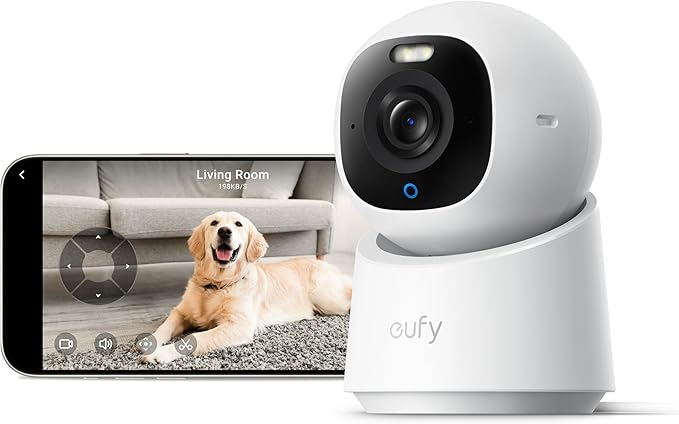
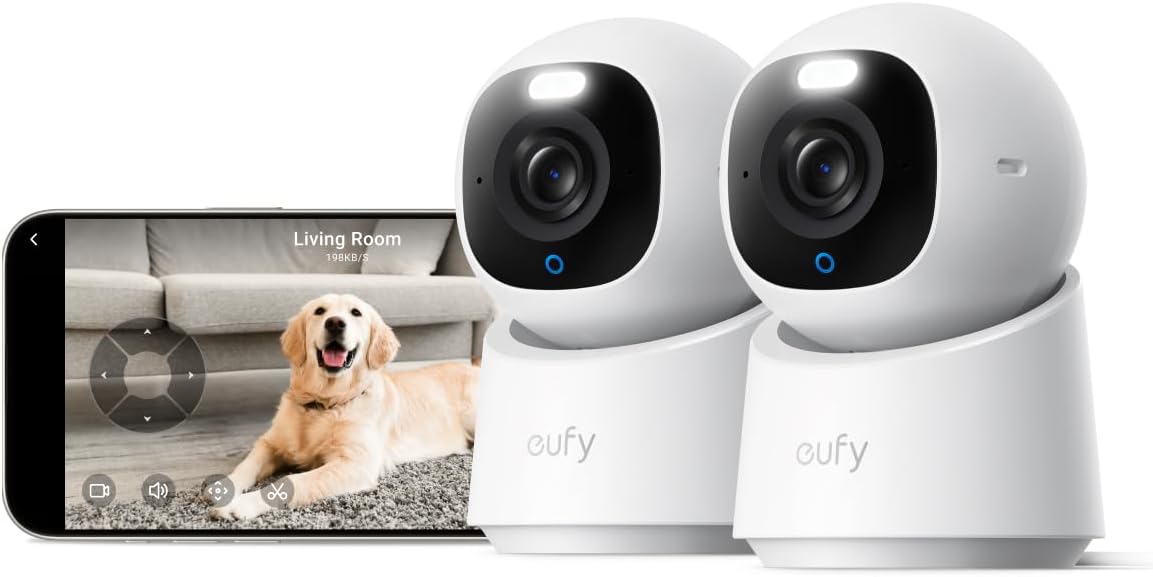
eufy Security 4K Indoor Camera E30 — the camera most people are trying to tame
If you don't yet own the E30 and you're researching it because someone warned you about the bubbler issue, the camera itself is still excellent once configured. The 4K sensor gives you enough resolution to digitally crop out the tank in post and the on-device AI is one of the better classifiers in the under-$70 segment. No subscription required for person/pet detection is the kicker. Check the eufy E30 on Amazon.
What if the activity zones aren't enough?
Some aquarium setups defeat even a well-drawn zone because the reflections travel. A 75-gallon planted tank against a white wall will throw shimmering caustics three feet up the wall, and those caustics fall outside whatever rectangle you drew around the glass itself. In that case, the only real software lever left is sensitivity, and at very low sensitivity you start missing the cat jumping on the counter — which is the whole reason you bought the camera.
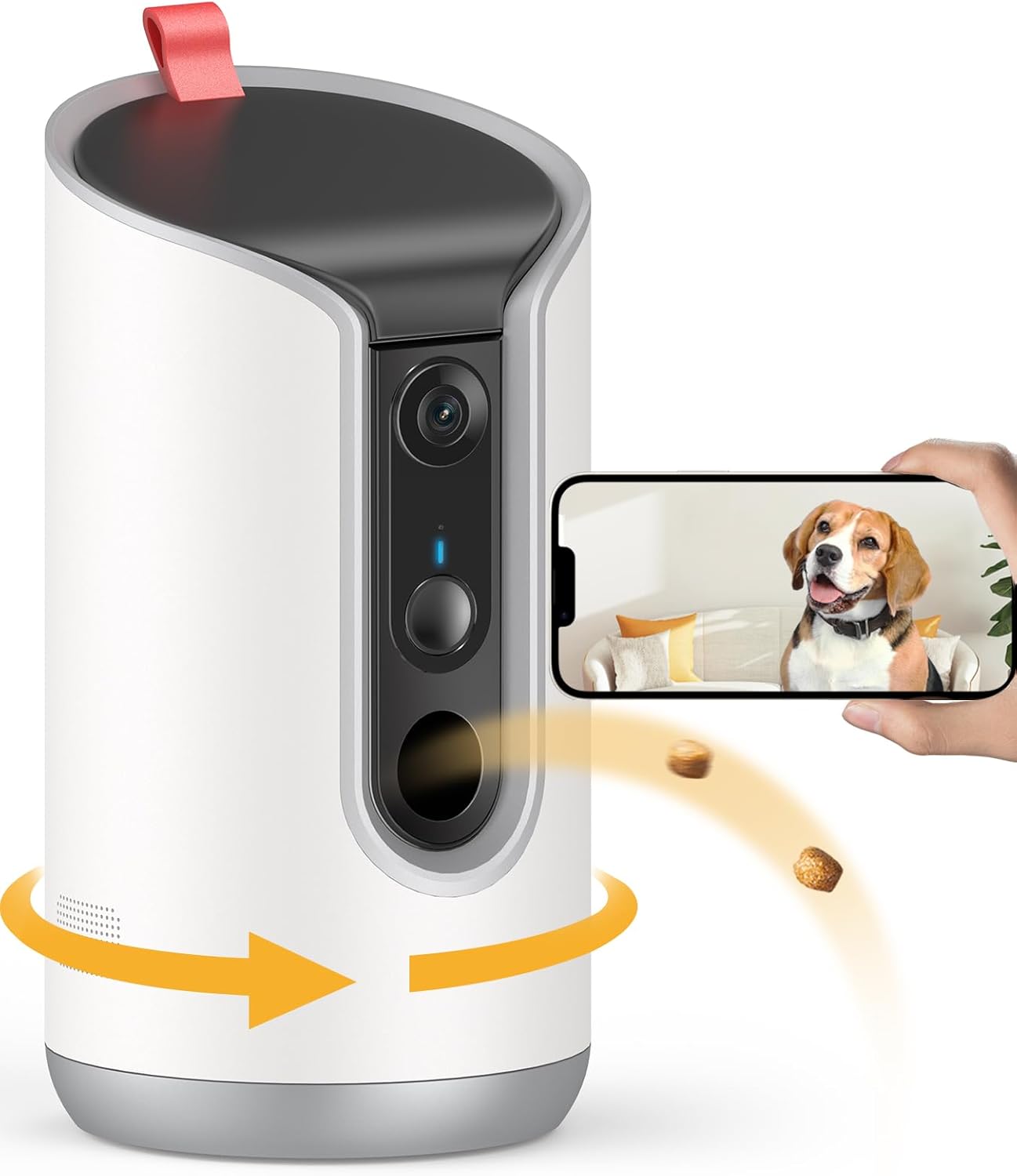
This is when most people consider a hardware change: either repositioning the existing Eufy, or swapping to a camera with better tunable detection. Three models stand out for aquarium-adjacent placement.
Comparison: cameras that handle bubbler reflections well
| Camera | AI classifier | Zone shape | Best for |
|---|---|---|---|
| eufy E30 (4K) | On-device person + pet | Freeform polygon | Owners committed to the Eufy ecosystem; just needs proper zoning |
| Tapo C220 2K Pan/Tilt | Person, pet, baby cry | Up to 4 freeform zones | Tanks in the corner — pan/tilt lets you point away when not needed |
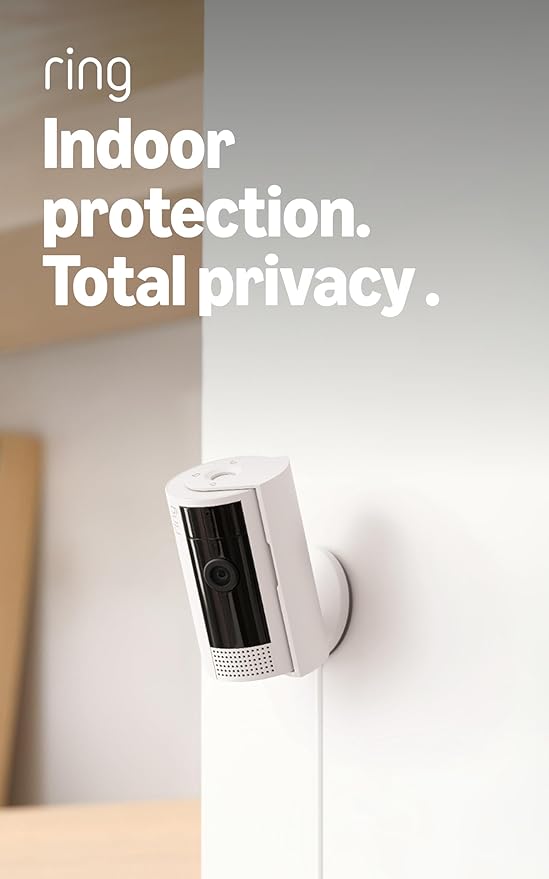
| Ring Indoor Cam 1080p | Person + Smart Alerts (subscription) | Rectangular zones | Already in the Ring/Alexa ecosystem |
| Blink Mini 2K+ | Person detection (subscription) | Pixel-grid zones | Cheap secondary cam pointed away from tank |
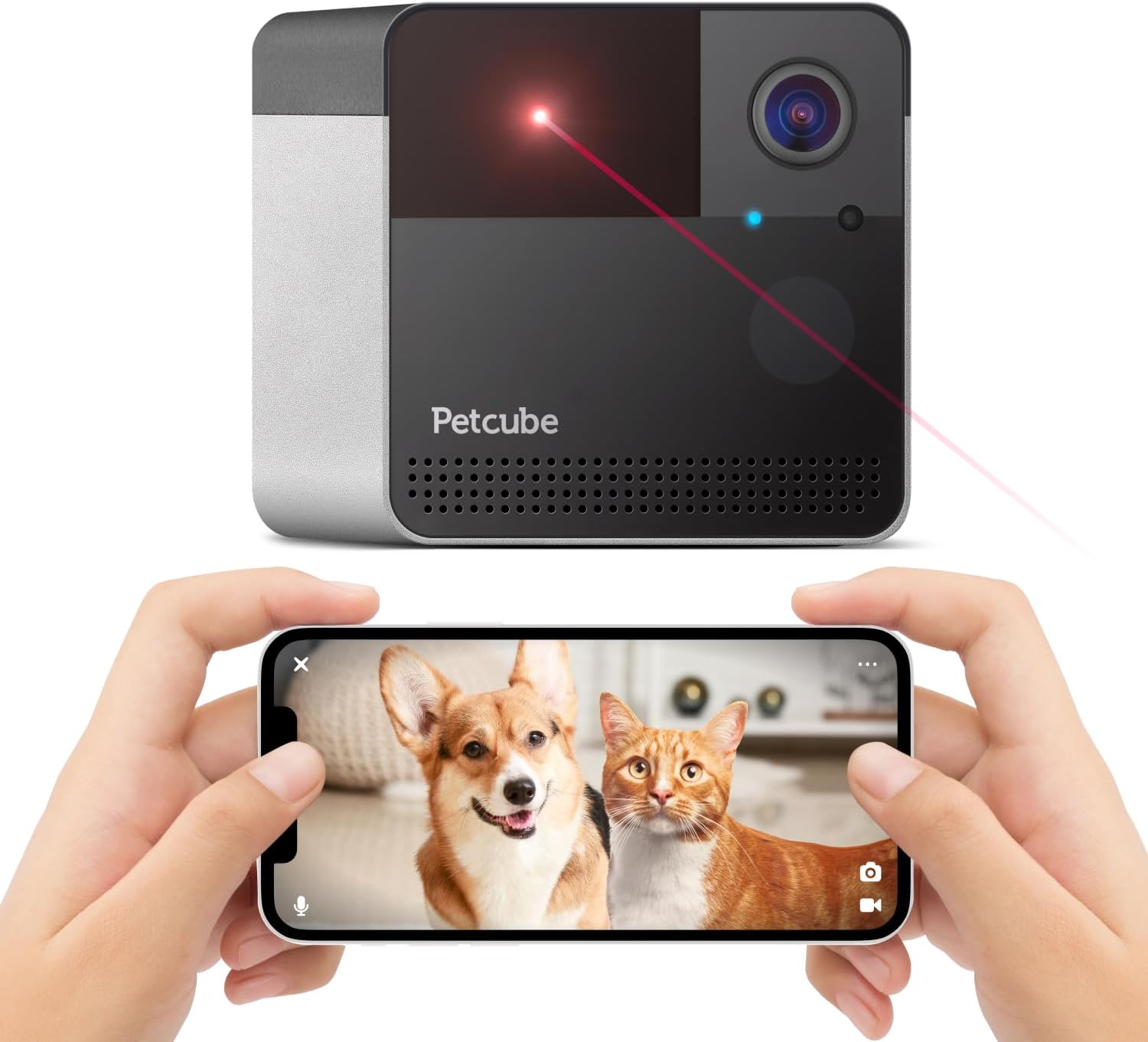
| Furbo 360° | Dog-specific bark + person | 360° auto-tracking | Dog owners; ignores aquariums by tracking only canine motion |
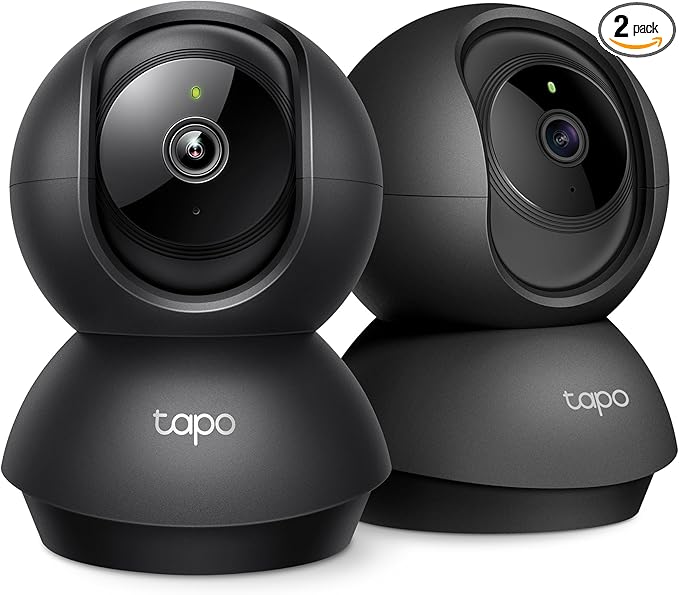
Tapo 2K Indoor Pan/Tilt — best for corner-mounted tanks
The Tapo C220's pan/tilt is genuinely useful in the bubbler scenario because you can park the lens 180° away from the aquarium during the day, then schedule it to swing toward the pet bed at feeding time. The four-zone freeform masking is more flexible than Eufy's single polygon, and the local microSD recording means you're not paying a cloud fee just to filter out fish. See the Tapo C220 on Amazon.
Ring Indoor Cam — best if you're already in the Ring ecosystem
Ring's rectangular zones are less elegant than Eufy's polygons, but the Smart Alerts tier (bundled with Ring Home Standard in 2026) does a noticeably better job rejecting repetitive low-amplitude motion like bubbles. If your Echo Show already announces deliveries, adding a Ring Indoor Cam keeps everything under one app and one subscription. View the Ring Indoor Cam on Amazon.
Blink Mini 2K+ — cheapest second-camera workaround
One trick people miss: if the Eufy keeps misfiring because the tank dominates the frame, just move the Eufy to a different room and use a $40 Blink Mini 2K+ for the room with the aquarium, pointed deliberately away from the tank. The Blink's narrow effective zone and Sync Module 2 local storage make it a tidy secondary cam. Check the Blink Mini 2K+ on Amazon.
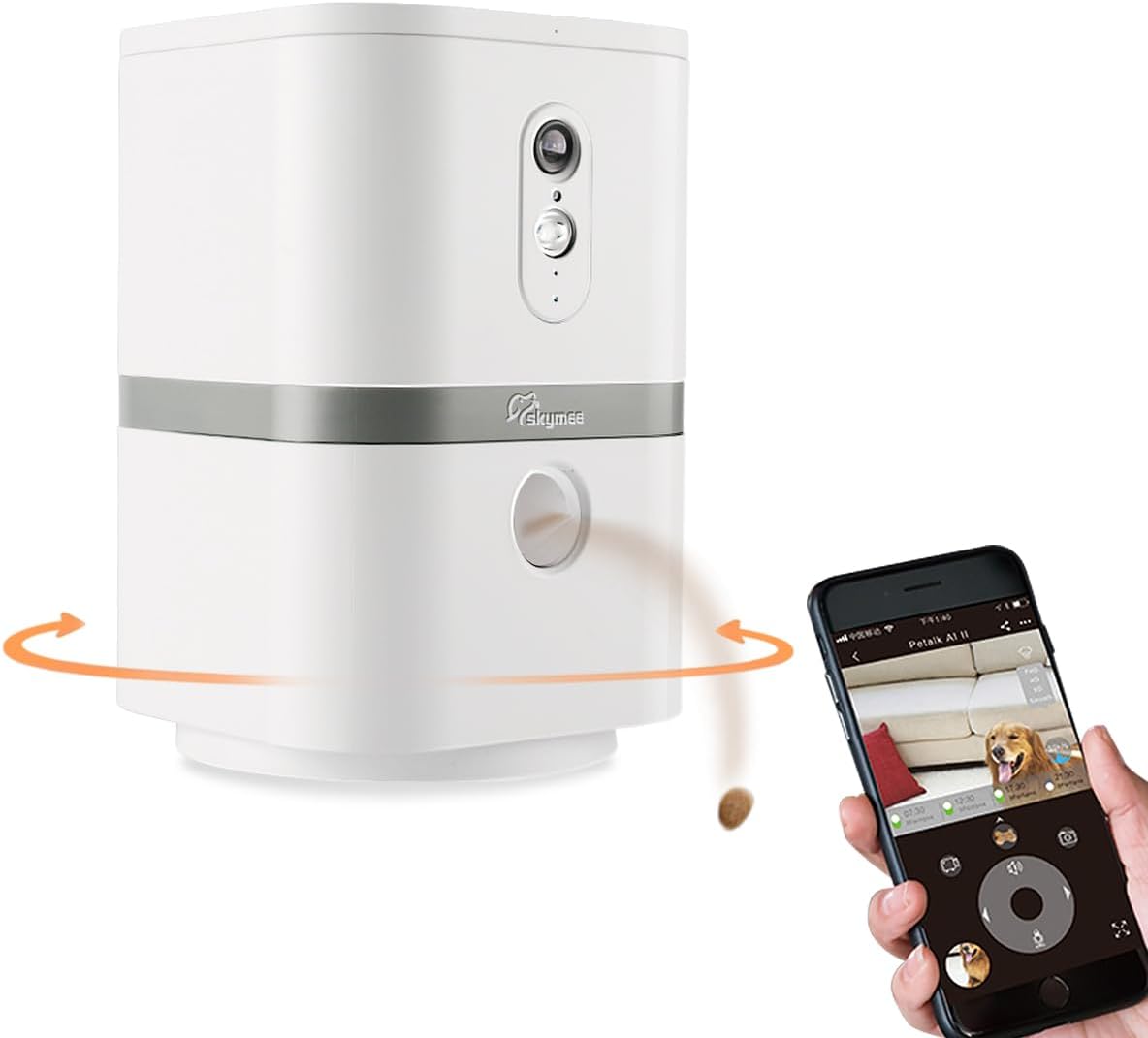
Furbo 360° — for dog households where the bubbler isn't the real problem
If the false alerts started right after you set up the tank but you primarily care about the dog, the Furbo's dog-specific detection sidesteps the whole issue. It ignores everything that isn't dog-shaped, including bubbles, fish, and falling shadows. The treat-toss is a bonus for guilt-tripped remote workers. See the Furbo 360° on Amazon.
Physical placement tricks that cost nothing
Before you spend money, try these in order. Each one alone often solves the problem:
- Raise the camera angle. Mounting the Eufy on a high shelf and angling it down past the tank rim, rather than across the room at tank height, eliminates 80% of glass reflections.
- Add a matte background behind the tank. A piece of black aquarium background film on the back glass kills the secondary reflection that often confuses the AI.
- Reduce the bubbler. Swap a noisy dual-outlet pump for a single-outlet whisper pump on a check valve. Fewer bubbles, smaller bubbles, less motion.
- Use a tank lid. A glass canopy stops surface shimmer cold. Most aquatic plants don't mind.
- Move the lamp. If a window or floor lamp is hitting the tank glass at the same angle as the camera, you've created a perfect reflection vector. A 30° rotation usually breaks it.
Firmware and AI model updates matter in 2026
Eufy pushed a meaningful detection-model update in early 2026 that improved bubble-and-water rejection significantly on the E30 and the 4K Indoor Cam line. If your camera is more than two firmware versions behind, the bubbler problem may simply be solved by updating. Go to Settings Firmware Check for Updates. Reboot after install.
While you're in there, also verify that "AI Detection Sensitivity" (a newer slider, separate from motion sensitivity) is set to its default. Some users dropped this to maximum trying to fix the bubbler issue, which actually makes the camera classify ambiguous shapes more aggressively — the opposite of what you want.
When to give up and use a smart plug instead
Here's the nuclear option that nobody talks about: put the aquarium air pump on a smart plug, and have it switch off automatically during the hours you want clean camera footage. Most fish are completely fine with the bubbler being off for 6-8 hours during the day as long as you have a filter providing some surface agitation. A $12 plug solves a problem no camera setting can fully eliminate.
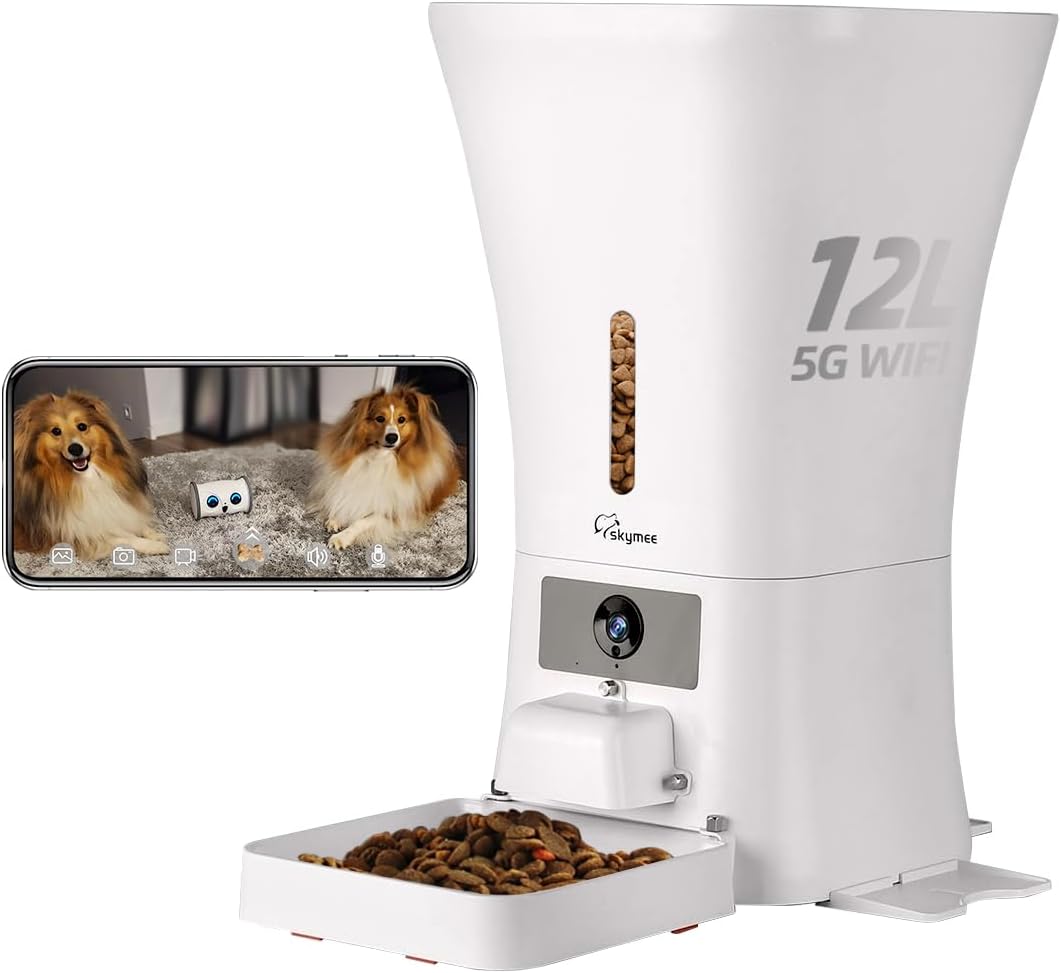
If you have a heavily stocked tank or a betta with a sponge filter as the only aeration, skip this trick — but for the majority of community tanks, it's the cleanest solution.
Related guides on indoor camera tuning
For deeper dives into specific scenarios, see our best pet cameras for multi-pet households, our breakdown of Eufy vs Tapo indoor cameras, and the complete activity zone setup guide that walks through polygon drawing across every major brand.
Frequently Asked Questions
Why does my Eufy camera keep detecting motion from my fish tank at night but not during the day?
Night vision uses infrared illuminators that reflect off aquarium glass much more strongly than visible light does. The IR creates a hotspot that the motion algorithm reads as a large bright object moving as the bubbles rise. Switch night vision to "Color" (if you have an ambient light source) or "Off," and the nighttime false alerts will usually stop. Adding a small 1-watt USB nightlight in the room is often enough to keep color night mode usable.
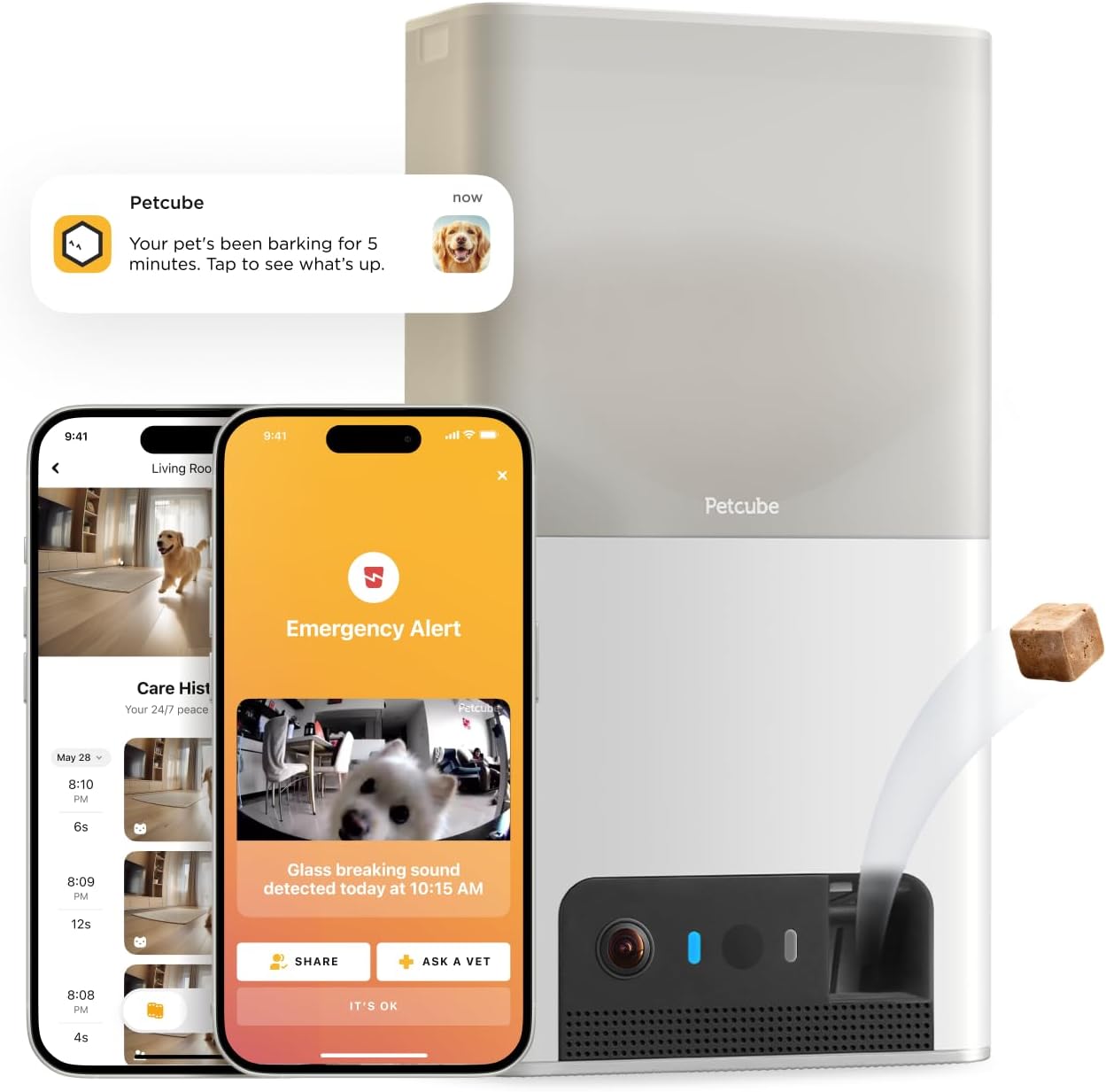
Can I turn off motion detection only in the aquarium zone without disabling the whole camera?
Yes. In the Eufy Security app, go to Settings Detection Activity Zone, then draw a polygon that surrounds your aquarium with at least a 6-inch buffer on all sides. The camera will record motion globally for its own logs but will only push notifications for motion outside that zone. This is the single most effective fix for the bubbler problem.
Does the Eufy E30's pet detection AI actually ignore aquarium bubbles?
In most cases yes, but only if you switch the notification type to "Pet Only" rather than "All Motion." The AI runs after the motion trigger fires, so the camera still detects bubbles internally — it just doesn't alert you. If you want the camera to stop recording bubble events entirely (saving SD card space), pair pet-only notifications with a tight activity zone.
Will lowering motion sensitivity make my Eufy miss my cat walking by?
At sensitivity 2-3, the camera will still reliably catch a cat-sized object crossing the frame. Below 2, you start missing slow-moving pets at the edge of the room or behind furniture. Most aquarium-related false alerts disappear at sensitivity 3 with proper zone masking, so there's rarely a reason to go lower.
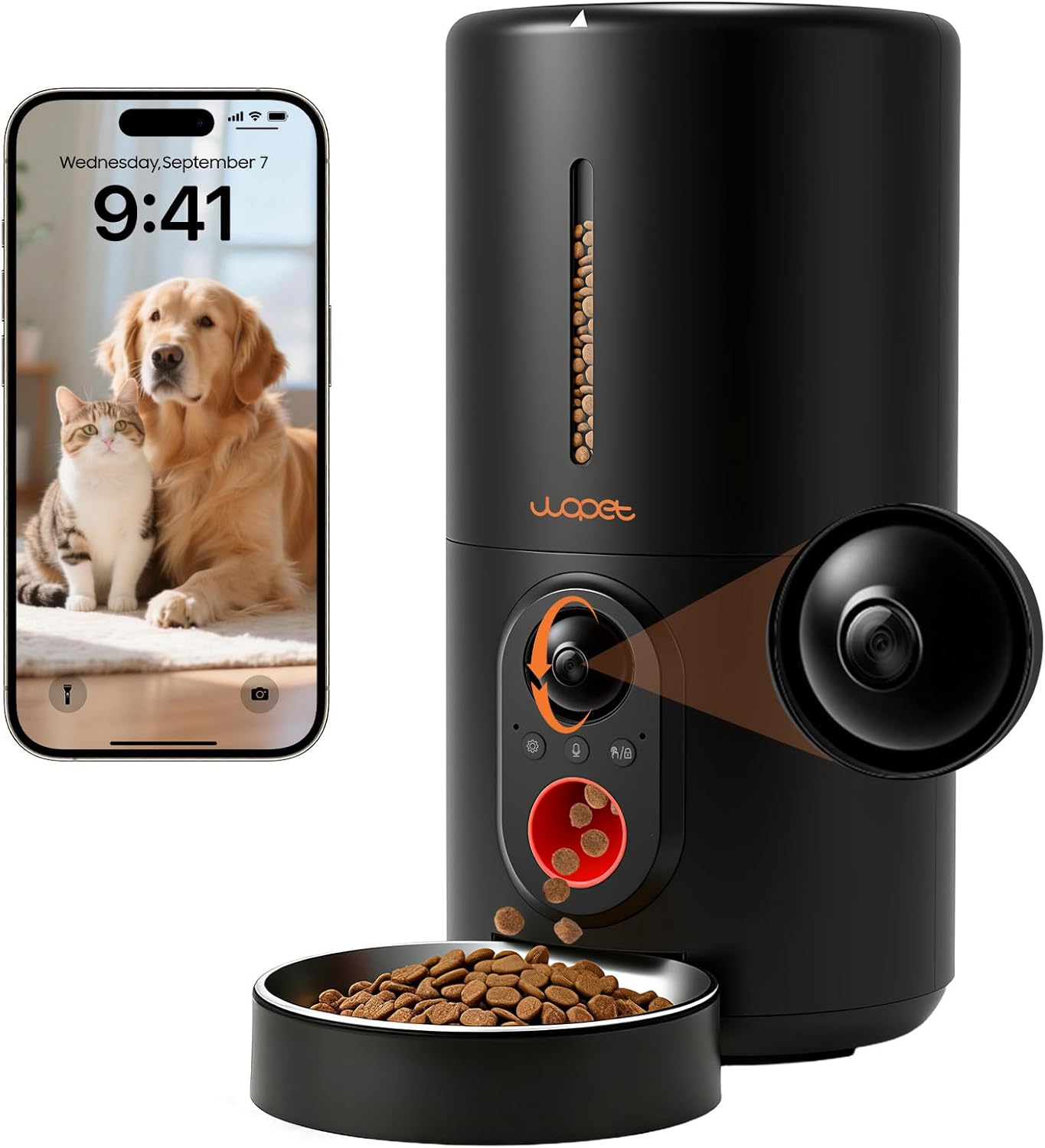
Is the Tapo C220 better than the Eufy E30 for rooms with fish tanks?
The Tapo's pan/tilt is a real advantage because you can physically aim the lens away from the tank when you don't need that coverage, and it supports up to four independent activity zones versus Eufy's single zone. The Eufy E30 has better 4K resolution and a stronger AI classifier. If your tank is in a corner you can pan away from, Tapo wins. If the tank is central, Eufy with proper zoning is the better choice.
Can I use a smart plug to schedule my aquarium bubbler off during work hours?
Absolutely, and it's the cleanest software-independent fix. A basic Wi-Fi smart plug ($10-15) can switch the air pump off from 9 a.m. to 5 p.m. Most community tanks with adequate filtration handle this without issue, though heavily stocked tanks or betta sponge-filter setups should keep the pump running. Check with your local aquarium store if you're unsure about your specific stocking.
Why doesn't disabling sound detection help with the bubbler false alerts?
Bubblers trigger visual motion detection, not sound detection. The pixel changes from rising bubbles fire the motion trigger regardless of audio settings. Sound detection is a separate pipeline that responds to glass-break, smoke alarms, and baby cries — turning it off won't quiet bubbler alerts. Focus on motion zones, sensitivity, and AI classification instead.
Key Takeaways
- Choosing the right Eufy pet camera false alerts aquarium bubbler means matching capacity and output ports to your actual devices
- Always check actual watt-hours (Wh), not just watts — runtime depends on Wh, not peak output
- Also covers: Eufy motion zone aquarium exclusion
- Also covers: fish tank false motion alerts fix
- Also covers: Eufy camera aquarium bubbler sensitivity
- Compare price-per-Wh across models to find the best value for your budget