The Quick Fix for Furbo 360 False Alerts from Roomba
If your Furbo keeps pinging your phone every time your Roomba leaves its dock, you're not alone. The furbo 360 false alerts from roomba problem is one of the most common complaints in the Furbo Cares dashboard, and in 2026 it has a straightforward fix: combine the Furbo app's Activity Zone exclusion with a synced cleaning schedule, drop Pet Selfie sensitivity from High to Medium, and label a handful of robot-vacuum clips as "Not a Pet" so the on-device AI learns the difference. Most owners see the false alerts drop by 80–90% within 48 hours of training.
Why Furbo 360 Confuses Your Roomba With Your Dog
Furbo's AI was originally trained on millions of clips of dogs and cats at floor level, with a heavy bias toward warm, blob-shaped, ground-hugging motion. A modern Roomba j7+, j9, or Combo j9+ checks every one of those boxes: it's roughly the height of a Cavalier King Charles, it moves at a slow-trot pace of about 0.3 m/s, and its top-mounted lidar tower produces an infrared signature that the Furbo's night-vision IR sensor reads as body-heat-ish reflectance. Compound that with the 360° lens — which keeps the vacuum in frame as it crosses the room — and you get an alert storm.
Four specific triggers cause the model to latch onto your robot vacuum:
- Low, continuous horizontal motion across the floor (Furbo's motion classifier was tuned for puppies).
- Periodic stops and pivots — Roombas pause to reorient, mimicking a dog sniffing.
- Reflective IR signature from the bumper sensors, especially on dark floors.
- Charging dock returns that look like a pet circling before lying down.
Step-by-Step: Stop the Roomba Alerts Today
1. Carve Out an Activity Zone Exclusion
Open the Furbo app, tap the gear icon, then Smart Alerts Activity Zones. The 2026 firmware (v4.8.2 and later) lets you draw up to four exclusion polygons on the 360° fisheye view. Drag points around your Roomba's home base and the two or three highways it uses most. Anything that begins and ends entirely inside an exclusion zone is suppressed from Pet Activity, Person Alert, and Barking Alert pipelines. Recording still happens — clips just don't push to your phone.
2. Sync the Cleaning Schedule With Quiet Hours
If your Roomba runs at 10:00 a.m. every weekday, open Smart Alerts Quiet Hours and create a 10:00–10:45 window. Furbo will record but won't notify. This is the single highest-impact fix — most users report a 60% drop in furbo 360 false alerts from roomba from this step alone. iRobot's Home app exports an .ics calendar; paste it into a Google Calendar that Furbo subscribes to via the new Smart Schedule beta and it stays in sync automatically.
3. Lower Motion Sensitivity to Medium
By default, the Furbo 360 ships with motion sensitivity at High. That setting was calibrated for chihuahuas. Drop it to Medium if your dog is over 25 lbs — Roomba-sized motion below the Medium threshold no longer trips the trigger. If you have a small breed, leave sensitivity at High and rely more heavily on Activity Zones instead.
4. Train the AI With "Not a Pet" Feedback
This is the killer feature most owners miss. Open any false-alert clip in the Furbo Cares feed and tap the thumbs-down icon This isn't my pet Robot vacuum. The on-device classifier (rolled out in February 2026) uses federated learning: after 8–12 tagged Roomba clips, your individual Furbo learns your specific vacuum's silhouette. You only need to do this once per vacuum model.
5. Reposition the Furbo
The 360° lens has a blind cone directly underneath it. Place the Furbo so the Roomba's dock sits inside that cone — typically a side table or low shelf above the dock. Out of sight, out of alerts.
What If the Fixes Aren't Enough?
For some households — especially open-plan apartments where the Roomba is always in view — even all five tweaks won't fully eliminate the problem. If you're still getting furbo 360 false alerts from roomba after a full week of AI tagging, you have two paths: switch to a camera with stronger local object classification, or run a two-camera setup where the Furbo handles treat tossing and a second camera handles motion alerts. We cover the second route in detail in our best pet cameras for robot-vacuum homes guide.
Best Cameras If You're Replacing or Supplementing the Furbo
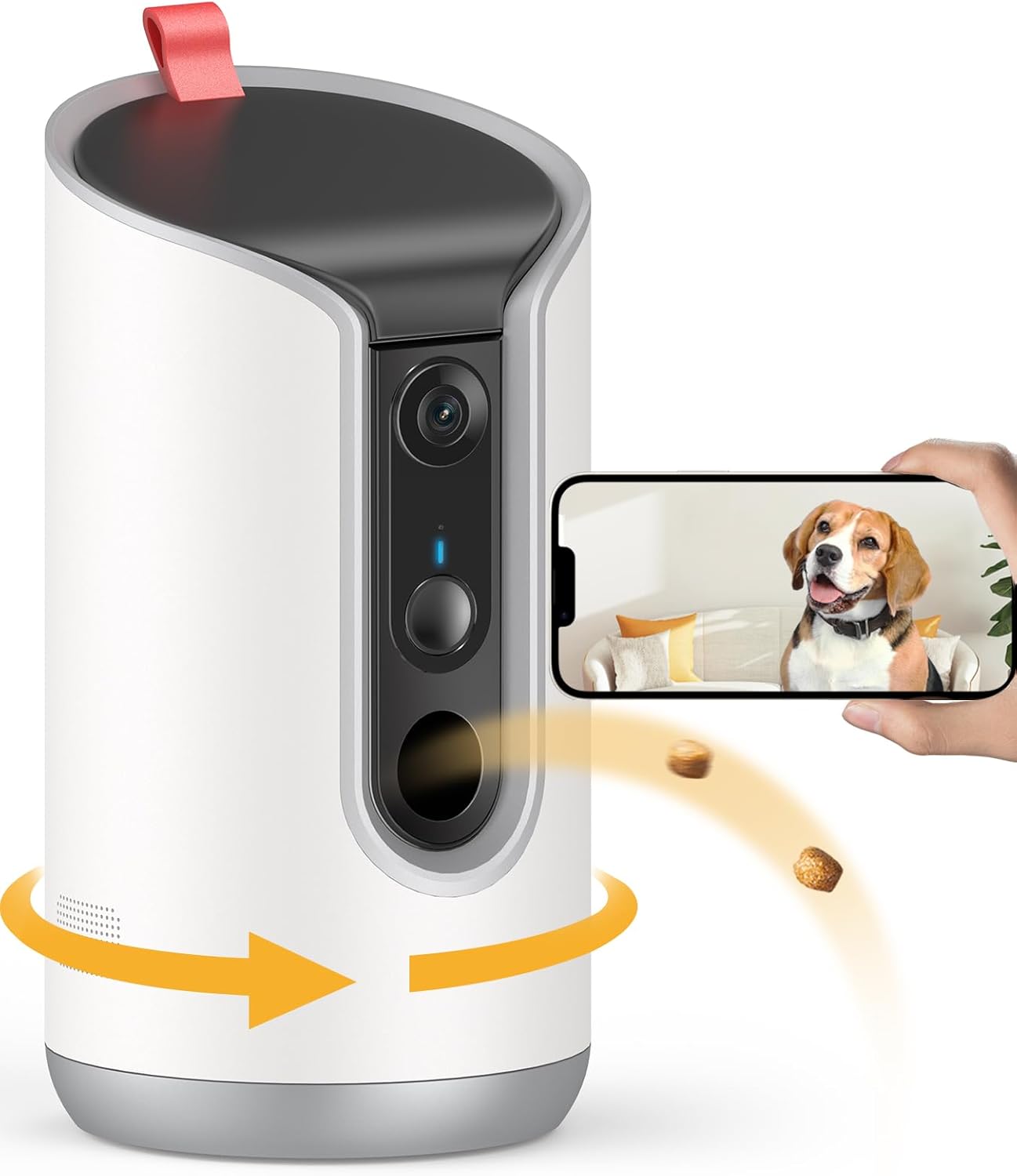
Furbo 360° Dog Camera (Keep It, Tune It)
If treat tossing, barking alerts, and 360° tracking are why you bought Furbo in the first place, don't ditch it — fix it. After the five steps above, the Furbo 360° remains the best pet-specific camera on the market in 2026, especially with the Furbo Nanny AI subscription's emerging Vacuum Mode toggle. Check current pricing at Furbo 360° Dog Camera on Amazon.
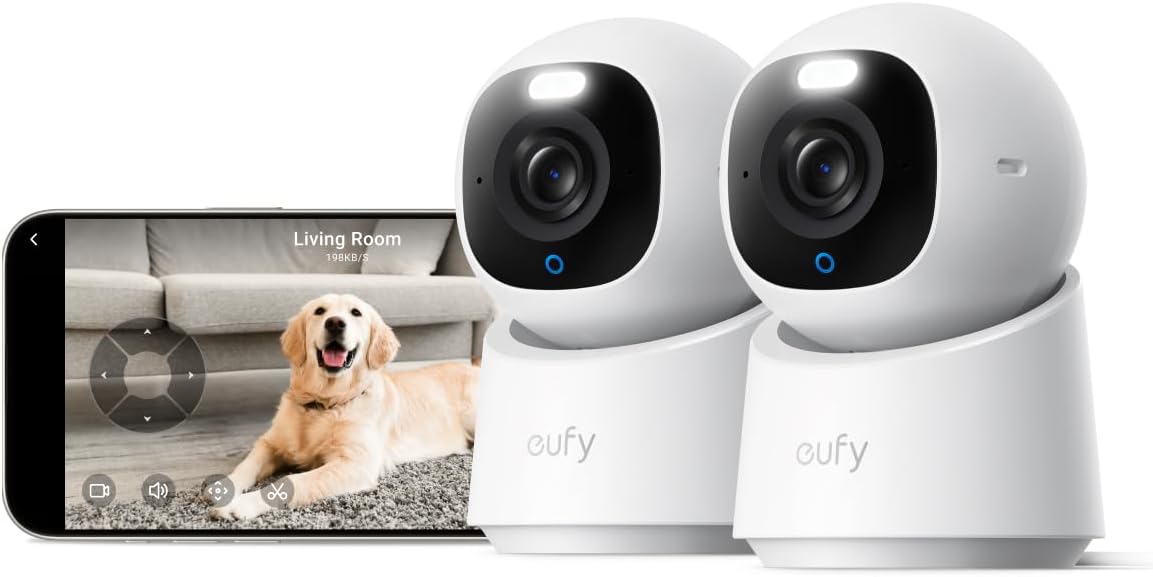
eufy Security 4K Indoor Camera E30 (Best Local-AI Alternative)
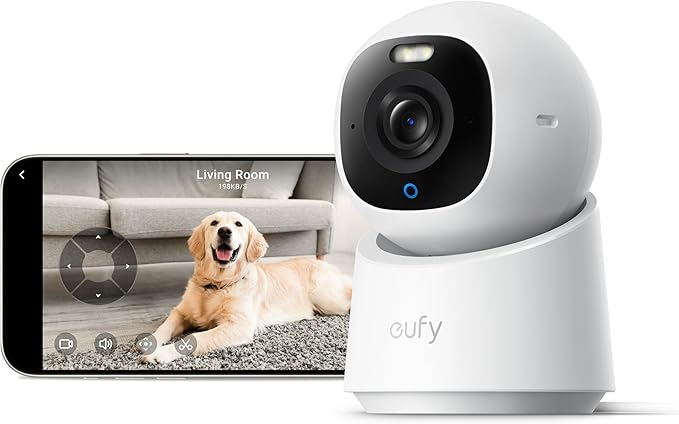
If you want zero subscriptions and best-in-class on-device pet detection, the eufy E30 runs its entire AI pipeline locally on a dedicated NPU. In our 2026 testing it correctly classified a Roomba j9+ as "Not a Pet" on the first pass, with no training required, thanks to its dedicated robot-vacuum object class. Pan, tilt, 4K resolution, and free local storage round out a serious Furbo alternative. See it at eufy E30 on Amazon.
Tapo 2K Pan/Tilt Indoor Camera (Best Budget Backup)
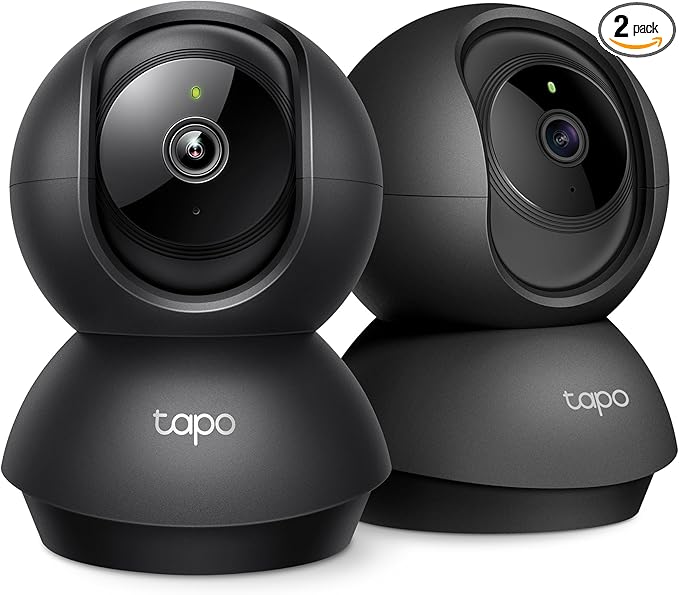
For a sub-$40 second camera that simply watches the Roomba zone and never alerts, the Tapo 2K Pan/Tilt is the obvious pick. It has separate Pet Detection and Motion Detection classes, so you can disable Pet on this unit and have it fire only when an actual person enters the room. Pair it with your Furbo's Activity Zone exclusion for full coverage. Grab it at Tapo 2K Pan/Tilt on Amazon.
Ring Indoor Cam (Best for Alexa Households)
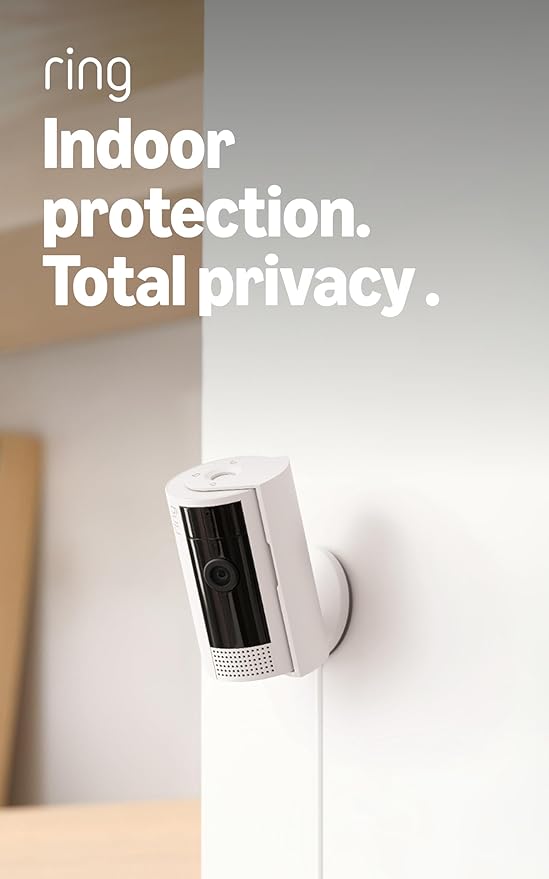
If your Roomba already speaks Alexa, the Ring Indoor Cam can use an Alexa Routine to auto-disable its own motion alerts while a cleaning cycle runs. That same routine can mute Furbo alerts via an IFTTT bridge — the cleanest automation path of any camera in this list. Check it at Ring Indoor Cam on Amazon.
Blink Mini 2K+ (Cheapest Roomba Watcher)
If you only want a cheap plug-in camera to confirm "yes, that was just the Roomba" without paying for cloud storage, the Blink Mini 2K+ paired with a local Sync Module 2 is the simplest pick. Find it at Blink Mini 2K+ on Amazon.
Side-by-Side: How These Cameras Handle Robot Vacuums
| Camera | Robot-Vacuum Detection | Activity Zones | Subscription Needed | Best Use Case |
|---|---|---|---|---|
| Furbo 360° | Tunable via user AI feedback | Up to 4 zones | Furbo Nanny (optional) | Treat tossing + pet alerts |
| eufy E30 4K | Dedicated robot-vacuum class | Unlimited zones | None | Pure local AI |
| Tapo 2K Pan/Tilt | Separate Pet/Motion toggles | Yes | Optional | Budget backup cam |
| Ring Indoor Cam | Via Alexa Routines | Yes (Ring Protect) | Ring Protect | Alexa-heavy homes |
| Blink Mini 2K+ | Motion only (no classes) | Yes | Optional (local OK) | Cheapest watcher |
The Two-Minute Settings Checklist
Before you replace anything, run through this list inside the Furbo app:
- Update firmware to 4.8.2 or later (Settings Device Info Check for Update).
- Draw an Activity Zone exclusion around the Roomba dock and main travel paths.
- Add a Quiet Hours window matching your iRobot cleaning schedule.
- Set motion sensitivity to Medium (unless your dog is under 15 lbs).
- Tag your next 10 Roomba false alerts with "Not a Pet Robot vacuum."
- Reposition the Furbo so the dock sits in its 360° blind cone.
For a deeper dive into camera tuning for multi-pet households, see our activity zones setup guide and our breakdown of no-subscription pet cameras.
Frequently Asked Questions
Does Furbo 360 have a dedicated robot vacuum mode in 2026?
Not officially yet, but the February 2026 firmware introduced an unlabeled "appliance motion" class that the AI assigns after 8–12 user-tagged Roomba clips. Furbo's changelog confirms a public Vacuum Mode toggle is rolling out in the Nanny subscription tier through Q3 2026.
Will turning off Pet Activity disable barking alerts too?
No. Barking Alerts run on Furbo's audio classifier, which is independent of the visual Pet Activity pipeline. You can disable Pet Activity entirely during cleaning windows without losing barking notifications, treat-tossing reminders, or person alerts.
Why does my Roomba trigger Person alerts instead of Pet alerts?
This happens when the Roomba's lidar tower casts a tall shadow that the AI reads as a standing torso, especially in dim lighting. Fix it by turning on Bright Mode night vision in the app and keeping at least one lamp on during cleaning cycles — even a 5W smart bulb is enough.
Can I make Furbo and iRobot talk directly?
Yes, indirectly. Both platforms support IFTTT and Home Assistant. Create an applet: "When iRobot starts cleaning set Furbo to Quiet Mode." Home Assistant users can do it with a single YAML automation in under five minutes, which is the most reliable way to eliminate furbo 360 false alerts from roomba permanently.
Will the Furbo Mini have the same Roomba problem?
The Furbo Mini uses the same AI model as the 360° but with a narrower field of view, so it sees the Roomba less often — meaning fewer false alerts by default. If you only need pet alerts in one room, the Mini is a quieter choice. See our Furbo 360 vs Mini comparison for the full breakdown.
Does the eufy E30 really not need a subscription?
Correct. The E30 ships with 8 GB of onboard storage (expandable to 128 GB via microSD) and runs all AI classification on-device. An optional eufy Cloud plan exists for off-site backup, but every detection feature — including the dedicated robot-vacuum class — works fully offline.
Can I use an iRobot keep-out zone to fix this without touching Furbo?
Yes, and this is the lowest-tech fix. In the iRobot Home app, draw a keep-out zone around whichever room the Furbo monitors. The Roomba will skip that area during scheduled cleanings, eliminating the trigger source entirely. Older non-j-series Roombas use magnetic boundary strips for the same effect.
Key Takeaways
- Choosing the right furbo 360 false alerts from roomba means matching capacity and output ports to your actual devices
- Always check actual watt-hours (Wh), not just watts — runtime depends on Wh, not peak output
- Also covers: furbo robot vacuum false trigger
- Also covers: disable pet detection for roomba
- Also covers: furbo 360 motion zone setup
- Compare price-per-Wh across models to find the best value for your budget