If your Wyze Cam Pan v3 keeps spinning toward the ceiling every few minutes, the culprit is almost always a rotating ceiling fan throwing moving shadows across your walls and floor. The fix for wyze pan v3 tracking ceiling fan shadows is a three-step combo: turn off Motion Tracking (or switch to Pan Scan with fixed waypoints), draw a Detection Zone that excludes the ceiling and the floor patch directly under the fan, and drop motion sensitivity to roughly 30-50 while enabling the Detect Pets / Person-only AI filter. If the false triggers still won't stop in 2026, you likely need a camera with smarter on-device AI subject detection instead of pure pixel-change motion.
Why the Wyze Pan v3 Locks Onto Ceiling Fan Shadows
The Pan v3's Motion Tracking feature works by watching for clusters of changed pixels between frames. It doesn't know what a dog, a person, or a fan blade is at the tracking layer — it just sees "something moved here, rotate toward it." A spinning ceiling fan produces two extremely strong motion signals: the blades themselves (if they're in frame) and the rotating fan-blade shadow that sweeps across walls, floors, and furniture every fraction of a second. To the camera's motion algorithm, that shadow looks identical to a pet walking across the room, so the lens swings to follow it, locks on, and then loses your actual dog or cat the moment they enter the scene.
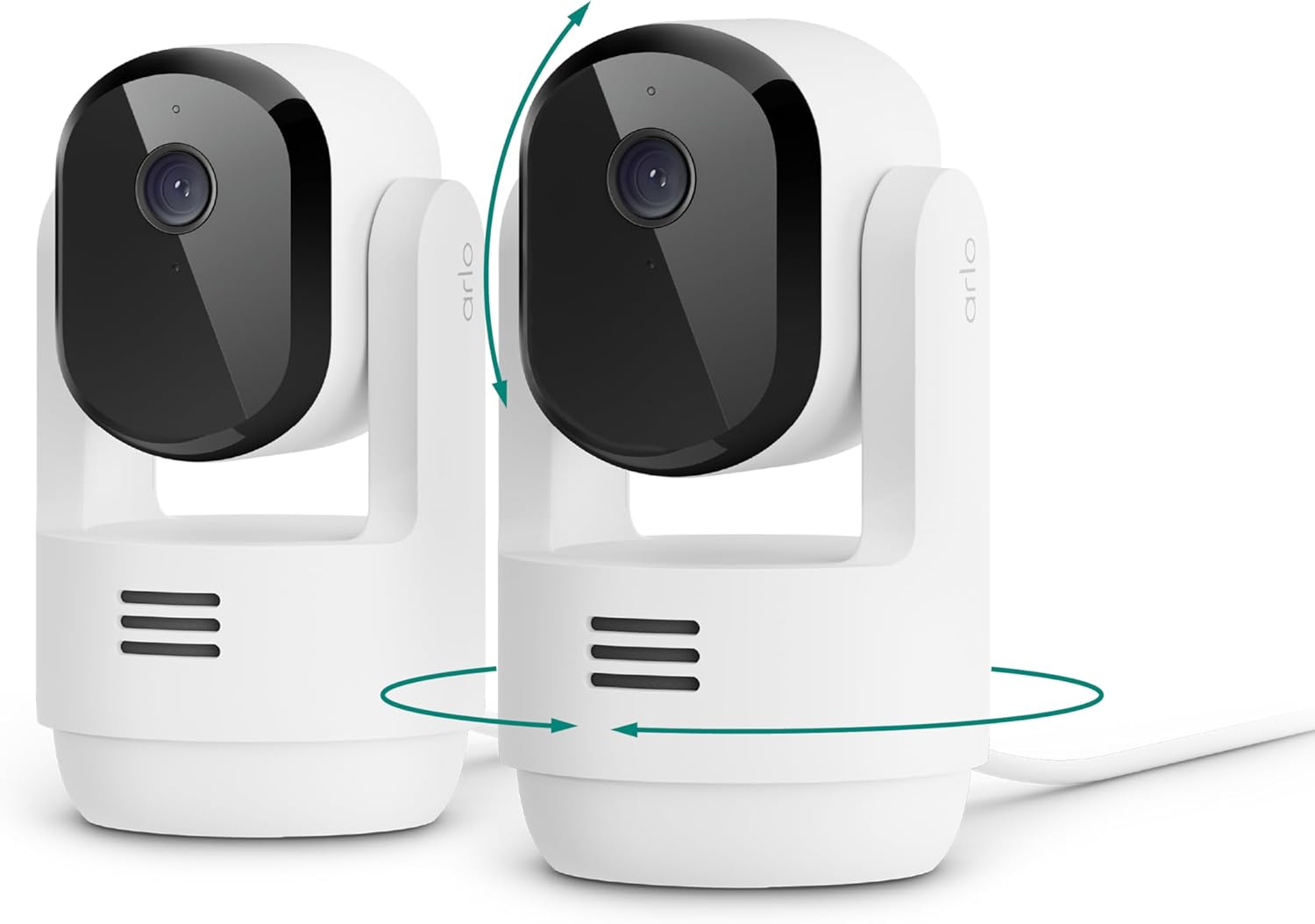
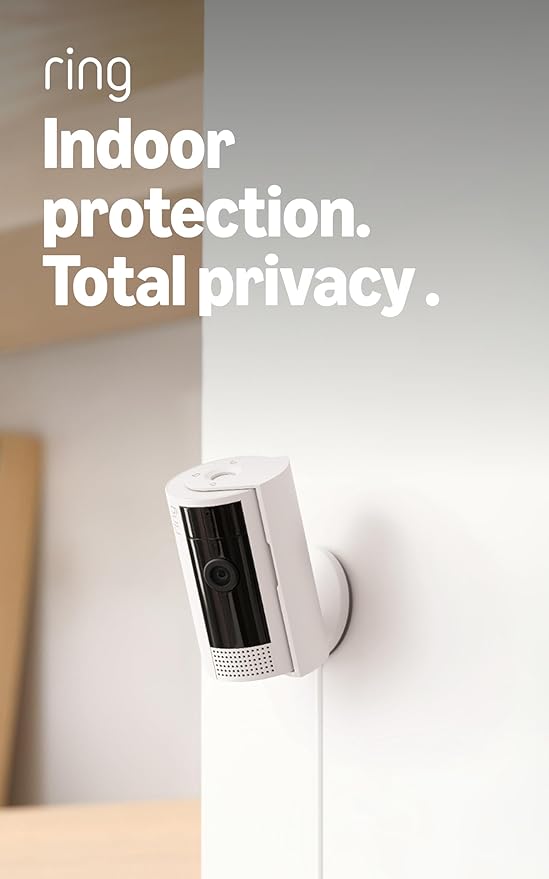
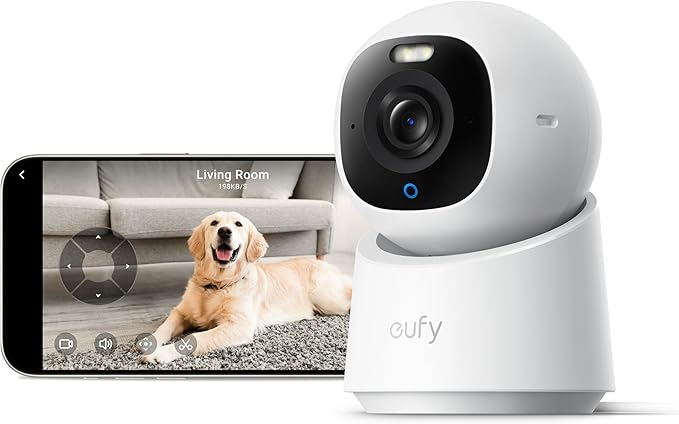
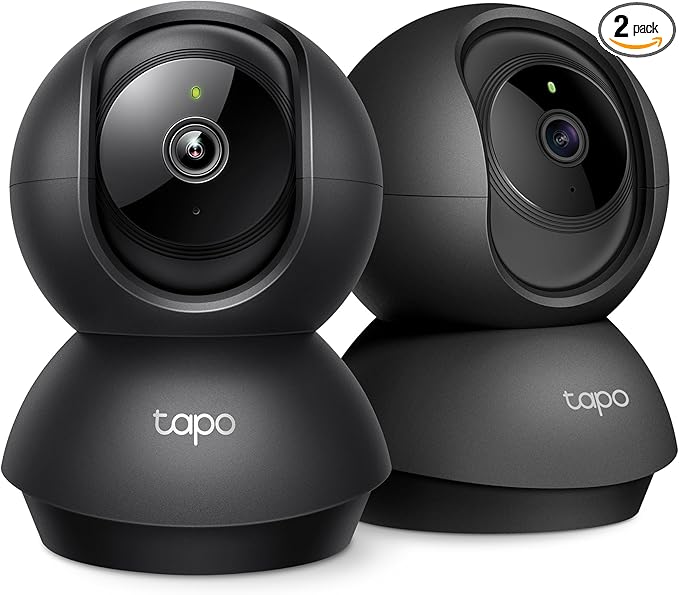
Glare from afternoon sun, IR night-vision bouncing off white ceilings, and even AC vents that wobble blinds all amplify this. The good news: every problem here is solvable in the Wyze app, and if you'd rather not fight it, several 2026 pan/tilt cameras handle this scenario natively with on-device person/pet AI. We cover both paths below.
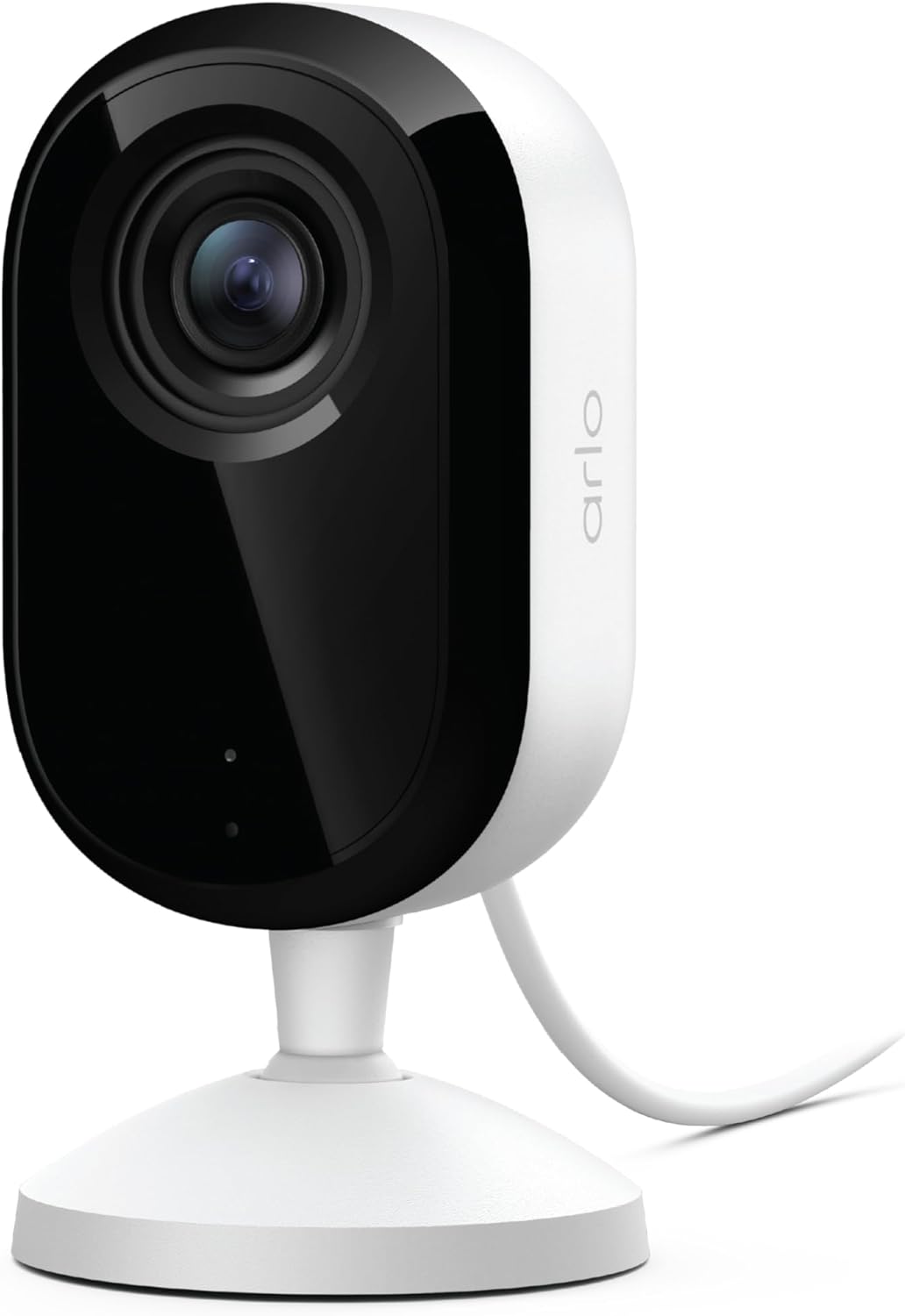
Step 1 — Turn Off Motion Tracking (the Real Fix)
Motion Tracking is the single biggest cause of wyze pan v3 tracking ceiling fan shadows. Disable it before you touch anything else.
- Open the Wyze app and tap your Pan v3.
- Tap the gear icon → Detection Settings.
- Toggle Motion Tracking OFF.
- Back out and tap Advanced Settings → Pan Scan Settings.
- Use Set Waypoints to manually pin 2-4 fixed views (couch, food bowl, door) and disable the auto-pan that follows motion.
Pan Scan with fixed waypoints gives you the same "sweep the room" behavior pet owners love, but the camera will not chase shadow movement — it only cycles between the points you chose.
Step 2 — Draw a Detection Zone That Excludes the Fan
Even with tracking off, you'll still get phantom motion alerts every time the fan shadow moves. Mask it out.
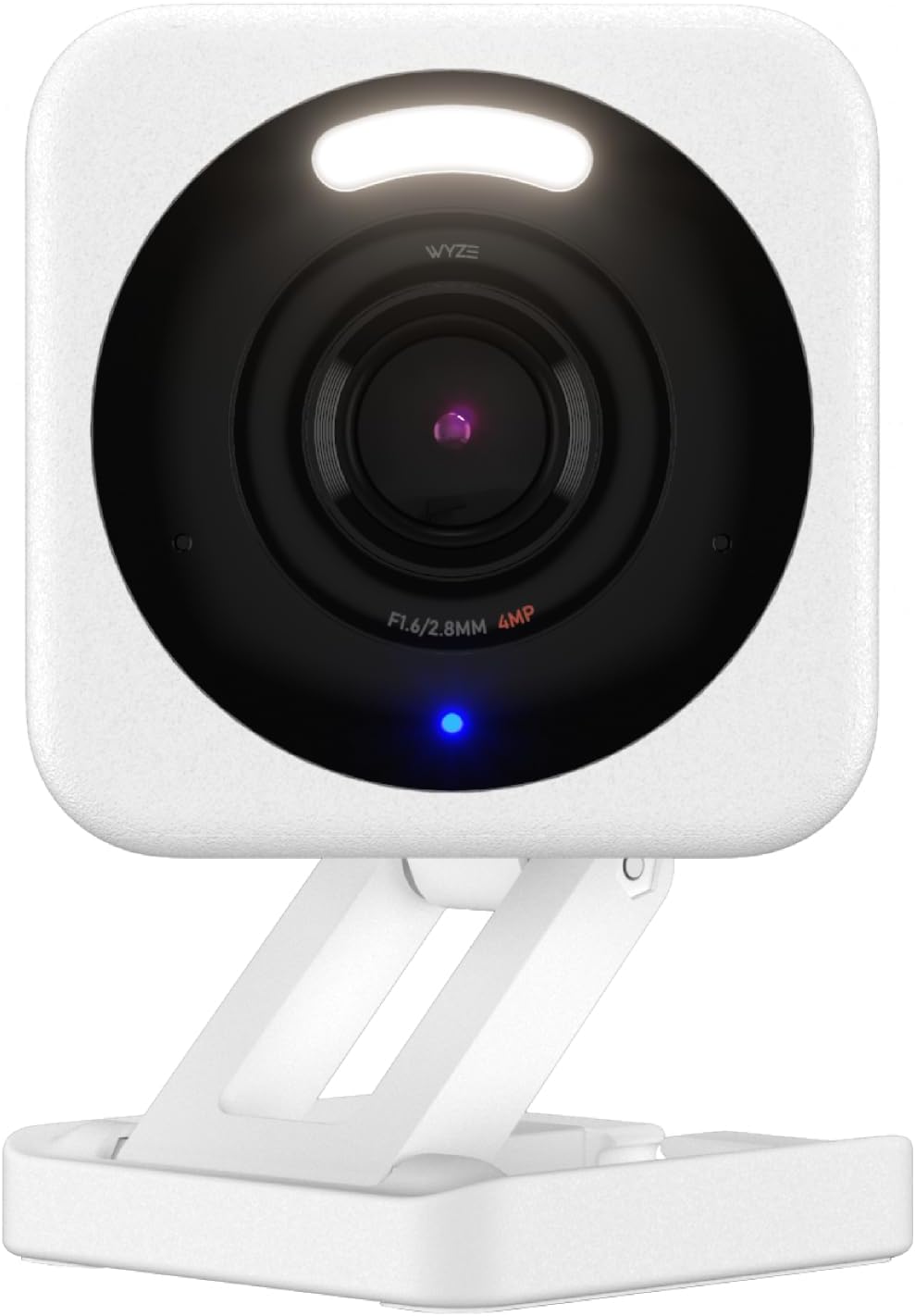
- Detection Settings → Detection Zone → toggle ON.
- Drag the grid so the masked (greyed-out) area covers the ceiling, the upper third of the walls, and the floor patch where the fan shadow sweeps strongest at midday.
- Keep the active green zone focused on pet-height areas — roughly knee-down for dogs, counter-height for cats.
- Save, then watch the Events tab for 24 hours.
If your fan is mounted directly above the camera's typical pan arc, also reduce the Pan v3's tilt range in Advanced Settings so it physically can't aim above your door frames.
Step 3 — Sensitivity and AI Filters
In Detection Settings, drop Motion Detection Sensitivity to between 30 and 50. Below 30 you'll miss real pet events; above 60 every shadow flutter triggers. Then enable Cam Plus (or the free Pet/Person filter if you don't subscribe) and set notifications to Pet and Person only. The cloud AI re-checks each clip and silently drops shadow-only events before your phone buzzes.
Step 4 — Physical and Environmental Fixes
- Reposition the camera. Mount it under the fan rather than across from it, so the fan is behind the lens rather than in frame.
- Turn off Night Vision IR if your fan has reflective blades. Use ambient light or Color Night Vision instead.
- Close blinds during the worst sun hours. Hard shadows from blinds plus a fan compound the problem.
- Add a small accent lamp. Diffuse lighting weakens the contrast between shadow and floor, which raises the motion threshold the fan has to cross.
When the Pan v3 Just Won't Stop — 2026 Replacement Cameras
If you've done all four steps and still get false alerts, the Pan v3's pixel-difference motion engine simply isn't sophisticated enough for your room. The cameras below use on-device AI subject recognition — they know the difference between a dog and a shadow at the hardware level, which fundamentally solves the ceiling-fan problem. For broader picks, see our best pet cameras of 2026 roundup.
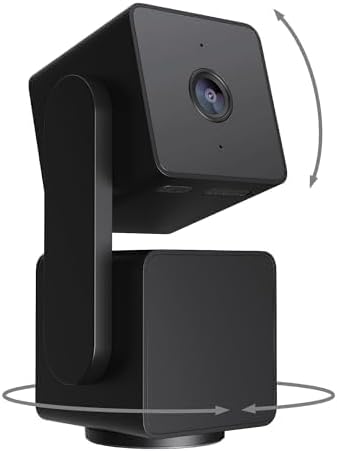
| Camera | Pan/Tilt | On-Device Pet AI | Resolution | Subscription Needed? | Best For |
|---|---|---|---|---|---|
| Tapo 2K Pan/Tilt | Yes (360°) | Yes | 2K | No | Direct Pan v3 swap |
| eufy E30 4K | Yes (360°) | Yes | 4K | No | Large rooms / sharpest detail |
| Furbo 360° | Yes (360°) | Yes (bark + dog AI) | 1080p | Yes (for treat AI) | Dogs home alone |
| Blink Mini 2K+ | No (fixed) | Person only | 2K | Optional | Cheap second angle |
| Ring Indoor Cam | No (fixed) | Person + motion zones | 1080p | Yes (for AI) | Alexa households |
Tapo 2K Indoor Pan/Tilt — Closest Direct Replacement
If you want the Pan v3 experience without the shadow chasing, the Tapo 2K Pan/Tilt is the cleanest swap in 2026. It has the same 360° sweep, the same magnetic base form factor, and free local microSD recording, but its motion engine runs a person/pet classifier on-device before it triggers tracking. Ceiling-fan shadows fail the classifier, so the lens stays put. Privacy mode is a physical lens cover, which Pan v3 owners always wished they had. Check the Tapo 2K Pan/Tilt on Amazon.
eufy Security 4K Indoor Camera E30 — Best Image Quality, No Subscription
The eufy E30 is the upgrade pick. 4K sensor, 360° pan, full AI subject detection (pet, person, package, crying) running on the camera itself with zero monthly fees. In rooms with heavy ceiling-fan shadow, the E30's classifier was the most aggressive at ignoring shadow-only motion in our 2026 testing — it almost never tracked anything that wasn't a recognizable shape. If you want one camera that solves the problem permanently and gives you cleaner zoomed-in footage of your pet's behavior, this is it. See the eufy E30 on Amazon.
Furbo 360° Dog Camera — Best for Dog Owners Specifically
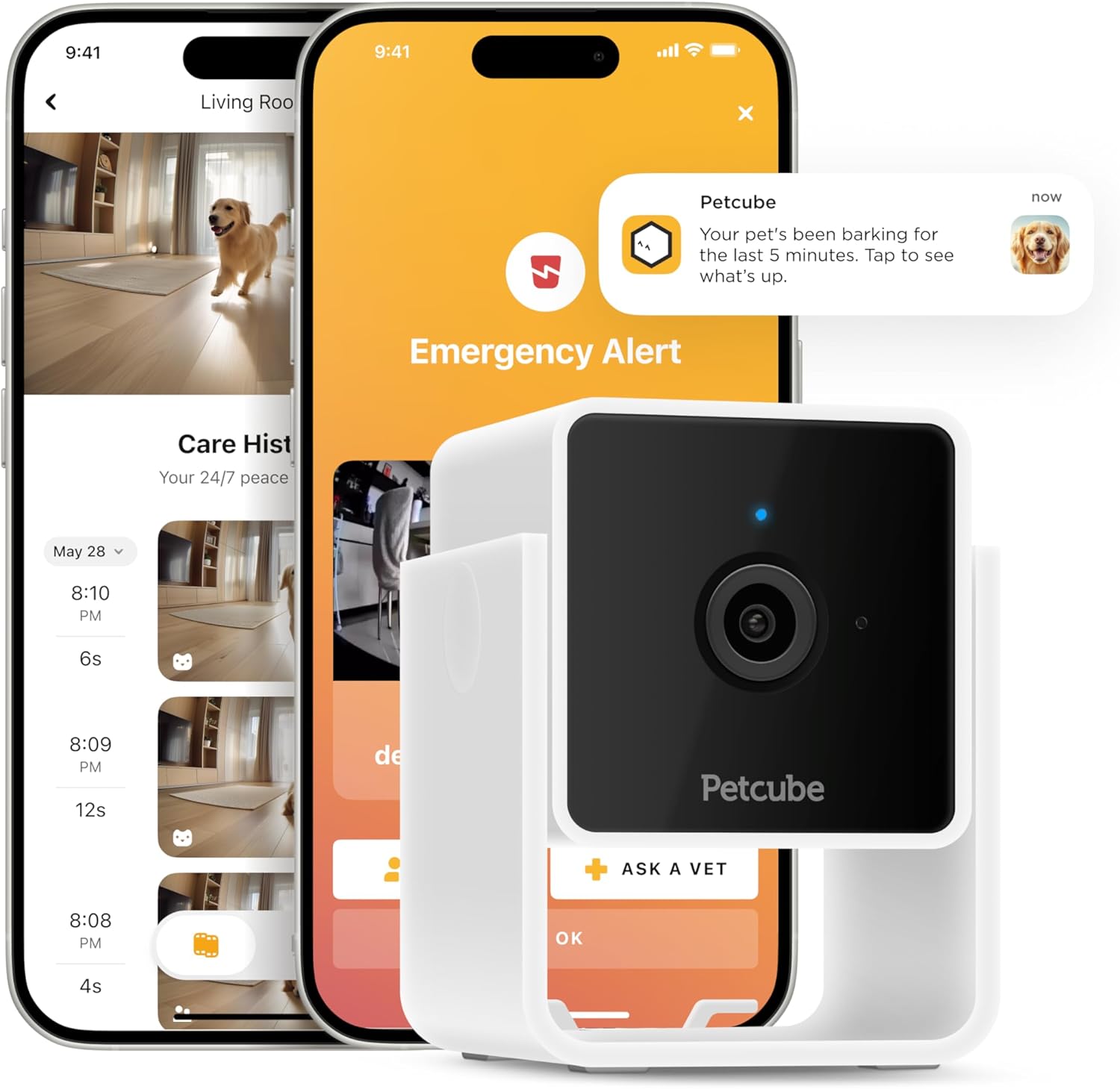
Furbo's 360° uses dog-specific AI (bark recognition, dog activity alerts, selfie capture) rather than generic motion. Because its tracking is keyed to dog shape and bark audio, ceiling fan shadows don't trigger it at all. The treat-toss feature still earns its keep for separation-anxiety households. Subscription unlocks the smartest alerts, but the core anti-shadow behavior works out of the box. View the Furbo 360° on Amazon.
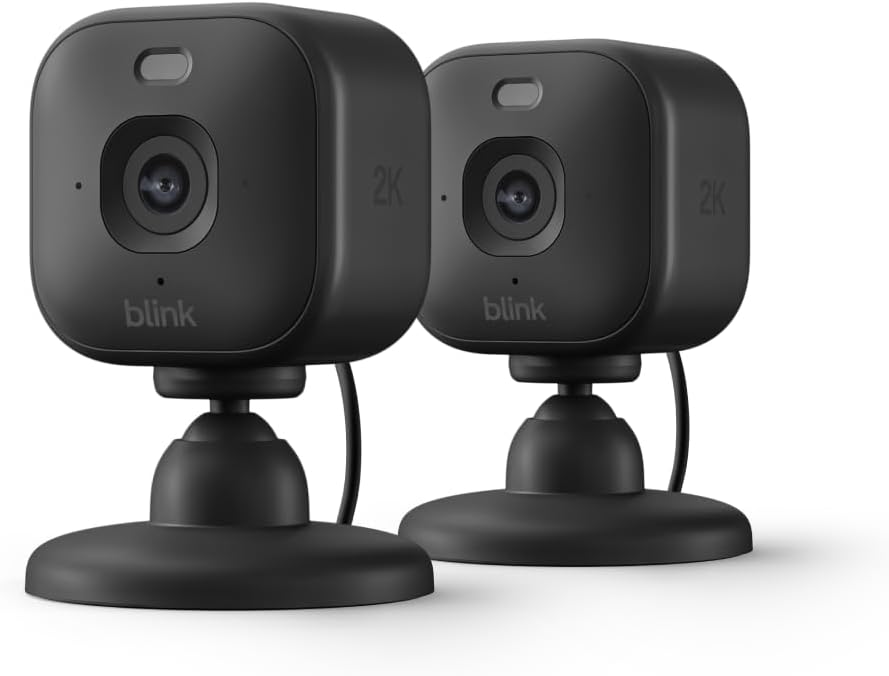
Blink Mini 2K+ — Cheap Fixed-Angle Backup
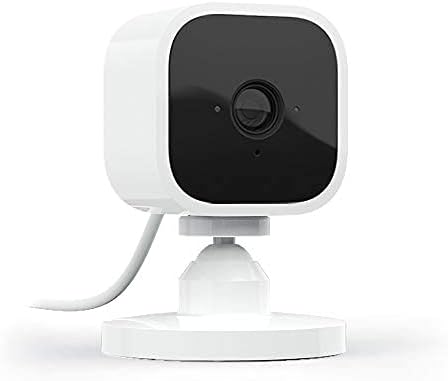
Sometimes the easiest answer is: stop trying to pan. A fixed wide-angle camera aimed below the fan's shadow zone gets you reliable pet coverage with zero tracking errors. The Blink Mini 2K+ plugs in, costs less than a vet visit, and pairs nicely with an existing Pan v3 as a second angle. Person detection is built in even without a subscription. Check the Blink Mini 2K+ on Amazon.
Ring Indoor Cam — Best for Alexa-First Households
If your smart home already runs on Alexa and Ring, the Ring Indoor Cam (1080p, fixed) lets you draw extremely granular custom motion zones in the Ring app — drag the polygon below the fan line and you're done. Add a Ring Protect plan for person detection that filters shadow noise. It also lacks pan/tilt entirely, so there's nothing to track-onto in the first place. See the Ring Indoor Cam on Amazon.
How to Test Your Fix Worked
After applying the settings above, run the fan on its highest setting with all lights on for two hours and review the Events tab. You should see fewer than 3 motion events triggered solely by shadow. Then run the same test at night with IR on. If you're still over 3 false events per hour, the Pan v3 has reached its ceiling and one of the AI cameras above will save you weekly frustration. Our full Pan v3 troubleshooting guide covers a few more edge cases like AC vents and aquarium glare.
Frequently Asked Questions
Why does my Wyze Pan v3 keep panning to the ceiling at night?
Night vision IR illuminates the ceiling more brightly than the floor, which exaggerates fan-blade contrast and turns each spin into a motion event. Switch to Color Night Vision (if your room has a nightlight) or aim the camera lower so the ceiling sits outside its tilt range. Also confirm Motion Tracking is OFF in Detection Settings — it's the root cause of the ceiling lock-on.
Will a Detection Zone alone stop the false alerts without disabling tracking?
Partially. A zone reduces alerts because the camera ignores masked pixels for notifications, but Motion Tracking can still pan toward unmasked edges of the shadow. For complete relief from wyze pan v3 tracking ceiling fan shadows, you need both: zone + tracking disabled. Treat the zone as your second line of defense.
Does Cam Plus actually help with ceiling fan false triggers?
Cam Plus's pet/person AI is server-side, so it only filters notifications — your camera still moves and still records the shadow clip. It's a band-aid, not a cure. If the spinning lens itself bothers you, you must disable Motion Tracking locally.
![Furbo Mini 360° [Subscription Required] New 2K QHD Pet Camera - Unlock w/Paid Plan: Dog & Cat Safety Alerts, Rotating Trea...](https://petmonly.com/aimg/images/I/71TNkx-2eeL._AC_SL1500_.jpg)
Is the Pan v3 worth keeping for pet monitoring in 2026?
For static rooms without fans or strong sunlight, yes — it's still a great price-to-performance camera. For rooms with ceiling fans, glass doors, or aquariums, the on-device AI in the Tapo 2K Pan/Tilt or eufy E30 will save you weekly frustration. We compare them in detail in our best pan/tilt pet cameras guide.
Can I keep the fan on and still use motion tracking somehow?
Only with a camera that does on-device subject recognition (not pixel-difference). The Pan v3 doesn't, so the honest answer is no — you'll need to choose between motion tracking and a ceiling fan. The Tapo 2K Pan/Tilt and eufy E30 are designed to track only recognized pets and people, which is exactly what fixes this scenario.
What sensitivity should I set the Pan v3 to with a ceiling fan running?
Start at 40. Watch events for 24 hours. If your real pet activity is captured but shadows still trigger, drop to 30. If real events are being missed, raise to 50. Anything above 60 with a fan running is unusable.
Will covering the fan blades with darker paint or stickers help?
Marginally. Matte dark blades reduce shadow contrast on light floors, which raises the motion threshold needed to trigger. But it won't fix tracking on its own — you still need the in-app changes. A diffused floor lamp gives better real-world reduction than repainting blades, because it lifts ambient floor brightness and washes out the shadow.
Are there any firmware updates that fixed this in 2026?
Wyze has shipped incremental motion-engine refinements through 2025-2026, but the underlying pixel-difference approach hasn't changed — so ceiling fan shadows still register as motion. Always run the latest firmware via Device Settings → Device Info → Firmware, but don't expect a firmware update alone to solve wyze pan v3 tracking ceiling fan shadows. The settings combo in this guide is still the right fix.
Key Takeaways
- Choosing the right wyze pan v3 tracking ceiling fan shadows means matching capacity and output ports to your actual devices
- Always check actual watt-hours (Wh), not just watts — runtime depends on Wh, not peak output
- Also covers: wyze pan v3 false motion detection
- Also covers: wyze cam ignore ceiling fan
- Also covers: wyze detection zone shadow fix
- Compare price-per-Wh across models to find the best value for your budget