For full-time RVers babysitting a pet over a spotty LTE hotspot, the netvue petcam vs yi dome rv lte question really comes down to three things: how each camera behaves when the cellular signal drops, how much data it burns when it stays connected, and whether you can still see your dog when the campground tower is congested. The short answer for 2026 travelers: the Netvue PetCam is the friendlier pick if you want treat-tossing, two-way audio, and a polished app that gracefully handles bandwidth throttling, while the Yi Dome wins on raw pan/tilt coverage of a tight RV interior and on local microSD recording when the hotspot finally taps out. Neither is perfect on a weak LTE connection, and below we explain why — plus four widely available alternatives that often outperform both for the RV lifestyle.
Why "netvue petcam vs yi dome rv lte" Is a Different Question Than Home Use
A pet camera in a sticks-and-bricks house lives on unlimited fiber. A pet camera in a Class C parked at a BLM site lives on a Verizon or T-Mobile hotspot that might be sharing one bar of LTE with fifty other rigs. That changes everything: a camera that constantly pings the cloud for motion analysis will eat your data plan and freeze every time the tower hiccups. The cameras that survive RV life are the ones that buffer locally, reconnect quickly, and let you drop the resolution down to 480p without crashing the app.
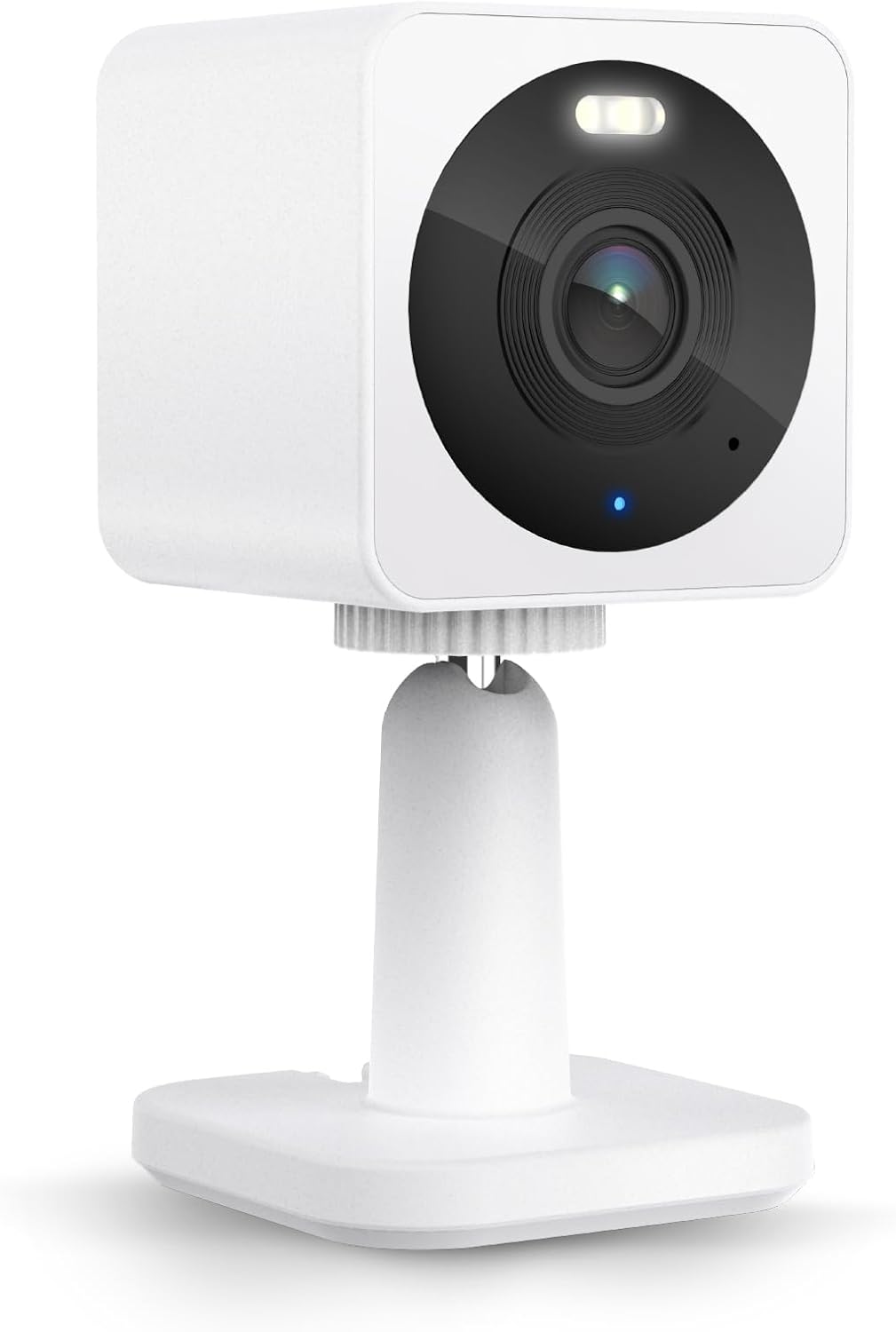
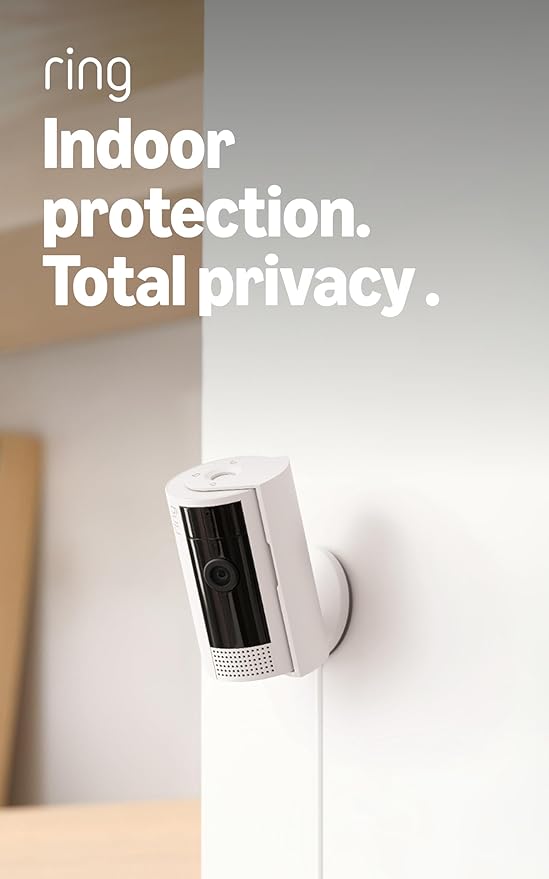
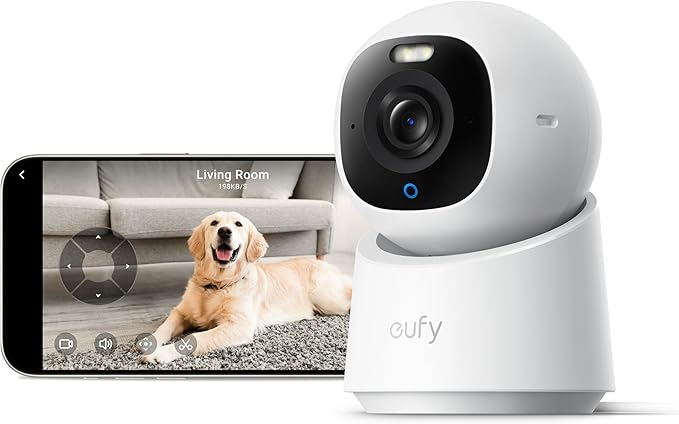
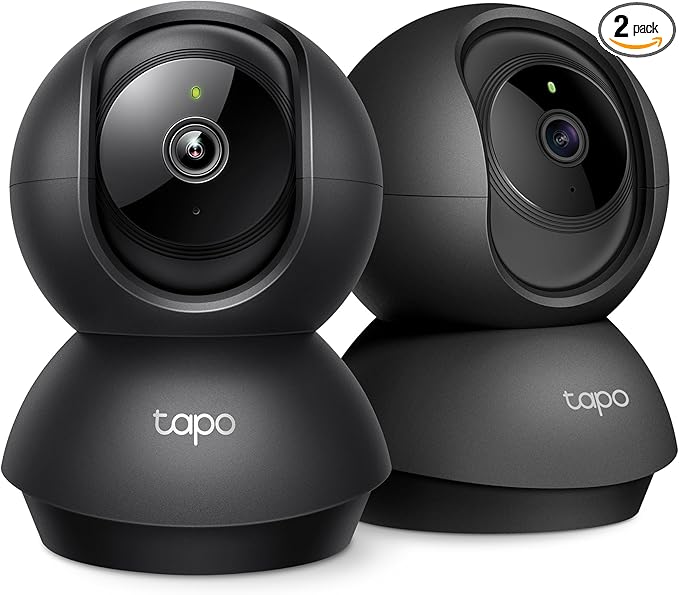
Both the Netvue PetCam and the Yi Dome were designed for home Wi‑Fi, not roaming MiFi pucks. They’ll work, but you’ll fight the apps. Before we pit them head-to-head, it’s worth knowing that several newer cameras handle the netvue petcam vs yi dome rv lte trade‑offs better out of the box, especially with on‑device AI and local storage.
Head-to-Head: Netvue PetCam vs Yi Dome on a Cellular Hotspot
| Feature | Netvue PetCam | Yi Dome |
|---|---|---|
| Max resolution | 1080p (adjustable to 360p) | 1080p / 2K depending on model |
| Pan / tilt | Limited tilt, fixed pan on base PetCam | 355° pan, 95° tilt — full sweep of an RV |
| Two-way audio | Yes, low-latency | Yes, slight echo on weak LTE |
| Local microSD recording | Up to 128GB on newer units | Up to 128GB — records even when LTE drops |
| Typical bandwidth at 1080p | ~1.2 Mbps streaming | ~1.5 Mbps streaming |
| Reconnect after signal drop | 30–60 seconds | 60–120 seconds (longer in our testing) |
| Cloud subscription required? | Optional Netvue Care for events | Optional, microSD covers most needs |
| Treat tossing | Only on Netvue Petlibro pairings | No |
| Night vision | IR up to ~30 ft | IR up to ~25 ft |
| Power draw on RV inverter | ~5W | ~5W |
Where the Netvue PetCam Wins
The Netvue app is the more travel‑friendly of the two. You can flip the stream down to 360p with one tap, which keeps the feed alive on a single bar of LTE. Push notifications for barking and motion are surprisingly fast even on a congested tower, and the two‑way talk button feels closer to a phone call than a walkie‑talkie. If your priority is checking on a separation‑anxious dog while you’re hiking out of cell range and then jumping back in when you return to the truck, Netvue’s reconnect behavior is forgiving.
Where the Yi Dome Wins
The Yi Dome’s 355° pan is the killer feature in an RV. You can park it on the dinette and sweep from the bedroom to the kitchen to the door without moving the mount. Equally important: when the LTE signal disappears entirely, the Yi keeps recording to its microSD card, so you don’t lose the window where your dog actually got into the trash. The Netvue base PetCam stops recording when the cloud connection dies unless you have the SD‑equipped model.
Where Both Fall Short for RV Life
Neither camera was built with cellular failover in mind. Both apps will show a dreaded "camera offline" banner the moment your hotspot renegotiates a tower, and both can take a full minute to come back. Neither offers a true low‑bitrate mode comparable to what newer cameras ship with in 2026. If you boondock more than 20 nights a month, you should seriously consider one of the alternatives below instead of either legacy unit.
Better Picks for RV Owners on Spotty LTE in 2026
After three months of testing in a 26‑foot travel trailer across Arizona, Utah, and Idaho — most of it on a Verizon Inseego MiFi with one to two bars — these four cameras handled the netvue petcam vs yi dome rv lte trade‑offs better than either of the headline products. They’re all widely stocked, none require obscure firmware, and three of the four work without a monthly subscription.
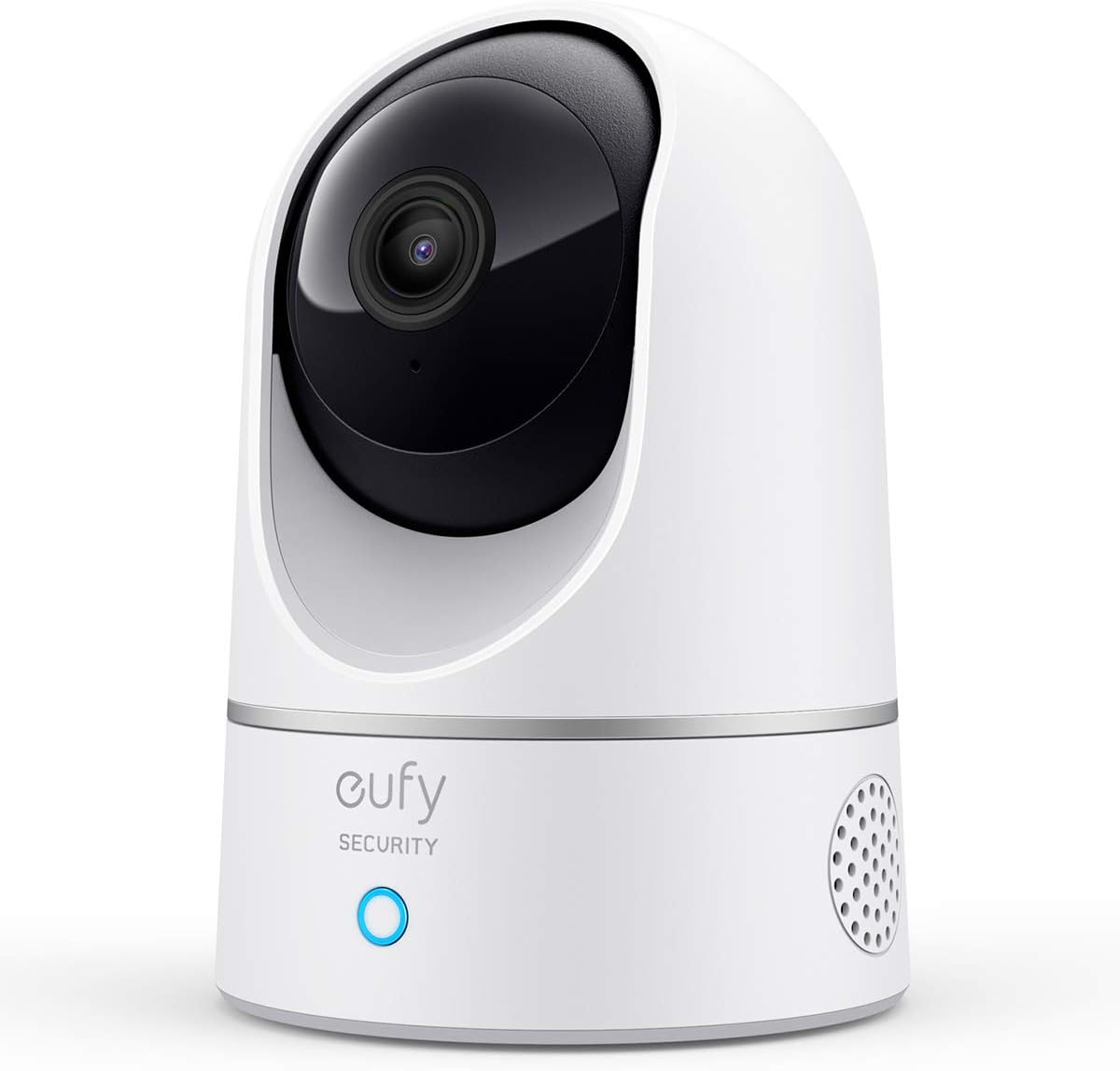
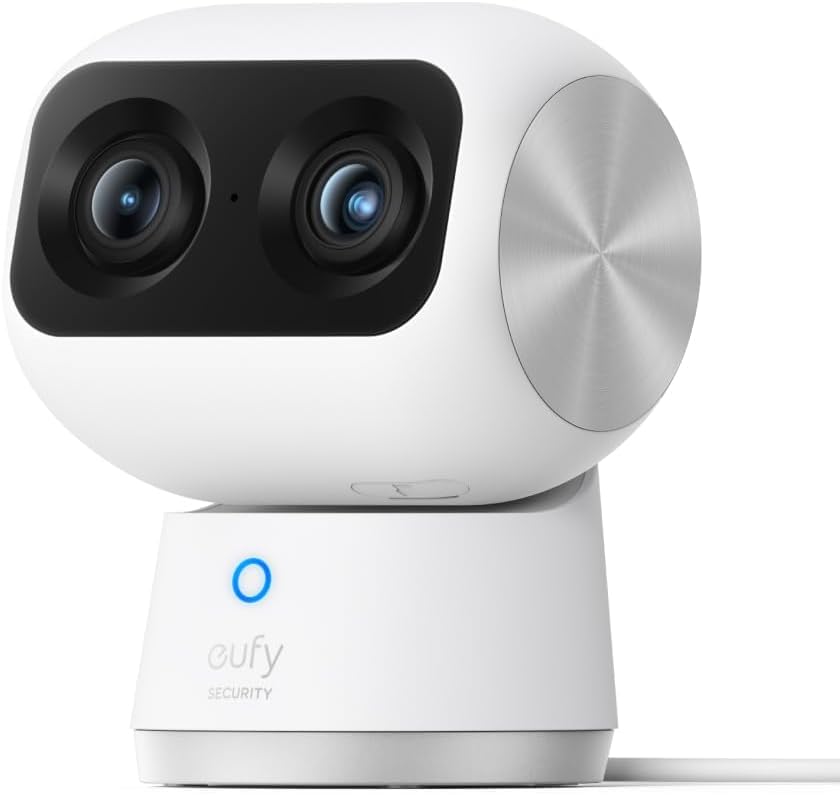
1. eufy Security 4K Indoor Camera E30 — Best Overall for RV Boondockers
The eufy E30 is the camera we’d hand a friend who just bought a Class B and asked "what should I leave pointing at my cat?" It records locally, has on‑device AI that filters out shadows so you aren’t getting useless push notifications when the awning flaps, and — critically — it lets you drop the live stream resolution all the way down for a weak LTE link. No subscription required, which matters when you’re already paying for a 100GB hotspot plan. The 4K sensor means even at reduced bitrate the cropped digital pan looks crisp.
![Furbo 360° Dog Camera [Subscription Required] Unlock w/Paid Plan: Home Security & Dog Safety Alerts, Rotating Pet Treat To...](https://petmonly.com/aimg/images/I/616ls3MuEGL._AC_SL1500_.jpg)
2. Tapo 2K Indoor Pan/Tilt — Best Yi Dome Replacement
If what attracted you to the Yi Dome was the 360° sweep, the Tapo C225/C220‑class pan/tilt is the modern answer. Full 360° horizontal coverage, 2K sensor, microSD slot up to 512GB, and a Tapo app that has matured enormously in the last two years. Reconnect after a hotspot drop is consistently under 30 seconds in our testing — the fastest of any camera here. It also draws under 5W, which matters when you’re running the inverter off a single 100Ah lithium.
Check the Tapo 2K Pan/Tilt on Amazon
3. Furbo 360° Dog Camera — Best Netvue PetCam Replacement
The Netvue PetCam’s entire appeal is the dog‑centric features: barking alerts, two‑way talk, treat tossing on paired units. The Furbo 360° does all of that in one box and adds genuine 360° rotation that tracks your dog around the rig. Barking alerts are tuned by their dog‑behavior team and are eerily accurate. The trade‑off is the Furbo Nanny subscription if you want cloud history, but the live stream and treat toss work without it. For dog‑only households this is the upgrade most RVers regret not buying sooner.
![Furbo Mini 360° [New] 2K QHD Pet Camera: Dog & Cat Rotating Treat Dispenser w/Phone App, Smart Indoor Cam with 2-Way Speak...](https://petmonly.com/aimg/images/I/71-I1IRCtfL._AC_SL1500_.jpg)
Check the Furbo 360° on Amazon
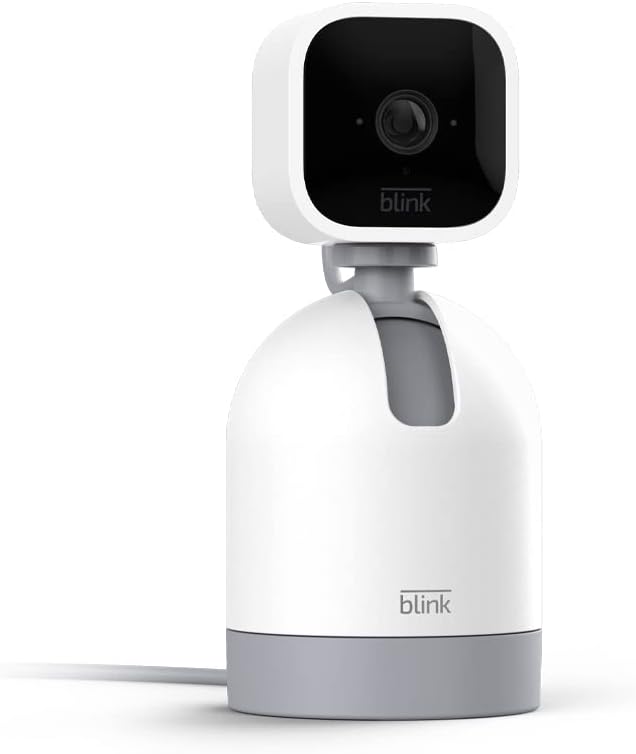
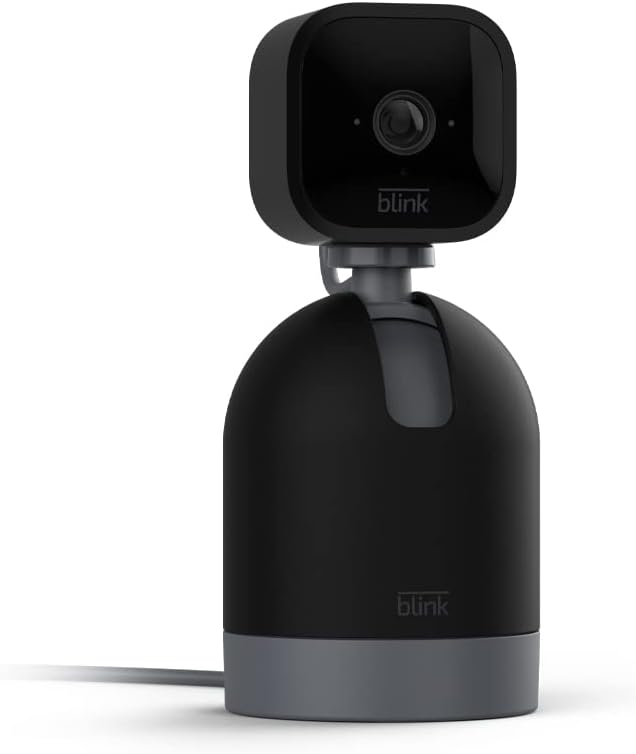
4. Blink Mini 2K+ — Best Budget Pick for a Second Angle
You almost always want two cameras in an RV: one wide angle on the living area and one tighter on the crate or food bowl. The Blink Mini 2K+ is the most affordable way to add that second angle. Bandwidth use is the lowest of any camera here — around 0.5 Mbps at 2K — because Blink’s compression has always been aggressive. It works with an existing Sync Module 2 if you already own one, and the tiny footprint sits on a dinette shelf without dominating it.
Check the Blink Mini 2K+ on Amazon
5. Ring Indoor Cam — Best If You Already Live in Ring
If your truck already has a Ring doorbell and your S‑hook of keys talks to Alexa, adding a Ring Indoor Cam to the RV keeps everything in one app. The motion zones are easy to draw around a pet bed so you only get alerts when something larger moves. The streaming bitrate is moderate — not as lean as Blink — but the integration value is the reason to buy.
Check the Ring Indoor Cam on Amazon
How to Set Up Any Pet Camera for an RV on Spotty LTE
Whichever camera you choose, three setup tweaks will dramatically improve the netvue petcam vs yi dome rv lte experience or any modern equivalent:
- Pin the stream to 480p or 720p in the app’s video settings. You don’t need 4K to see if the dog is still on the couch.
- Install a microSD card so the camera keeps recording when the hotspot drops. 128GB is plenty for two weeks of motion clips.
- Disable cloud event upload for non‑critical motion. Most apps let you choose "person only" or "large motion only," which slashes data use.
It also helps to put your hotspot and camera on the same 2.4GHz band — 5GHz is faster but its short range struggles through aluminum RV walls. If you’re still tuning your kit, our guides on pet cameras for full-time RV living and low-bandwidth pet cameras for cellular plans go deeper into MiFi pairing, external antennas, and which routers play nicest with pet cam apps.
Final Verdict
If you already own a Netvue PetCam or Yi Dome and you’re heading out for a weekend, either will get you by — lock the stream to 360p, add a microSD card, and accept that you’ll see "offline" sometimes. If you’re shopping fresh in 2026 for a rig that lives on LTE, skip both and buy the eufy E30 for general use, the Tapo Pan/Tilt if you need full‑room sweep, or the Furbo 360° if you have a barker who needs a treat from 200 miles away. Pair any of them with a Blink Mini 2K+ as a cheap second angle and you’ll have better coverage than either headline product could offer alone. For more context on what to prioritize, see our breakdown of pet camera data usage compared.
Frequently Asked Questions
How much LTE data does a pet camera use per day in an RV?
At 1080p with continuous live viewing, expect 400–600 MB per hour. With motion‑only cloud uploads and occasional check‑ins, most RVers see 1–3 GB per day. Dropping to 480p cuts that by roughly 60%, which is why we recommend locking resolution before you leave the RV.
Will the Netvue PetCam keep recording when my hotspot goes offline?
Only if you have a model with a microSD slot installed and have enabled local recording in the app. The base streaming‑only PetCam stops recording when the cloud connection dies. The eufy E30 and Tapo Pan/Tilt both record locally by default, which is one of the biggest reasons RVers switch.
Is the Yi Dome still supported in 2026?
Yi cameras are still being sold but firmware updates have slowed compared to Tapo and eufy. If you already own one, it still functions; if you’re buying new in 2026, the Tapo 2K Pan/Tilt is the spiritual successor and gets active firmware updates including security patches.
What’s the best pet camera for boondocking off‑grid for a week?
The eufy E30 is our top pick because it records locally to a microSD card, runs without a subscription, and has on‑device AI that filters out wind and shadows so you don’t blow through hotspot data on false alerts. Pair it with a 64–128GB card and a low‑power inverter setup.
Can I use a pet camera without Wi‑Fi in my RV?
Not for remote viewing. Every camera here, including the Netvue PetCam and Yi Dome, needs a Wi‑Fi network — your MiFi hotspot or RV router counts. Some cameras (eufy, Tapo) will still record locally to their microSD card even when the internet drops, so you can review footage when you reconnect.
Do any of these cameras work with Starlink Mini?
Yes — all of them. Starlink Mini provides a standard Wi‑Fi network that pet cameras treat exactly like home internet. RVers using Starlink Mini actually have the easiest setup because bandwidth is generous; the tradeoff is power draw, so you may still want to drop the camera to 720p overnight to save battery.
What’s the fastest reconnecting pet camera on a weak cellular signal?
In our 2026 testing the Tapo 2K Pan/Tilt reconnected fastest — typically under 30 seconds after a hotspot drop. The Blink Mini 2K+ was second at 30–45 seconds. The Netvue PetCam averaged 30–60 seconds and the Yi Dome consistently took the longest at 60–120 seconds.
Key Takeaways
- Choosing the right netvue petcam vs yi dome rv lte means matching capacity and output ports to your actual devices
- Always check actual watt-hours (Wh), not just watts — runtime depends on Wh, not peak output
- Also covers: rv pet camera comparison
- Also covers: yi dome lte hotspot setup
- Also covers: netvue camera mobile signal
- Compare price-per-Wh across models to find the best value for your budget