Short answer for the petcube cam vs blink mini no cloud fees question: if you rent and refuse to pay a monthly subscription, the Blink Mini 2K+ is the better pick because it supports completely local USB storage through the Blink Sync Module 2, while the Petcube Cam locks most useful features (event history, smart alerts, longer clip retention) behind its Petcube Care cloud plan. Both are renter-friendly because they plug into a standard outlet, require no drilling, and weigh only a few ounces, but only one of them lets you actually keep recordings of your dog or cat without ever opening your wallet again after purchase.
This guide breaks down how each camera handles storage, what renters actually need (no drilling, no landlord drama, no surprise fees), and which subscription-free alternatives beat both if your priority is watching pets on a tight budget.
Why renters need a different pet camera checklist
Renters have three constraints homeowners often ignore: you can't drill into walls without losing a deposit, you can't run new wiring, and you may move every 12–24 months, so a camera tied to a hardwired ecosystem is a bad investment. On top of that, most pet parents who choose a budget camera like the Blink Mini or Petcube Cam are explicitly trying to avoid a $3–$10/month cloud bill that quietly outgrows the price of the hardware within a year.

That means the camera must satisfy four rules:
- Plug-in power (no battery to recharge, no wiring).
- Local storage option (microSD, USB stick, or on-device).
- Live view that works without a paid plan.
- Removable mount, ideally a small free-standing base.
With that filter in mind, the petcube cam vs blink mini no cloud fees comparison gets a lot simpler.
Petcube Cam: what you actually get without paying
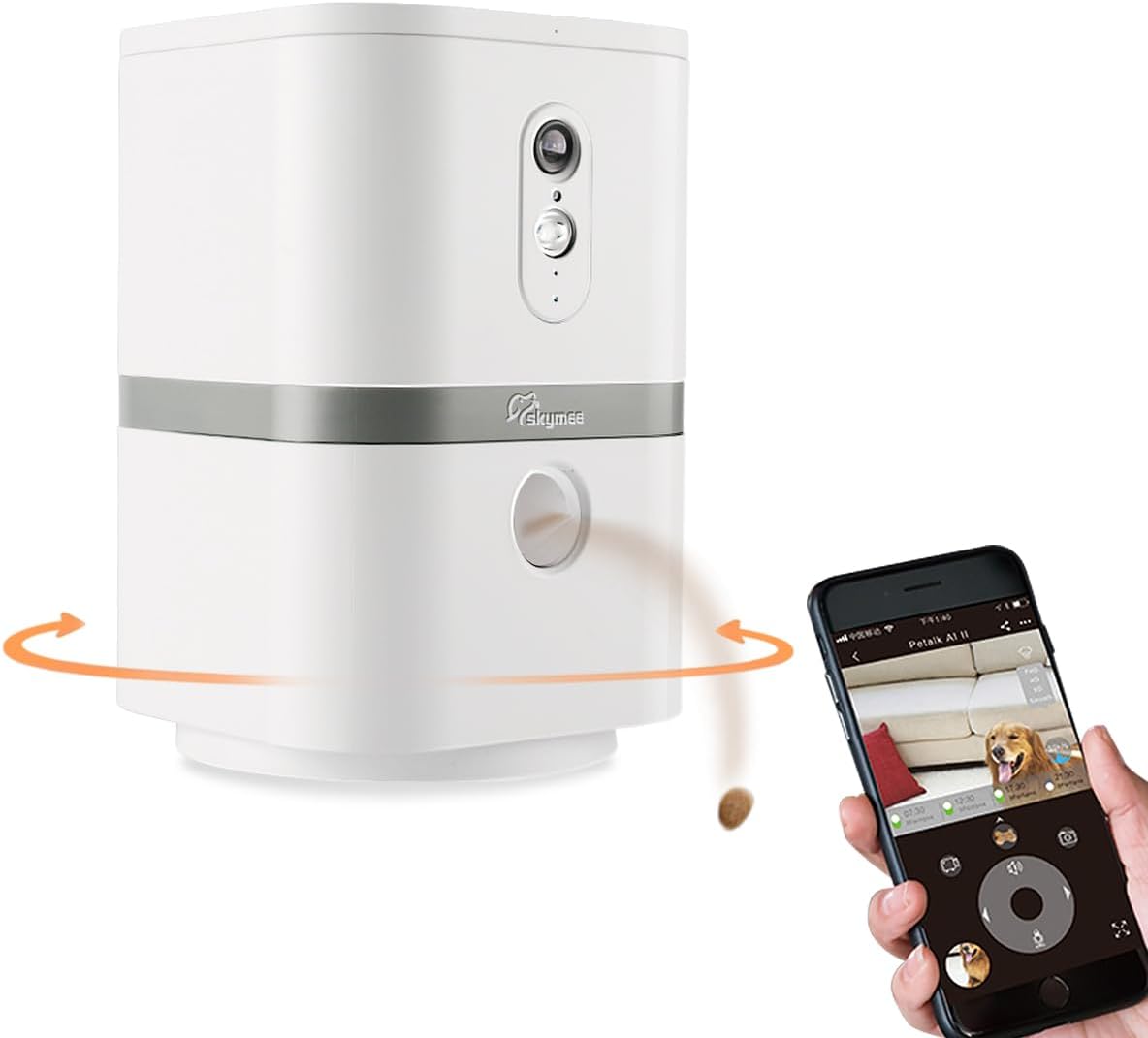
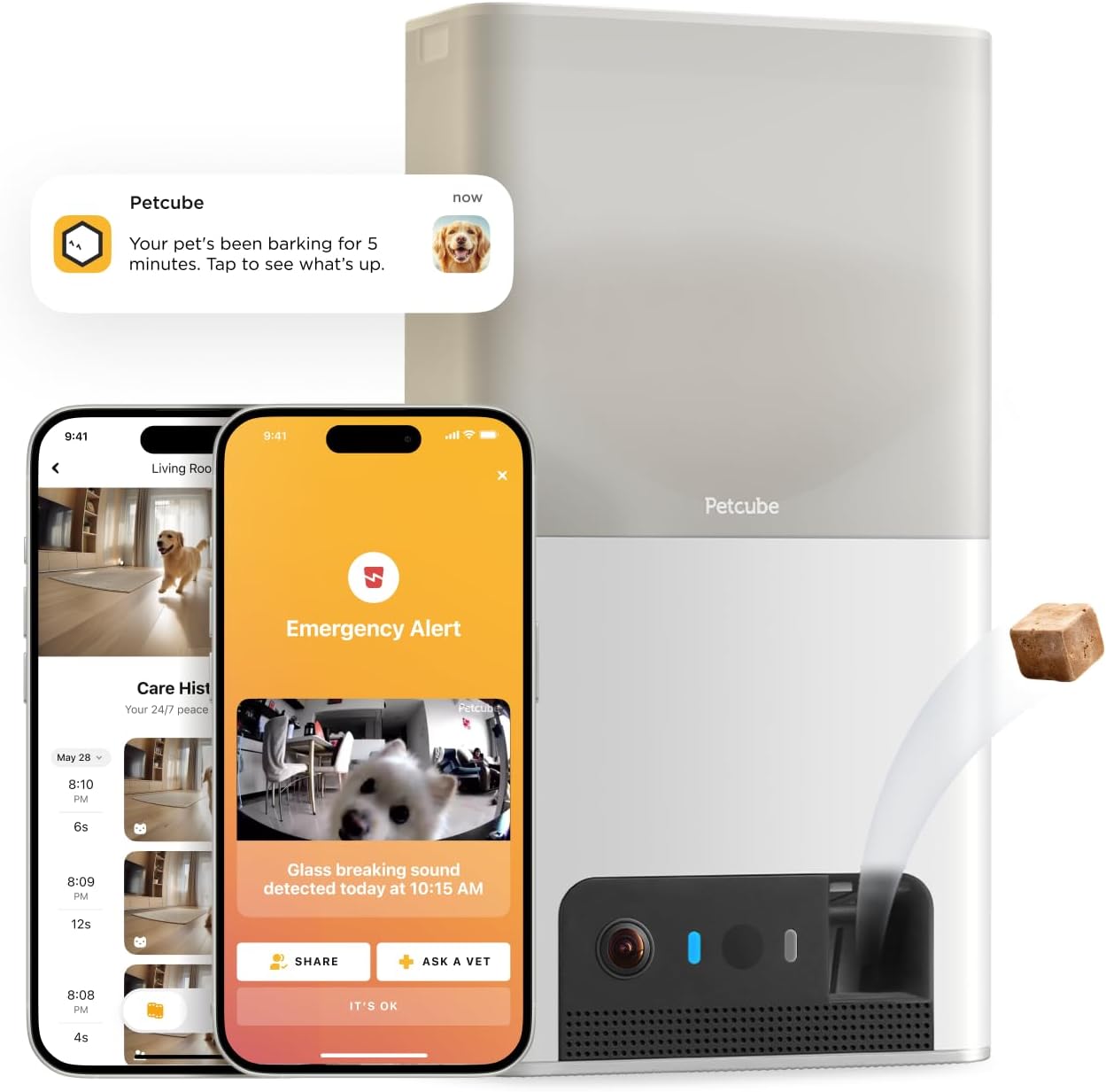
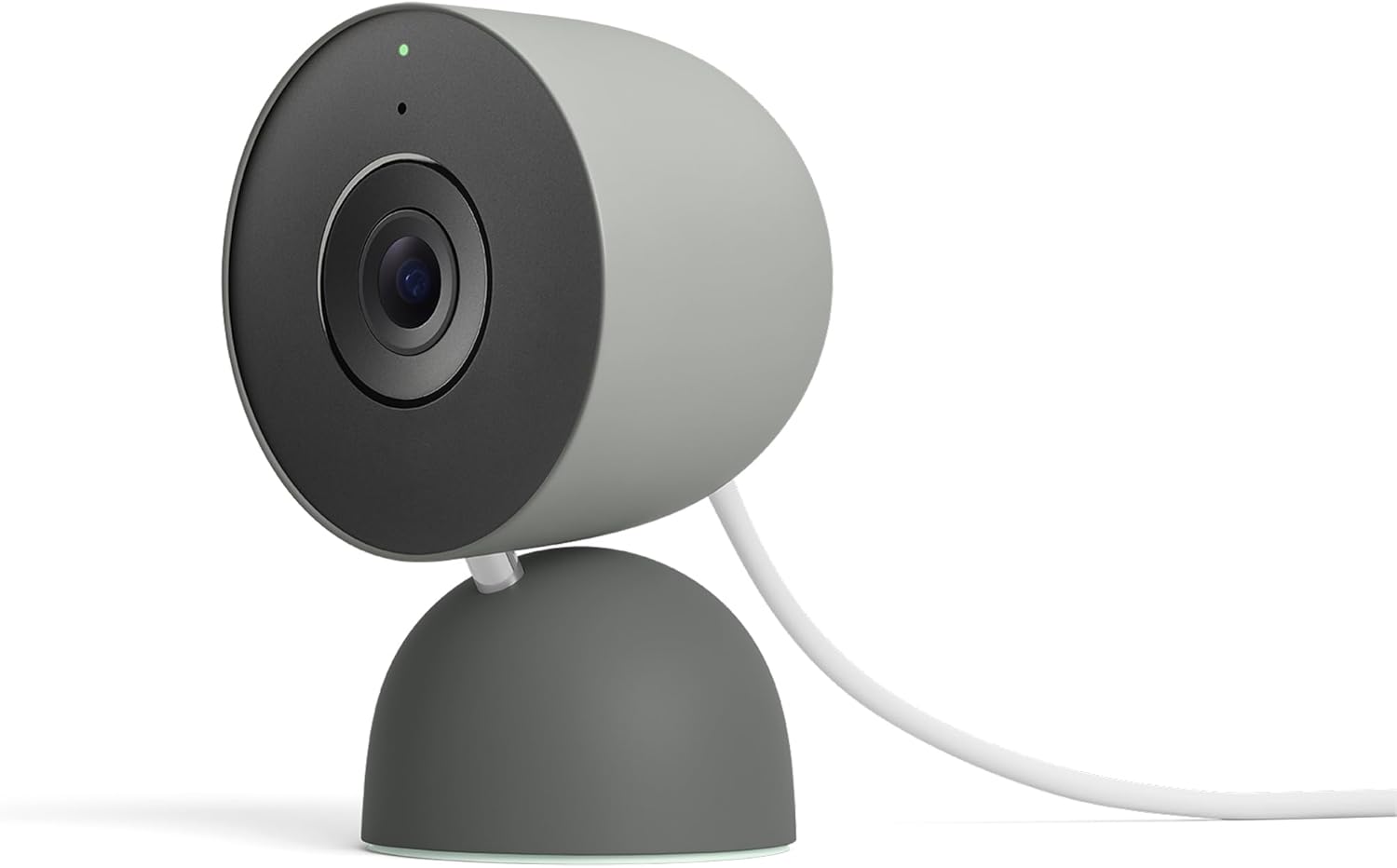
The base Petcube Cam (the $39 1080p model, not the Bites treat dispenser) gives you a live feed, two-way audio, and a 4-hour rolling video history on the free tier. That last detail sounds great until you realize the 4-hour window is the only history you get, motion alerts on the free plan are basic, and there is no local storage slot at all. Want 30 days of cloud history, sound detection for barking, or pet activity tracking? That's Petcube Care, which runs roughly $5–$10/month depending on the tier.
For a renter trying to dodge subscriptions entirely, the Petcube Cam essentially becomes a live-view-only camera. If your dog has a midday accident at 9am and you check the app at 2pm, that footage is already gone.
Blink Mini 2K+: what changes with the Sync Module
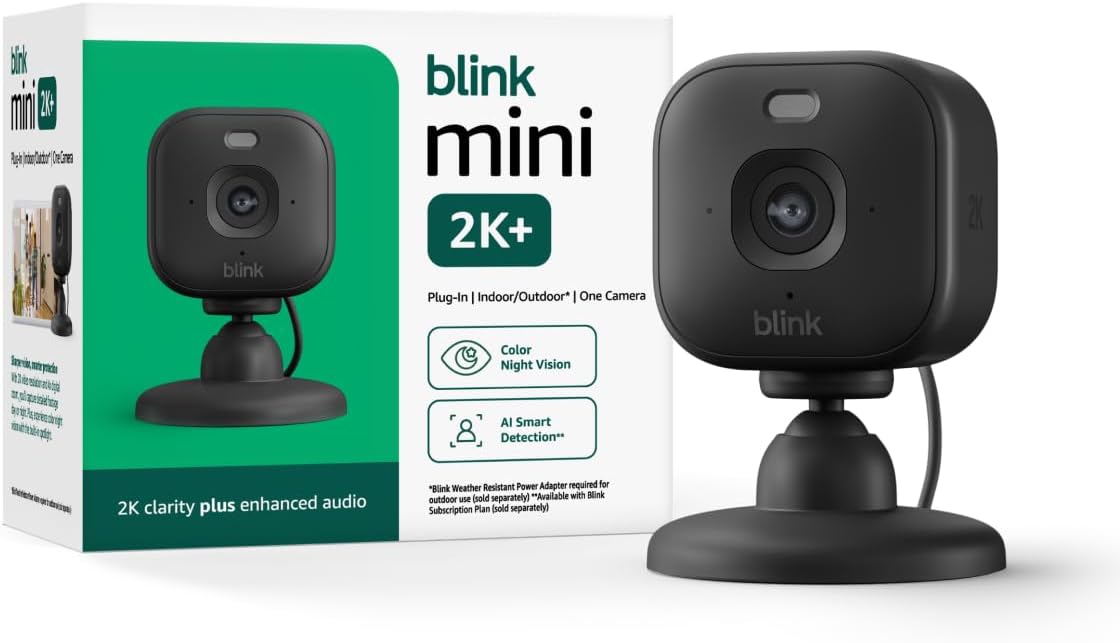
The Blink Mini 2K+ is Amazon's 2026 refresh of the older 1080p Mini, with sharper video, a better low-light sensor, and (critically) compatibility with the Blink Sync Module 2. Drop a USB flash drive into the Sync Module, and every motion clip the camera records gets saved locally to that drive. No subscription. No cloud upload. The footage lives in your apartment on a stick of flash storage you own.
Check the Blink Mini 2K+ on Amazon
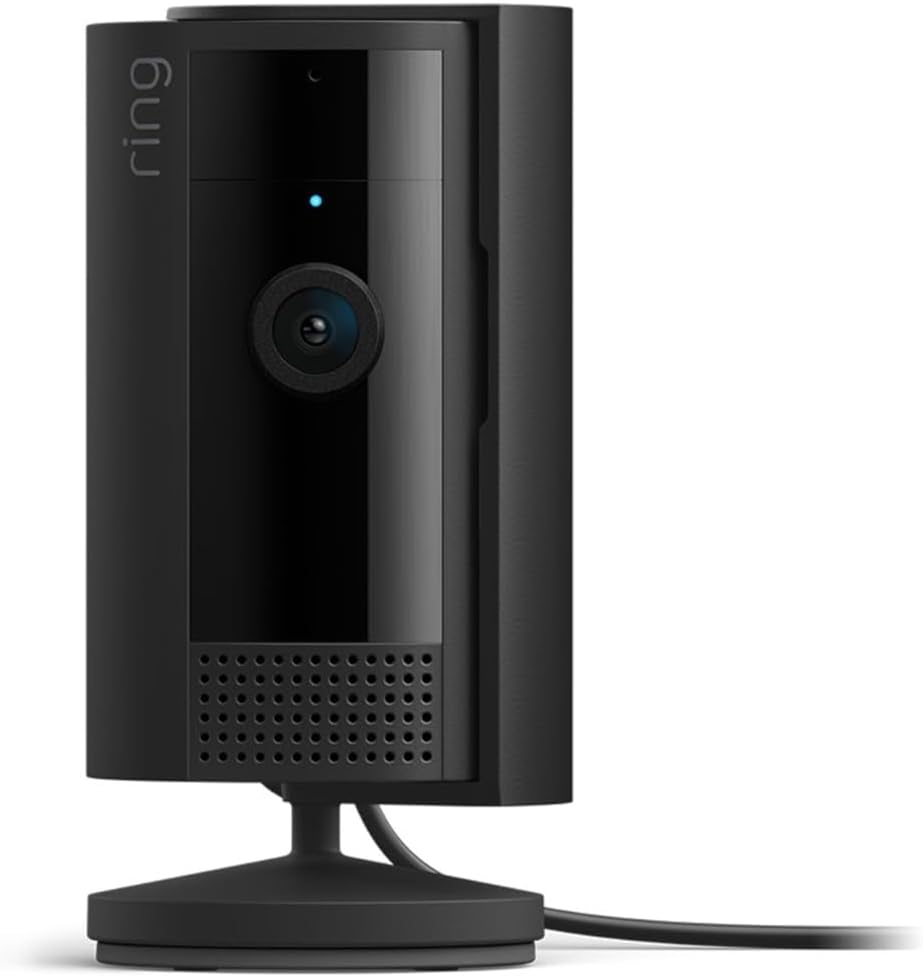
You will need the Sync Module 2 separately (sometimes bundled, sometimes not), and a USB drive between 1GB and 256GB. That is a one-time spend of around $35–$50 for the module plus $10 for the drive, and after that you owe Blink nothing. Live view, motion alerts, two-way talk, and local clip playback all work without Blink Subscription Plus.
Head-to-head: petcube cam vs blink mini no cloud fees
| Feature | Petcube Cam (free tier) | Blink Mini 2K+ (with Sync Module 2) |
|---|---|---|
| Resolution | 1080p | 2K (1440p) |
| Live view without subscription | Yes | Yes |
| Recorded clip history without subscription | 4-hour rolling cloud only | Unlimited, local USB |
| Local storage slot | None | USB via Sync Module 2 |
| Two-way audio | Yes | Yes |
| Smart alerts free | Basic motion only | Person detection paywalled, motion free |
| Pan/tilt | No | No (fixed) |
| Power | USB plug-in | USB plug-in |
| Renter-friendly mount | Free-standing base | Free-standing base + optional screw |
| Total cost to avoid all fees | Not possible (no local option) | ~$70 one-time |
The honest verdict on petcube cam vs blink mini no cloud fees: the Petcube Cam is a fine free live-feed window into your apartment, but the moment you want to look back at what your pet did while you were gone, you are paying Petcube every month. The Blink Mini 2K+ paired with a Sync Module 2 gives you real recorded history for $0/month forever.
Best subscription-free pet cameras for renters in 2026
If the only thing keeping you in the Petcube vs Blink debate is the price tag, it is worth widening the search. Two cameras released in the last year quietly beat both on the no-fees criterion, and a third gives you pan/tilt for the same money.
Best overall no-fee pick: Blink Mini 2K+
If you already use Alexa or have other Blink cameras, this is the path of least resistance. The 2K sensor handles low-light dog beds noticeably better than the older 1080p Mini, the app is mature, and the Sync Module 2 lets a single USB drive cover up to ten cameras. Mount it on a bookshelf with no drilling and your security deposit stays safe.
View the Blink Mini 2K+ on Amazon
Best premium no-subscription pick: eufy Indoor Camera E30 4K
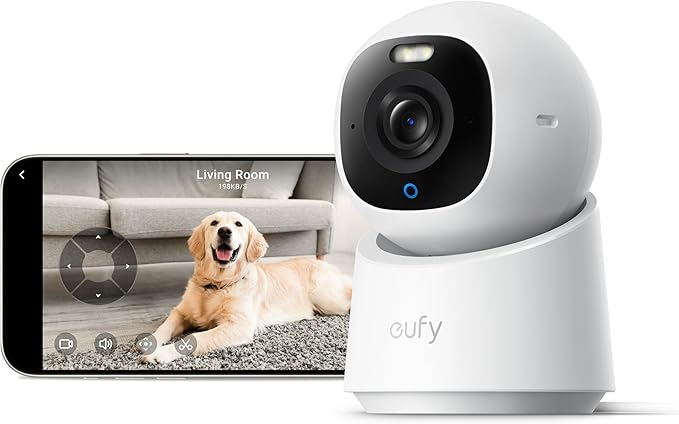
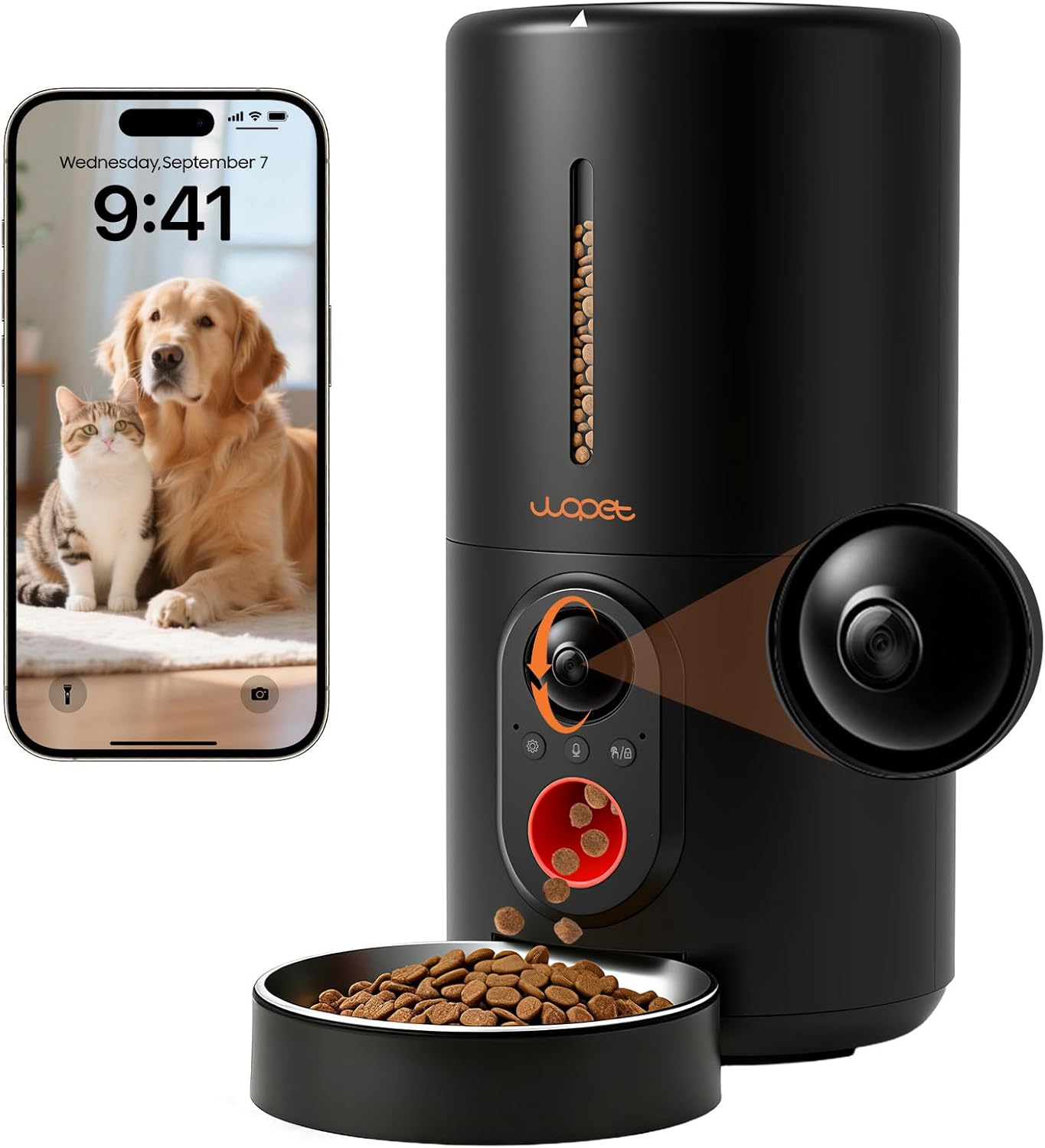
The eufy E30 is the strongest argument against paying any cloud fee at all. It records 4K video directly to a microSD card (up to 512GB), includes free AI pet detection, free human detection, and free crying detection, and has a motorized pan/tilt head with auto-tracking that follows your dog around the room. There is an optional eufy cloud plan, but unlike the Petcube Cam, every meaningful feature works without it.
View the eufy E30 4K Indoor Cam on Amazon
For renters with a senior pet or a dog with separation anxiety, 4K detail and pan/tilt make a real difference: you can actually see if your dog is breathing normally during a nap, not just spot a moving blob. See our breakdown of pet cameras for separation anxiety for more on this.
Best budget pan/tilt with local storage: Tapo C225 / C220 2K
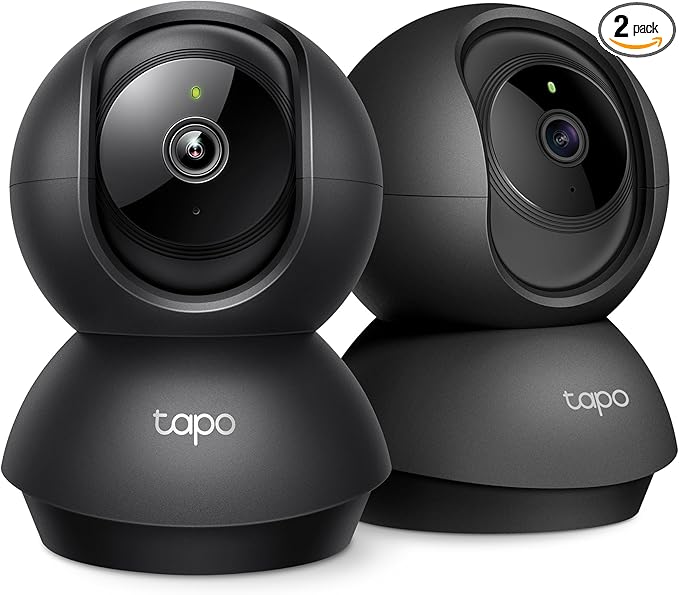
If the Blink Mini's fixed lens worries you because your cat refuses to stay on one couch, the TP-Link Tapo 2K Pan/Tilt camera is the cheapest reliable answer. It saves recordings to a microSD card (up to 512GB), supports 360° pan and 114° tilt, and has free pet detection in the Tapo app. Pricing usually lands at $25–$35, making it the only sub-$40 camera in this guide with both pan/tilt and local storage.
View the Tapo 2K Pan/Tilt on Amazon
Best for dog-specific monitoring: Furbo 360°
The Furbo is the outlier here because it does have a subscription (Furbo Dog Nanny) for advanced bark and emergency alerts, but the underlying camera works without one for live view, treat tossing, and two-way audio. If your renter constraints include "dog destroys everything if I am not actively redirecting", the treat toss is worth the trade-off. Skip it if you have cats.
View the Furbo 360° Dog Camera on Amazon
Why we excluded the Ring Indoor Cam from the top picks
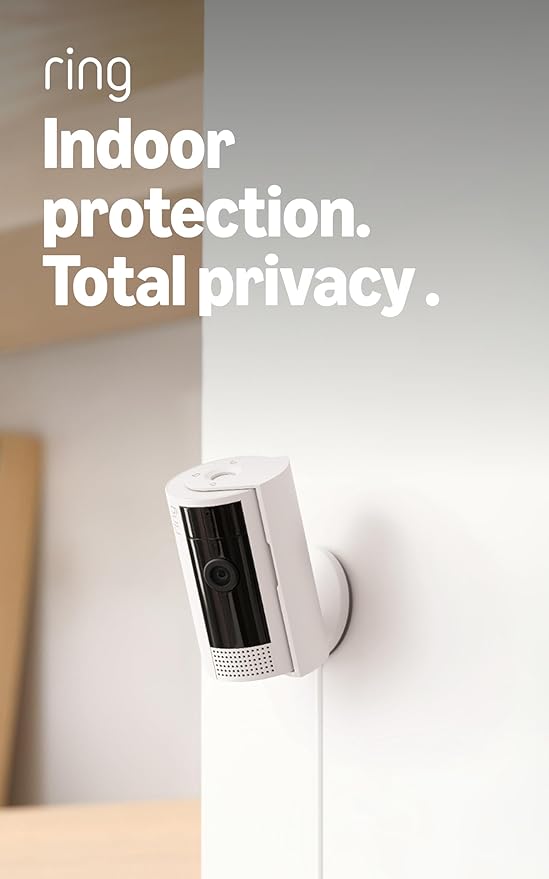
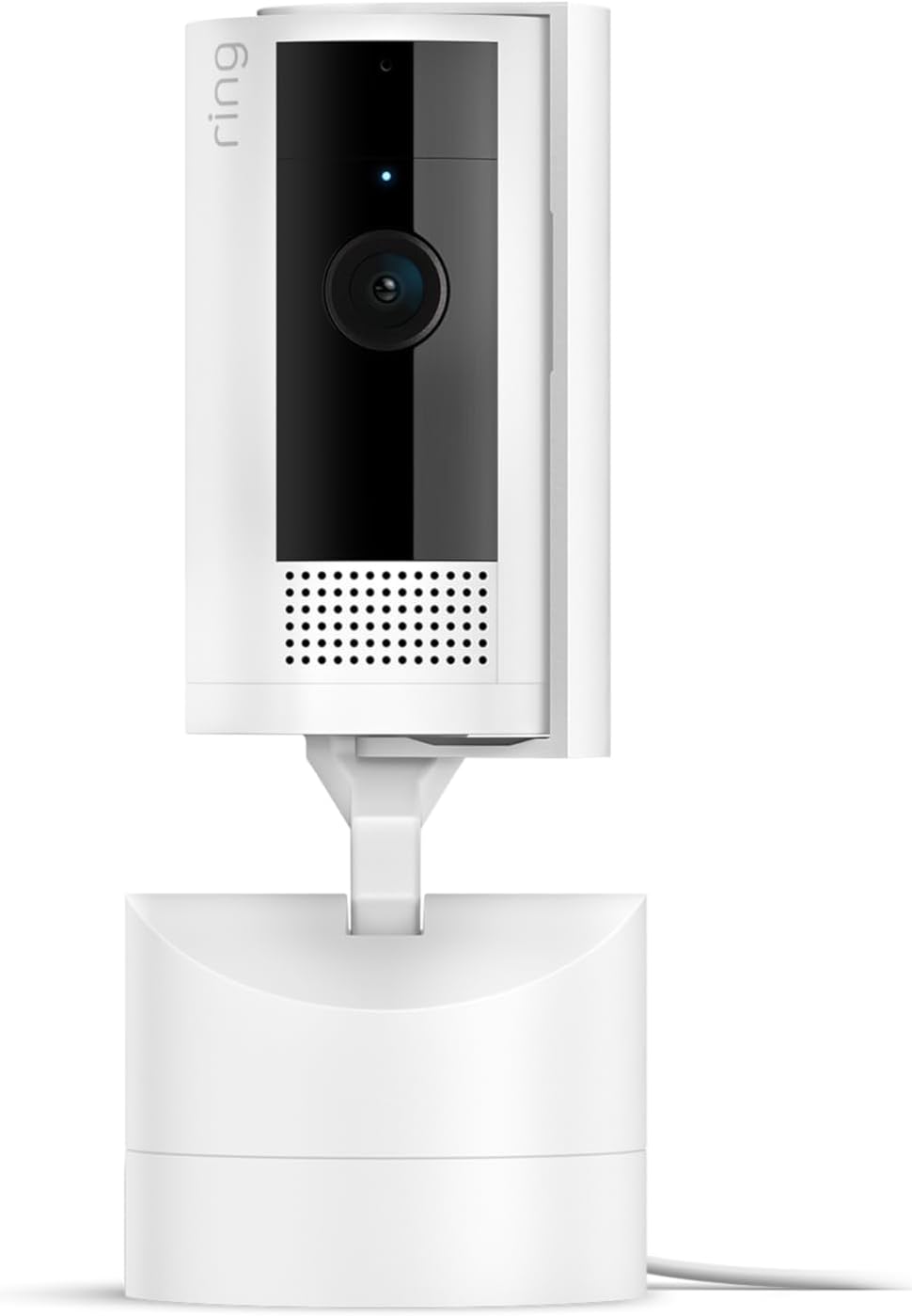
The Ring Indoor Cam is a beautiful piece of hardware and integrates perfectly with Alexa, but Ring's storage model is the opposite of what this article is about: there is no microSD slot, no USB option, and recorded clips require a Ring Home subscription. For renters specifically trying to avoid recurring fees, it does not belong on the shortlist, although it is a strong option if you change your mind on subscriptions.
View the Ring Indoor Cam on Amazon
How to set up a Blink Mini 2K+ in a rental without drilling
The Blink Mini ships with a small free-standing base. For most renters that is enough: place it on a bookshelf or TV stand pointed at the pet bed or the apartment door. If you need a higher angle (say, watching a crate from above), use a removable adhesive mount rated for at least 1 lb — the camera itself only weighs 1.5 oz. Avoid screwing the included wall plate into rental drywall; nothing about the camera requires it.
For the Sync Module 2, tuck it next to your router and plug in any USB drive 1GB or larger. The Blink app walks you through formatting the drive. Clip retention is FIFO — oldest motion clips overwrite first — so a 64GB drive will typically hold weeks of motion events before looping. For more on storage math, see our guide to how much storage a pet camera actually needs.
What about internet outages?
This is the one place the Petcube Cam and Blink Mini both stumble: they are Wi-Fi cameras, not on-device NVR systems, so if your apartment Wi-Fi drops, the live feed dies. The Blink Mini 2K+ will keep recording motion clips locally to the Sync Module during an outage and sync notifications when Wi-Fi returns. The Petcube Cam stops recording entirely because it has nowhere to write the footage. If you live somewhere with flaky internet, this alone justifies the Blink. Our offline pet camera guide covers the few models that record fully without internet.
Frequently Asked Questions
Can the Petcube Cam record without a subscription at all?
You get a free 4-hour rolling cloud history and live view, but anything older than 4 hours disappears, and you cannot save clips locally because the camera has no microSD slot. For practical recorded history you need Petcube Care, which is the subscription this article is trying to avoid.
Does the Blink Mini 2K+ require a Sync Module to work at all?
No, the camera works standalone for live view and basic motion notifications, but without a Sync Module 2 the only way to save recorded clips is the Blink Subscription Plus plan. For genuinely no cloud fees, the Sync Module 2 plus a USB drive is mandatory.
Is a 64GB USB drive enough for a Blink Mini 2K+ pet camera?
For a single camera pointed at one pet in a normal apartment, yes — 64GB typically holds 2–4 weeks of motion-triggered clips at 2K before the FIFO loop overwrites the oldest footage. Multi-pet households or kitchens with constant motion may want 128GB.
Which has better night vision, Petcube Cam or Blink Mini 2K+?
The 2026 Blink Mini 2K+ has a noticeably stronger IR sensor and produces cleaner low-light images than the Petcube Cam's 1080p sensor. For watching pets sleep with the lights off, the Blink is the better pick.
Can I use the Blink Mini 2K+ without an Amazon account?
No. Blink is owned by Amazon and the app requires an Amazon login. If you do not want to be in the Amazon ecosystem at all, the eufy E30 or Tapo 2K Pan/Tilt are better subscription-free choices.
What is the cheapest way to get a pet camera with absolutely no cloud fees?
The Tapo 2K Pan/Tilt with a 64GB microSD card lands around $35–$40 total and gives you pan/tilt, pet detection, and full local recording. It is the lowest-cost true zero-subscription pet cam in 2026.
Will my landlord see anything I install for these cameras?
None of these cameras require drilling, wiring, or anything attached to walls if you use the free-standing bases. Use a shelf, bookcase, or removable adhesive mount and there is nothing for a landlord to flag at move-out.
Do these cameras work with Apple HomeKit?
The Petcube Cam supports HomeKit, the Blink Mini 2K+ does not, and the eufy E30 and Tapo cameras support HomeKit through workarounds rather than natively. If HomeKit integration matters more than no cloud fees, that flips the petcube cam vs blink mini no cloud fees verdict in Petcube's favor — but you are still paying for storage.
Key Takeaways
- Choosing the right petcube cam vs blink mini no cloud fees means matching capacity and output ports to your actual devices
- Always check actual watt-hours (Wh), not just watts — runtime depends on Wh, not peak output
- Also covers: best pet camera no subscription renters
- Also covers: petcube vs blink free local storage
- Also covers: blink mini pet camera no monthly fee
- Compare price-per-Wh across models to find the best value for your budget