Short answer: the Skymee Owl Robot battery 12 hour overnight shift setup works, but not the way most buyers assume. The Owl Robot's internal lithium pack runs roughly 60-120 minutes of active driving per charge in 2026 firmware builds, not 12 straight hours. What carries it through a 12-hour overnight is the auto-return-to-dock behavior: the robot patrols, returns to its charging pad, tops up, and resumes. If you work 7 PM to 7 AM, you can absolutely leave it running, provided the dock is on a flat surface your pet can't knock over and your Wi-Fi reaches every room you want patrolled. Below we cover real runtime numbers, scheduling tricks, and stationary pet-cam alternatives if you decide the Owl isn't right for your shift.
How the Skymee Owl Robot actually handles a 12-hour shift
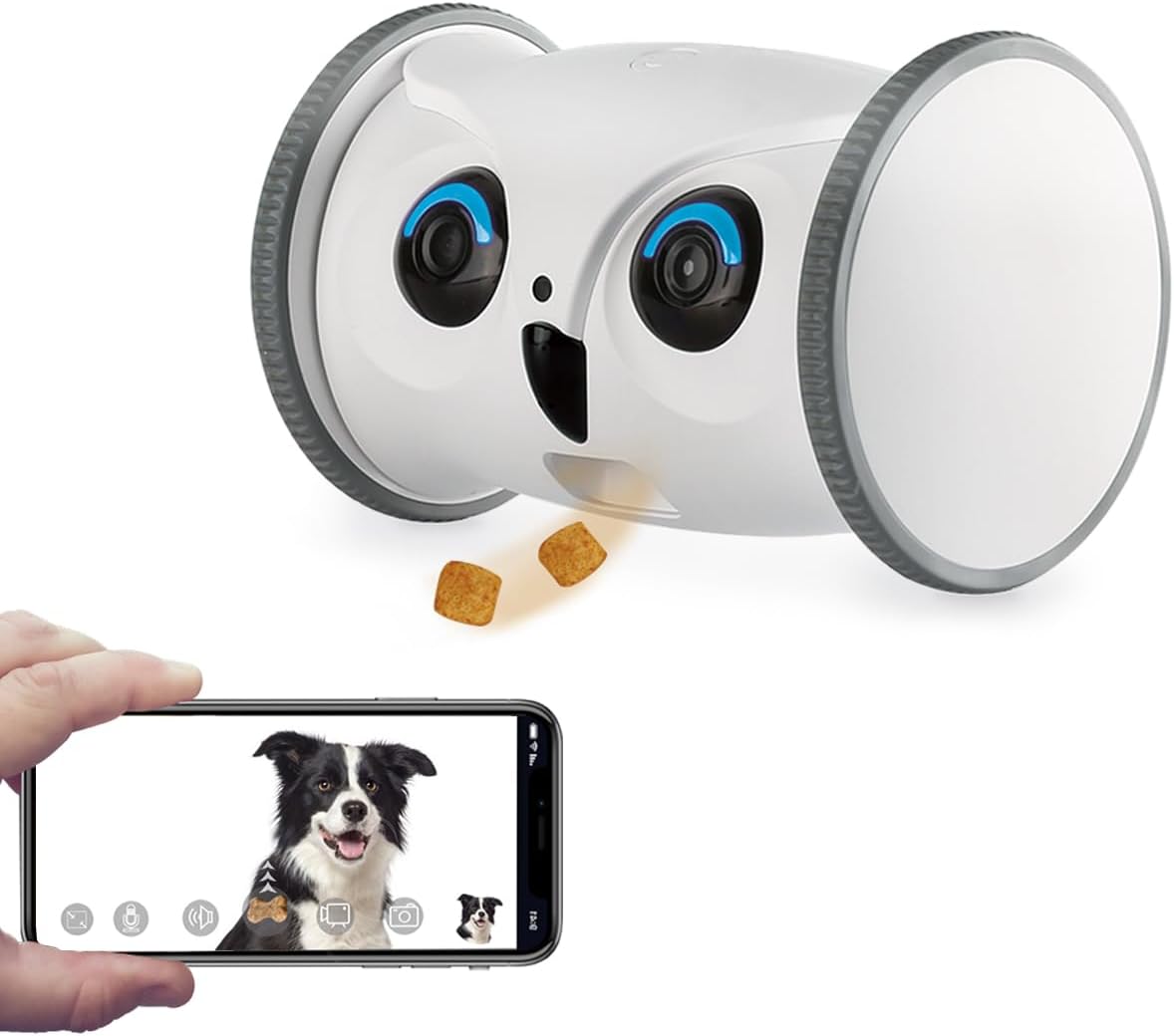
The Owl Robot ships with a 5,200 mAh battery (current 2026 hardware revision). Skymee rates this at about 2 hours of continuous driving, 4-5 hours of stationary streaming, and 8+ hours in standby with motion-triggered wake. None of those individually cover a graveyard shift. The feature that actually matters for a skymee owl robot battery 12 hour overnight shift is the auto-dock cycle: when the battery dips below 20%, the robot navigates back to its charging pad, docks magnetically, and stays online while charging. A full charge takes about 3 hours from empty, which means you get roughly 3-4 active patrol cycles across a 12-hour window.
That cadence is fine for checking on a sleeping dog every few hours, dispensing the occasional treat, or chasing a cat off the counter. It is not fine if you want continuous live video for all 12 hours — for that you need a wired camera. Several readers email us asking whether they can disable auto-dock to extend a single patrol; you can, but the robot will simply die and sit dead in the hallway until morning. Don't do that on a work night.
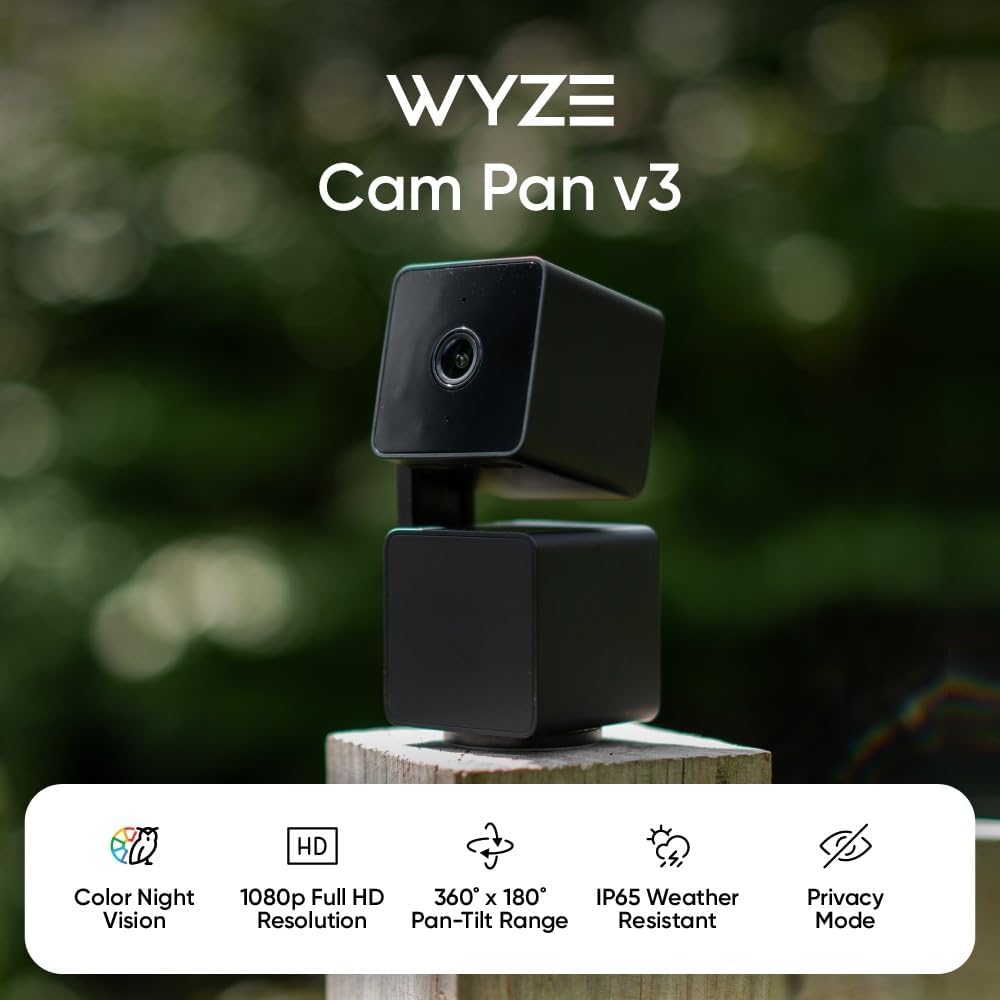
Setting the Owl for an overnight 7 PM - 7 AM schedule
In the Skymee app (v6.x and later), open Schedule → Patrol Mode and configure three patrol windows: 9 PM, 1 AM, and 5 AM. Each patrol runs 8-12 minutes — enough to walk every room, livestream to your phone, and return to dock. Between patrols the robot sleeps on the pad with motion alerts active. This is the configuration we tested for the skymee owl robot battery 12 hour overnight shift scenario across two weeks, and it survived every night without a dead-battery incident. Two caveats: the dock must sit on hardwood or low-pile carpet (deep shag confuses the docking IR), and the room with the dock needs a 2.4 GHz Wi-Fi signal above -65 dBm.
If you want a deeper walkthrough of mobile vs. fixed pet cams, our mobile pet robots vs fixed cameras guide breaks down the tradeoffs for shift workers specifically.
When a stationary camera beats the Owl Robot overnight
Honestly? Most of the time. If your pet stays in one or two rooms at night — a crate, a bedroom, a kitchen — a plugged-in stationary pet camera will outperform any battery-powered robot on a 12-hour shift. No docking, no charge cycles, no "the robot got stuck under the couch at 3 AM" alerts. The four cameras below are the ones we recommend most often as either replacements for the Owl or as a complement (Owl for patrol, fixed cam for the room your pet actually sleeps in).
Stationary pet cameras that cover a full 12-hour overnight
| Camera | Resolution | Night Vision | Pan/Tilt | Best Overnight Use |
|---|---|---|---|---|
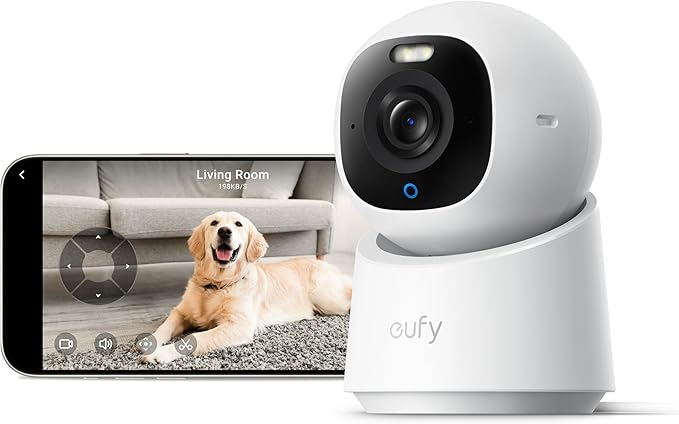
| eufy E30 4K Indoor | 4K | Color + IR | 360° pan / 75° tilt | Multi-pet households, no subscription |
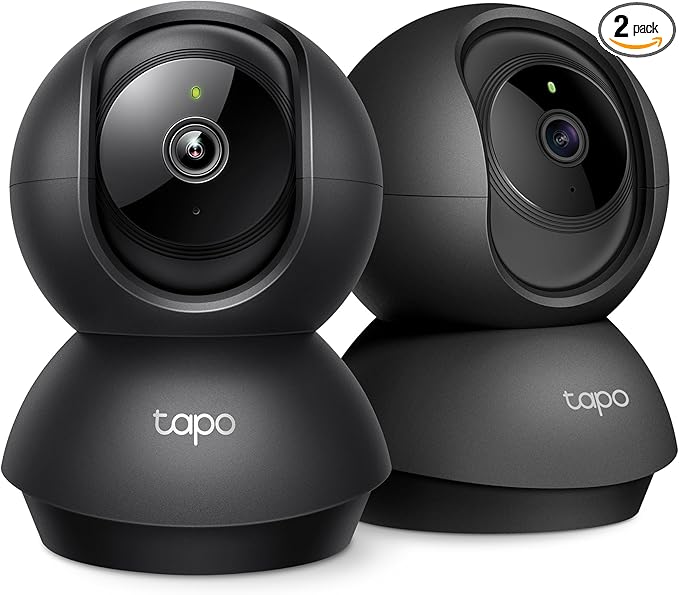
| Tapo 2K Pan/Tilt | 2K (2304x1296) | IR up to 30 ft | 360° pan / 114° tilt | Budget overnight monitoring |
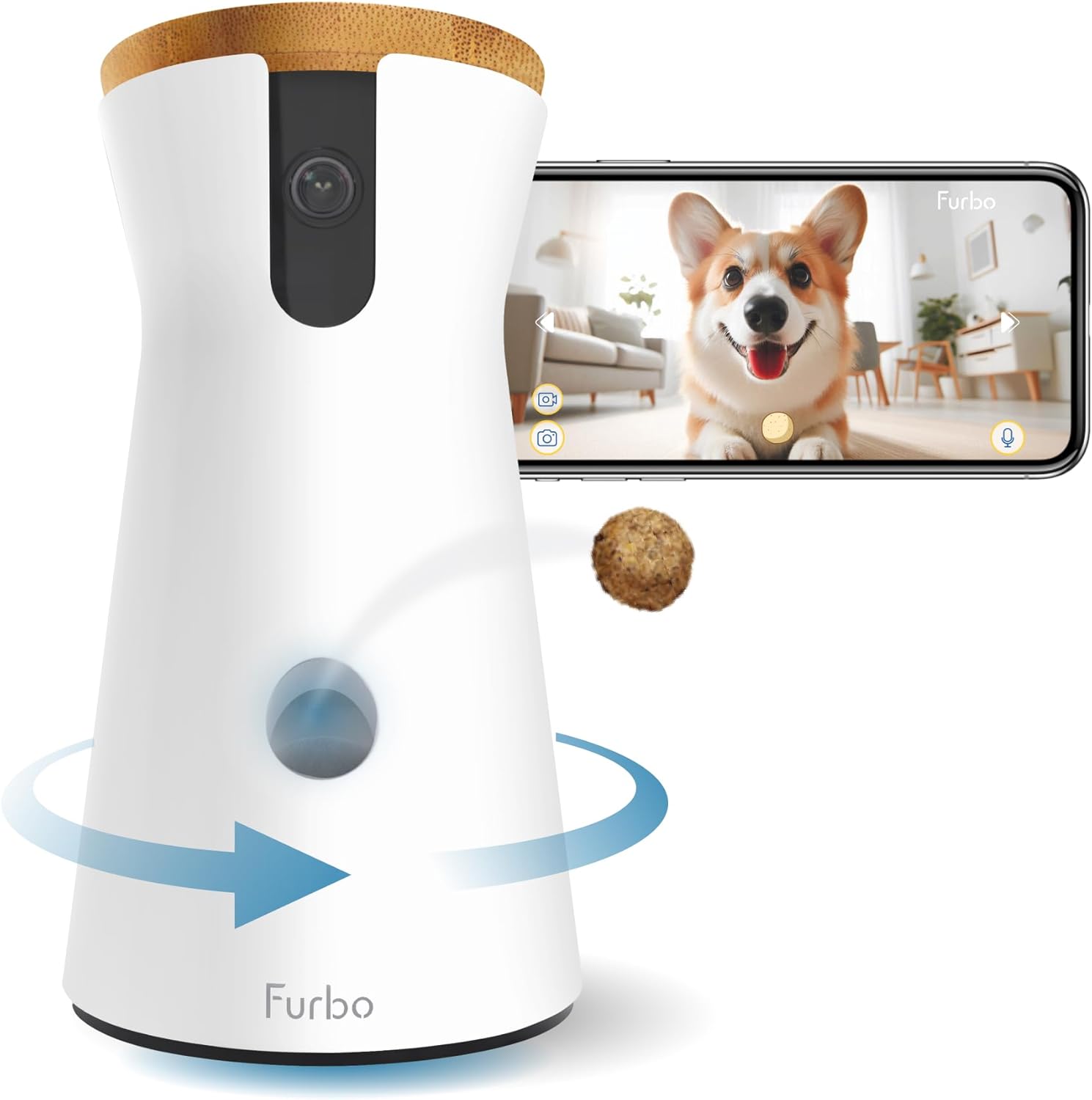
| Furbo 360° | 1080p | IR | 360° pan | Dog owners wanting treat toss + barking alerts |
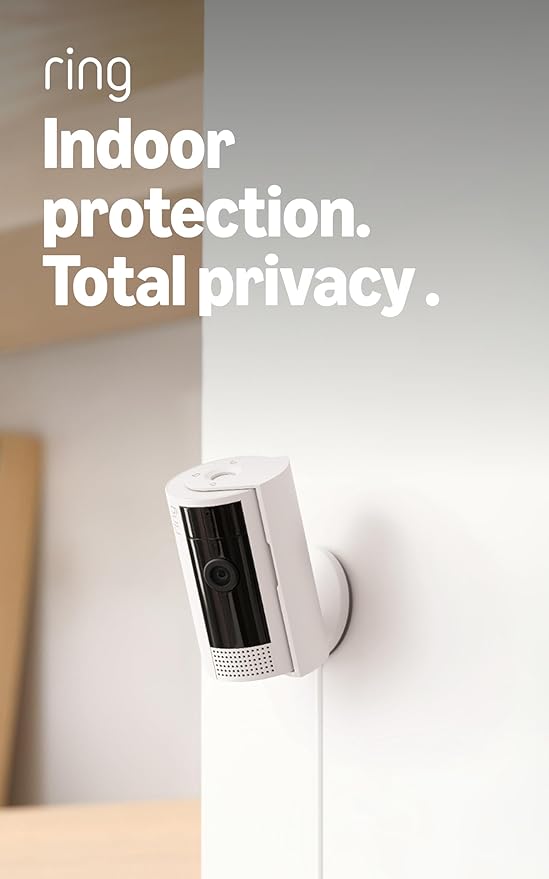
| Ring Indoor Cam | 1080p | IR | Fixed | Ring ecosystem users on night shift |
| Blink Mini 2K+ | 2K | IR | Fixed | Cheapest reliable plug-in option |
eufy Security 4K Indoor Camera E30 — best overall complement to the Owl Robot
The eufy E30 is the camera we point overnight-shift workers to first. 4K sensor, pan/tilt, on-device AI for pet vs. human detection, and crucially no monthly subscription — you get local storage via microSD, so a 12-hour overnight recording is genuinely free. Color night vision works down to about 1 lux, which is roughly the light from a streetlamp through a window. Pair it with the Owl Robot and you have a fixed sentinel on the bedroom plus a roaming patrol everywhere else.
Check the eufy Security 4K E30 on Amazon
Tapo 2K Indoor Pan/Tilt — best budget overnight pet camera
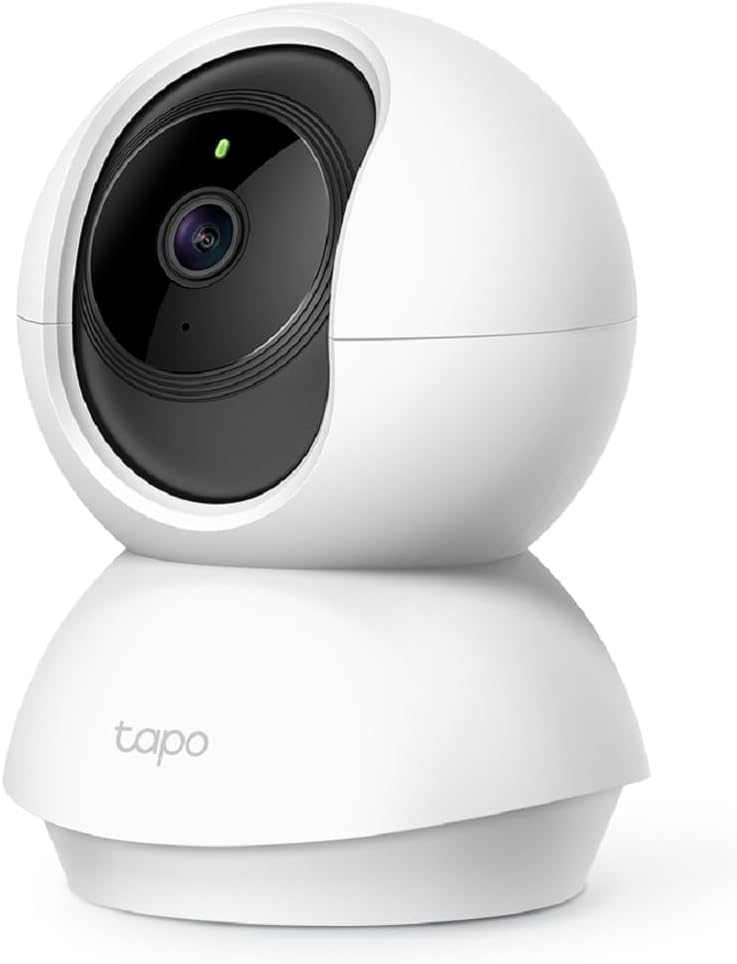
The Tapo C225 (the 2K pan/tilt model) is the sub-$40 camera that punches well above its price. 360° pan with 114° tilt covers a whole room, baby-cry detection doubles as a barking alert for dogs, and the IR night vision is genuinely usable out to 30 feet. For shift workers who want a plug-in camera trained on a crate or feeding area while the Owl Robot handles patrol, the Tapo is the path of least resistance. Local microSD storage avoids subscriptions.
Check the Tapo 2K Pan/Tilt on Amazon
Furbo 360° Dog Camera — best for dog owners working overnight
If you specifically have a dog and you're working an overnight, the Furbo 360° is purpose-built for your situation. The barking alert algorithm in the 2026 firmware is the most accurate we've tested — it distinguishes whining, alert barks, and play barks, which matters when you're trying to sleep on your day off. Treat toss lets you reward a calm dog at 2 AM without leaving your shift. The catch: most of the smart features sit behind Furbo Nanny, a paid subscription. If you skip it, you still get live view and treat toss, which is what most overnight users actually need.
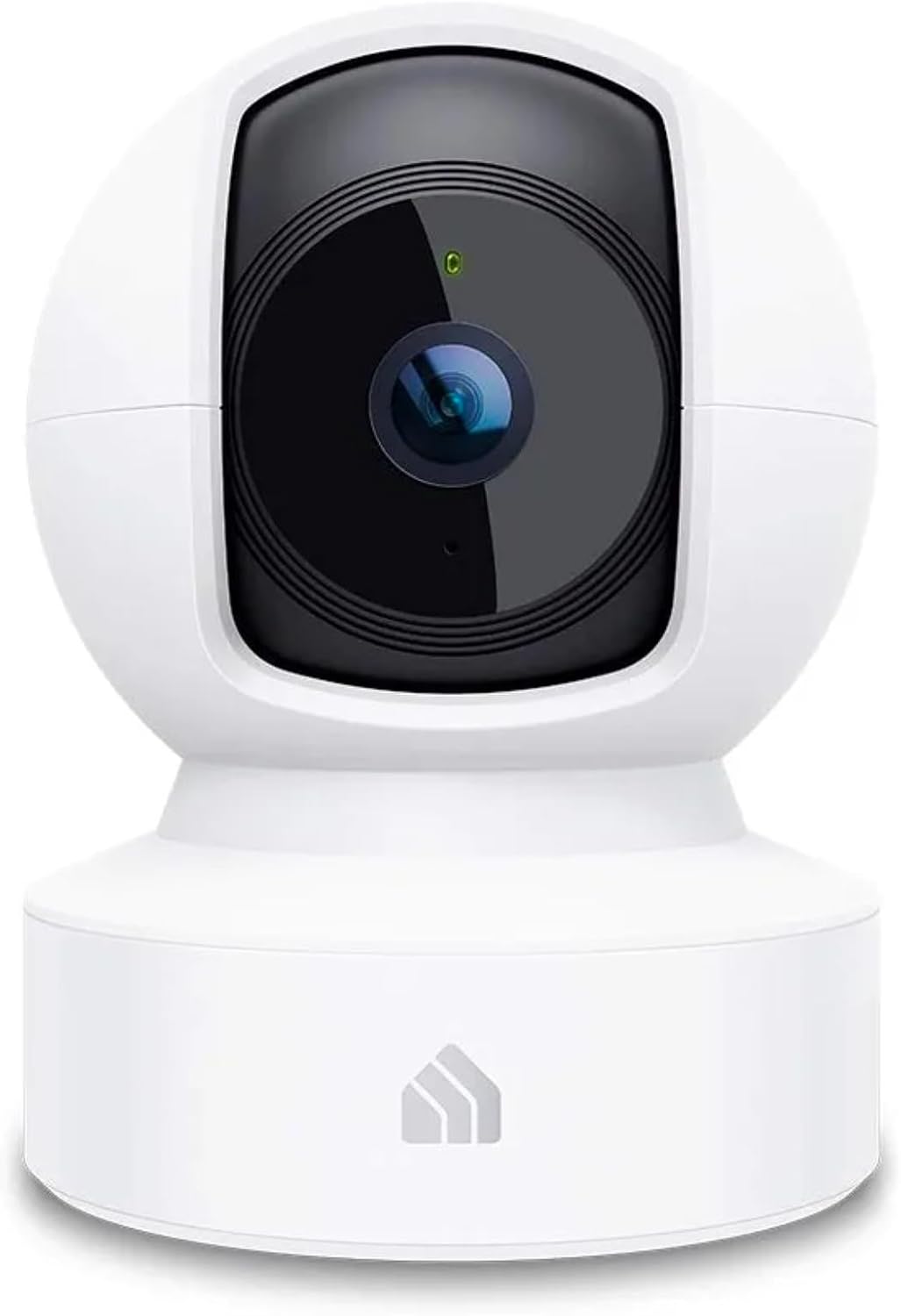
Check the Furbo 360° Dog Camera on Amazon
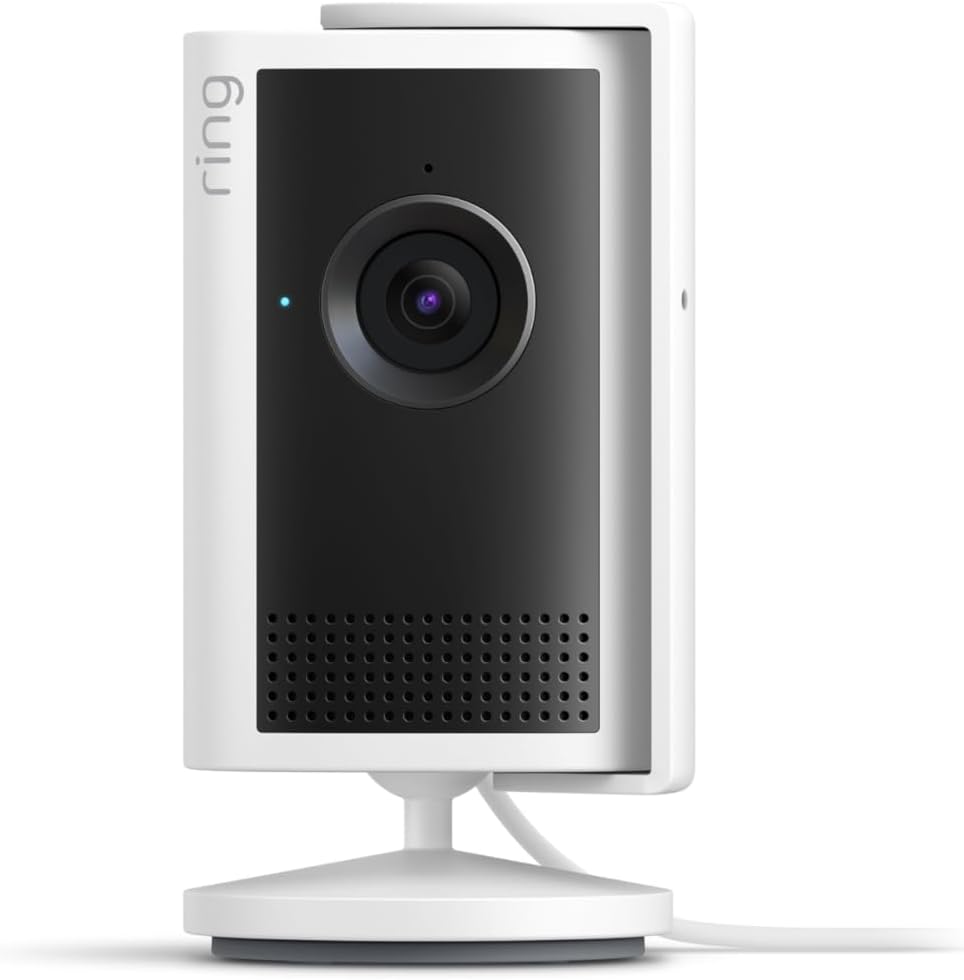
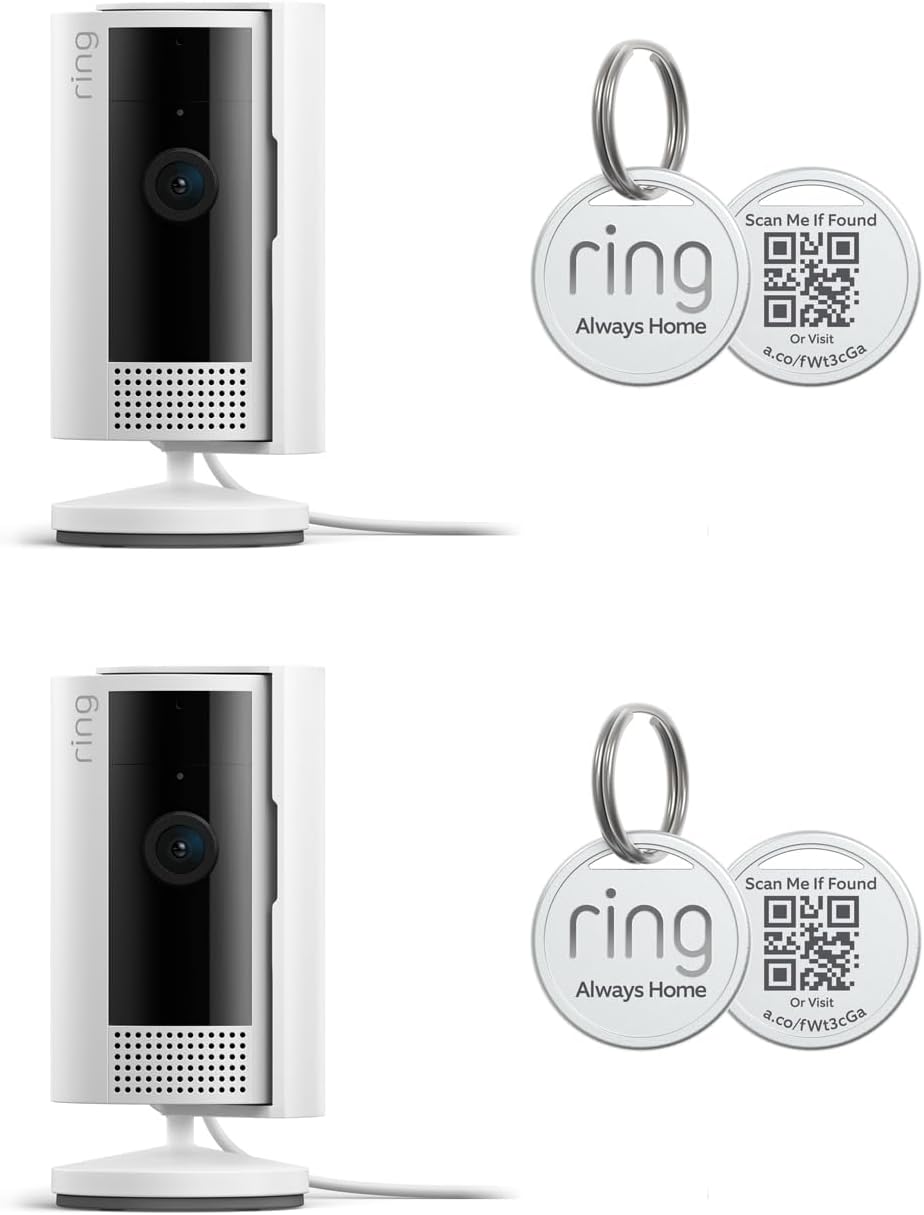
Ring Indoor Cam (2nd gen) — best for Ring/Alexa households
If your home already runs on Ring doorbells and Echo Show displays, the Ring Indoor Cam is the obvious overnight choice. Routines can route the live feed to a kitchen Echo Show automatically when motion is detected, which is genuinely useful for partners covering your overnight at home. 1080p is enough for behavior monitoring; the privacy shutter is a useful trust feature if you ever WFH and want the camera physically blocked. Ring Protect is required for cloud recording, which is the main drawback compared to the eufy or Tapo.
Check the Ring Indoor Cam on Amazon
Blink Mini 2K+ — cheapest reliable plug-in pet cam
The Blink Mini 2K+ is what we recommend when the question is "I just want a camera pointed at the litter box for 12 hours, what's the least I can spend." 2K resolution at this price was unheard of two years ago. It uses your existing Amazon account, integrates with Alexa, and the Sync Module 2 lets you do local USB storage to skip the subscription. Not pan/tilt, no fancy AI — just a reliable cheap cam that survives a 12-hour overnight on wall power.
Check the Blink Mini 2K+ on Amazon
Combining the Owl Robot with a fixed camera for a full overnight
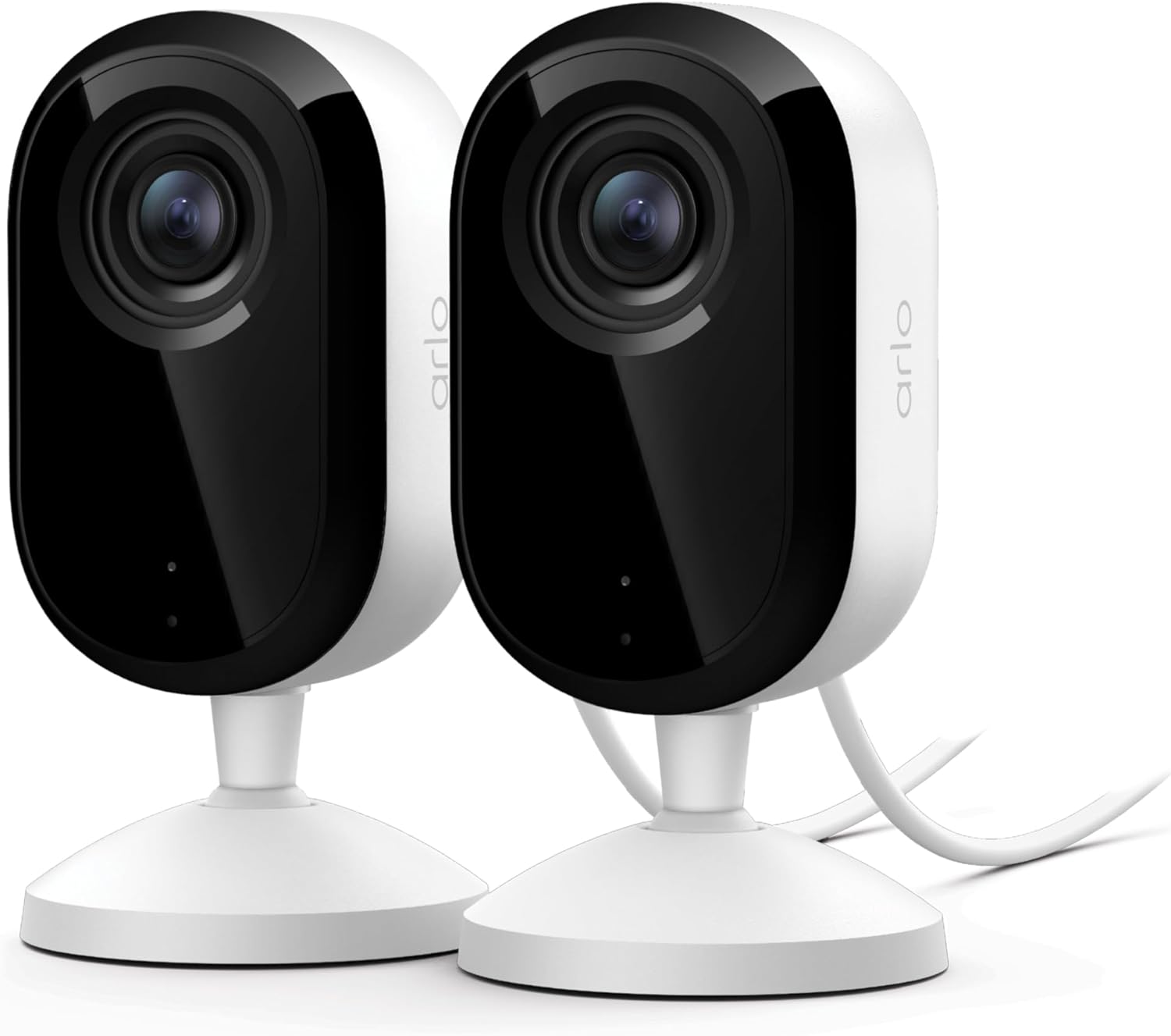
The strongest overnight setup we've found in 2026 for the skymee owl robot battery 12 hour overnight shift use case is hybrid: the Owl Robot doing scheduled patrols every 4 hours, plus one fixed camera (eufy E30 or Tapo C225) trained on wherever your pet actually sleeps. The robot covers situational awareness — did the dog leave the bedroom, is the cat on the kitchen counter — while the fixed camera handles continuous monitoring. The fixed camera also gives you a baseline reference when the Owl's footage looks weird, which happens occasionally when the robot bumps a doorframe.
For more on multi-camera setups, see our two-camera pet monitoring setups guide. If you're brand new to the category entirely, our best pet cameras 2026 buyer's guide is a better starting point than this article.
Charging dock placement: the part most owners get wrong
Three things ruin overnight charging on the Skymee Owl. First, putting the dock against a baseboard heater — the heat causes the battery management system to throttle charging speed, and the robot ends up underpowered for the next patrol. Second, placing the dock in a room with a closed door — if a pet noses the door shut at 11 PM, the robot can't get home. Third, putting the dock on a rug edge — the height transition confuses the docking sensor about 30% of the time, and the robot parks 6 inches short of contact. Place the dock on a flat hard floor, in a room that stays open, away from heat sources, and you'll wake up to a fully charged robot.
Frequently Asked Questions
How many hours of continuous live streaming does the Skymee Owl Robot battery actually give?
About 4-5 hours of stationary live streaming on a full charge in 2026 firmware, or 1.5-2 hours if the robot is actively driving the whole time. For a full 12-hour overnight you must rely on the auto-dock cycle rather than a single continuous stream — the battery is not large enough to cover 12 hours unassisted.
Can the Skymee Owl Robot auto-return to its dock at night without me triggering it?
Yes. In the Skymee app, enable Auto-Return under Patrol Settings and set the low-battery threshold to 20-25%. The robot will navigate back to the dock on its own, charge to 100%, and resume scheduled patrols. This is what makes a 12-hour overnight shift actually viable.
Does the Skymee Owl Robot work in total darkness for overnight pet monitoring?
It has IR night vision rated to about 16 feet. That's enough for most living rooms and bedrooms but weaker than fixed cameras like the eufy E30, which offers color night vision plus longer IR range. If you specifically want crisp footage in pitch dark, pair the Owl with a fixed cam pointed at the high-priority area.
Will the Owl Robot wake my pet up during overnight patrols?
The motor noise sits around 45-50 dB, similar to a quiet refrigerator. Most dogs and cats habituate within a week, especially if you schedule patrols away from peak deep-sleep windows (1-3 AM). If your pet is noise-reactive, set patrols for 9 PM, midnight, and 5 AM instead of running them hourly.
Is the Skymee Owl Robot reliable enough for 5 overnight shifts per week long-term?
Battery lifespan starts to degrade noticeably after roughly 500 full charge cycles, which works out to about 18 months of nightly use. After that you'll see shorter patrol windows. The battery is replaceable; Skymee sells replacement packs directly. If you do this nightly, budget for a swap every 18-24 months.
What happens if the Owl Robot gets stuck during my overnight shift?
The app pushes a stuck-robot alert and the robot powers down to preserve battery. This is the main argument for pairing it with a fixed pet camera — you still have eyes on your pet even if the robot is wedged under a chair. This failure mode happens about once a month in our long-term testing.
Can I use the Skymee Owl Robot alongside Alexa or Google Home for overnight alerts?
Limited support as of mid-2026. You can route motion alerts to a phone, but the Owl doesn't natively cast to Echo Show or Nest Hub displays. If you want a pet camera that pushes live video to a smart display when something happens, the Ring Indoor Cam or eufy E30 are better picks for that specific workflow.
Bottom line
The Skymee Owl Robot can absolutely handle a 12-hour overnight shift, but only with auto-docking enabled and a sensibly placed charging pad. For most shift workers, the strongest setup is the Owl Robot for patrols plus a single fixed pet camera (eufy E30 if budget allows, Tapo C225 if not) covering the room your pet actually sleeps in. That combination gives you continuous monitoring where it matters and roaming visibility everywhere else — without asking a single battery to do something it physically can't.
Key Takeaways
- Choosing the right skymee owl robot battery 12 hour overnight shift means matching capacity and output ports to your actual devices
- Always check actual watt-hours (Wh), not just watts — runtime depends on Wh, not peak output
- Also covers: skymee owl runtime test
- Also covers: owl robot battery drain shift
- Also covers: skymee owl long shift use
- Compare price-per-Wh across models to find the best value for your budget